



bellevue scott
Inspiring
October 26, 2026
Question

PS Wand tool doesn't select the area you want it to

PS 27.11.0, I’m trying to use the wand tool and it’s not selecting what I select. There are areas that are a single color, and when I click on one of those areas to select it, the wand tool is selecting other things, kind of random. 

No, I’m not on a mask, I’m on the background. I even flattened the image to make sure. 

I click on the slight orange background at the top, and I get the mask below: 
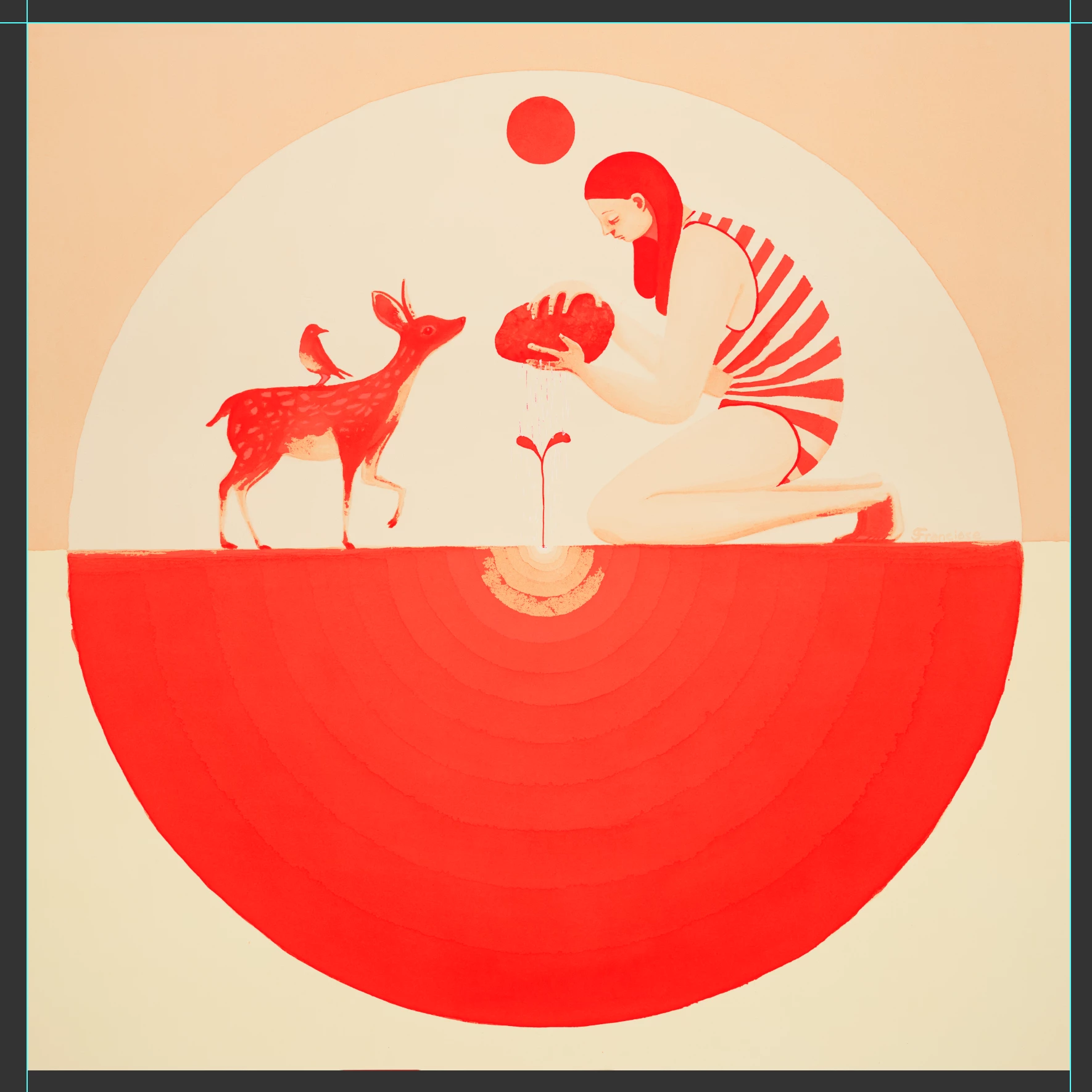
Nothing that I click on gives me the selection I’m expecting. 

Any ideas?

    7 replies

    Conrad_C
    Community Expert
    Community Expert
    October 27, 2026

    There are areas that are a single color

    Some areas might look like “one” color, but they aren’t.

    If you inspect the image with the Threshold adjustment, it shows that the areas that look like “one” color to the eye actually cover a range of levels, so the Magic Wand tool must be set to cover that range. On top of that, Threshold shows that some of the color values within one shape also appear in other parts of the image, so it might help to enable the Contiguous option. 

    (I recorded a demo of this, but the forum software is not accepting embedded media right now, so click the link below.)

    Threshold demo of your image

    This is why the Magic Wand tool (which is over a third of a century old at this point) is at the bottom of my list for selection tools I want to use. On a graphic like this, I would rather try Color Range, Quick Selection, or Object Selection first. Or maybe channel-based selection depending on the colors. Magic Wand only selects a specific range of color levels, based on the range set by its Tolerance, and unlike the Quick Selection and Object Selection tools, the Magic Wand tool is too primitive to know whether those levels are part of a specific shape, or also used in other unrelated areas of the image.

    Translate
    jane-e
    Community Expert
    Community Expert
    October 26, 2026

    ​@bellevue scott 

    What is the Tolerance set to? You need to lower it if it’s selecting too much.
    Also try Resetting the tool and starting again. Right click the Magic Wand in the options bar (not toolbar) and Reset Tool.

    Jane

    Translate
    Legend
    October 26, 2026

    Scott, I have questions as a learner.

    “PS 27.11.0, I’m trying to use the wand tool” -- have you tried the selection in older versions of Photoshop?

    Everything is a shade of orange; I can’t tell what is masked. I would need to see the image before the mask was applied.

    What are your settings for the magic wand tool --
    Sample size, tolerance, contiguous?

    Translate
    Larry
    bellevue scott
    Inspiring
    October 26, 2026

    Been using the mask tool for 20 years. All the bright orange is masked, but it’s not what i’m selecting. Here, I’ll make the mask blue and select the top background. It should be selecting the top pinkish area. 

    3x3 sample area

    tolerence 50


    Translate
    Legend
    October 26, 2026

    I played with Tolerance; 15 was the highest I could go without selecting everything.

    Translate
    Larry