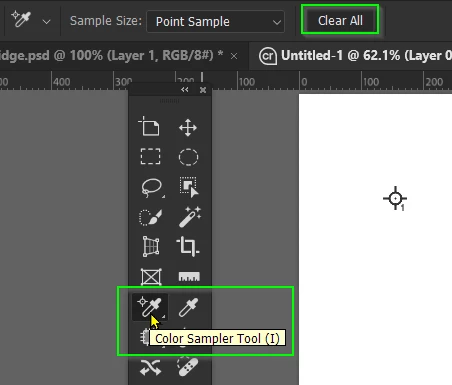
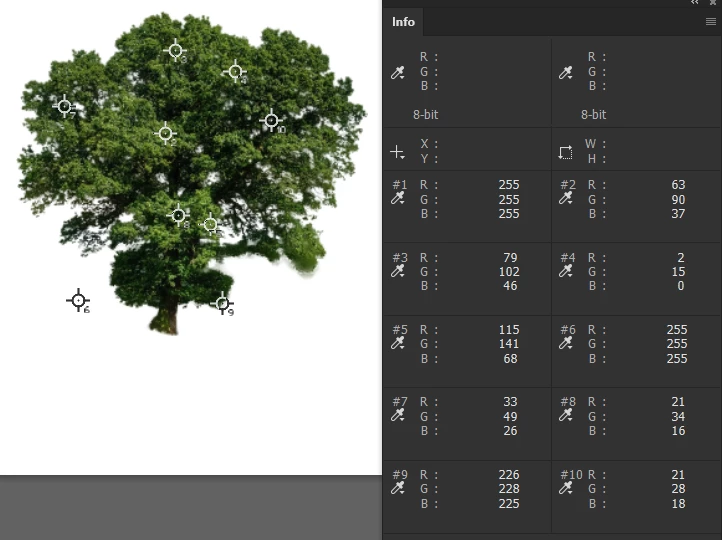
Use it together with the Info Panel. You can add an adjustment layer and it will show you before and after values. A very useful tool for colour matching. (The numbers never lie — I expect our Dag will say that numbers can out lie Donald Trump in the right circumstances)
Use it together with the Info Panel. You can add an adjustment layer and it will show you before and after values. A very useful tool for colour matching. (The numbers never lie — I expect our Dag will say that numbers can out lie Donald Trump in the right circumstances)
Thanks! I just get frustrated when things pop up while I'm working. I didn't know what to call it or ask without a screenshot. I guess that works well for CYMK color printing, as colors change using different stocks and finishes.




 AdChoices