
Answered
PSD file type cannot associate with a default program (Windows 10 Pro)
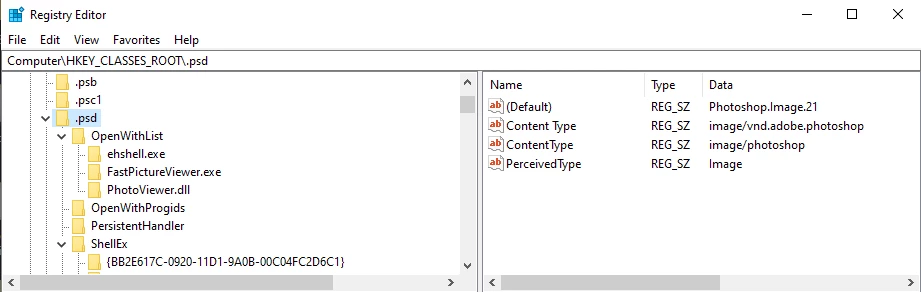
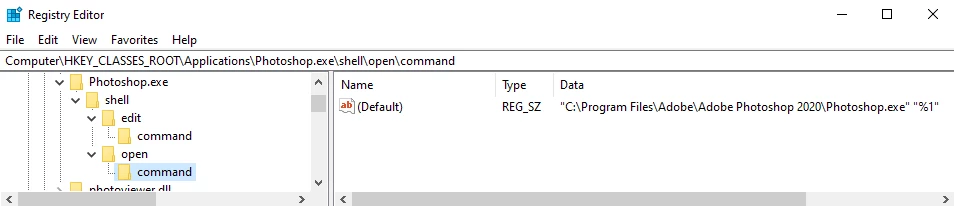
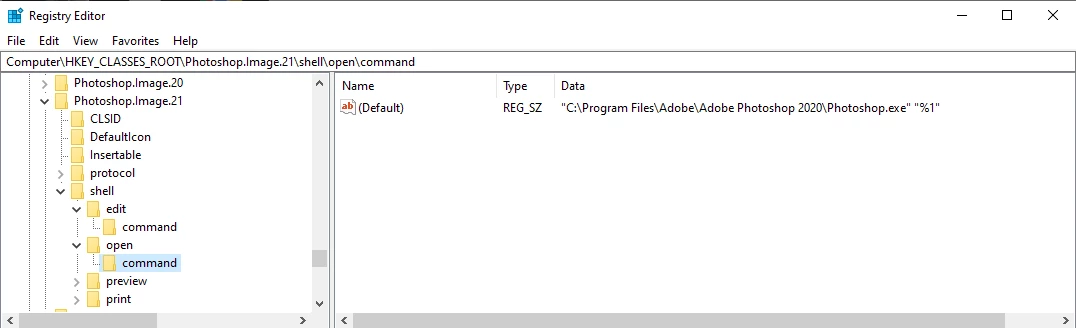
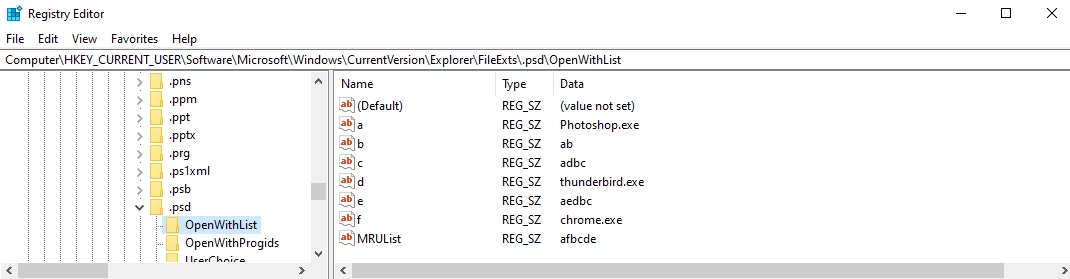
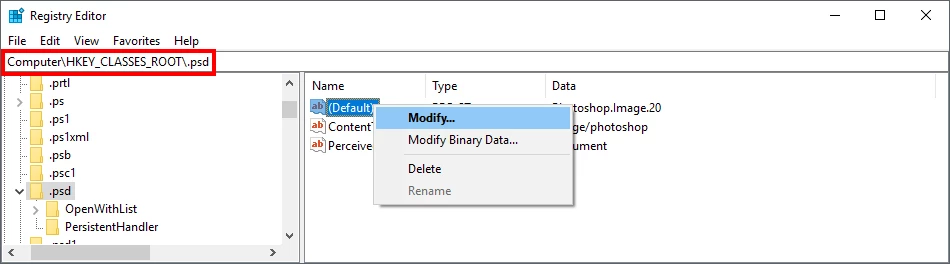
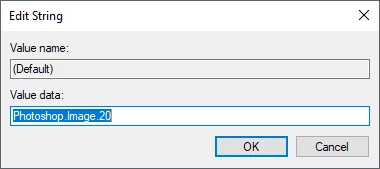
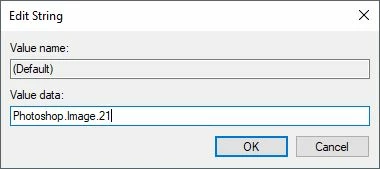
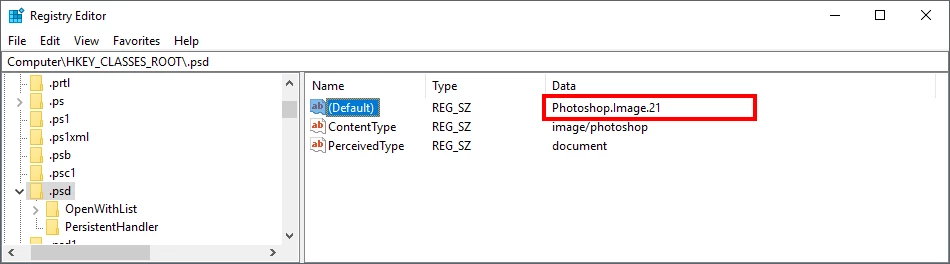
I am unable to open .psd file types using Photoshop 2020 (21.1), and I cannot seem to assign a default program for opening .psd file types. I tried every of the method provided in this post, but none of them work. I also tried uninstalling and reinstalling both Creative Cloud and Photoshop, deleting out all items in my Windows temp folders (C:\Windows\Temp and C:\Users\username\AppData\Local\Temp) before reinstalling, and this did not work. I had the same file associativity issue with one or more releases of Photoshop 20.0.
Any suggestions?


 AdChoices