



PSD files association with CC 2019 not working
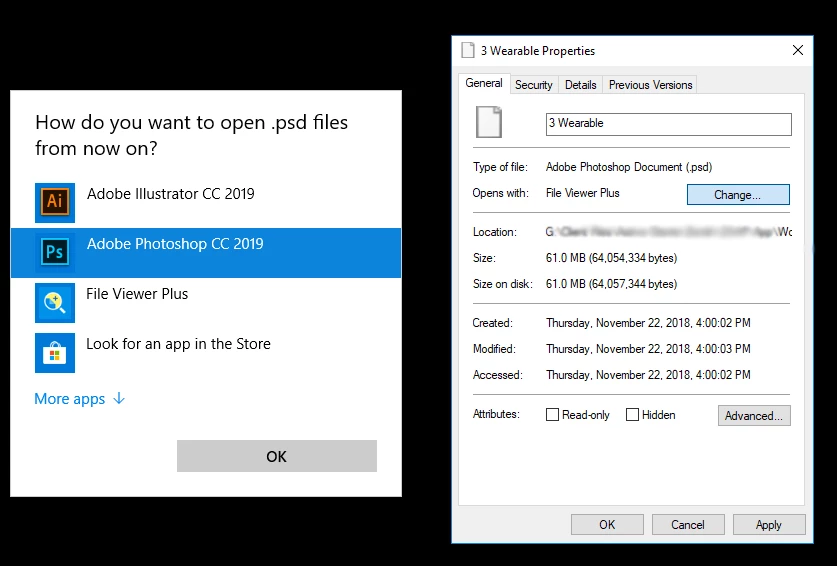
Since installing Photoshop CC, I cannot associate PSDs with Photoshop CC. I have tried everything mentioned on other threads.
List of things I have tried
- Uninstall/ reinstall
- Uninstalling older version
- Restarting computer
- Changing values in Registry editor
"C:\Program Files\Adobe\Adobe Photoshop CC 2019\Photoshop.exe" "%1"
Copy the whole line.
Navigate to:
HKEY_CURRENT_USER\Software\Classes\Applications\Photoshop.exe\shell\open\command
HKEY_CURRENT_USER\Software\Classes\Applications\Photoshop.exe\shell\edit\command
Then navigate to:
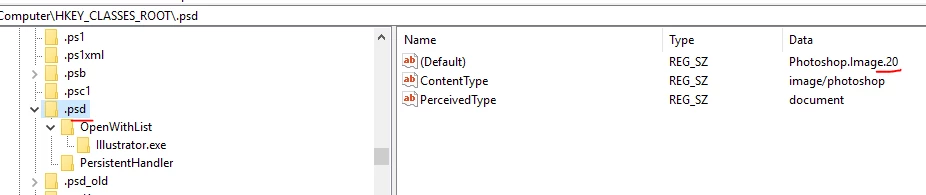
Computer\HKEY_CLASSES_ROOT\.psd\OpenWithList\
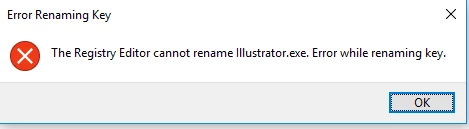
if the folder says Illustrator.exe, rename it to Photoshop.exe, and paste the new string in the default again.
FYI, I installed Photoshop CC 2019 while Photoshop CC2018 was still on my computer. The problem occurred after I uninstalled CC18.
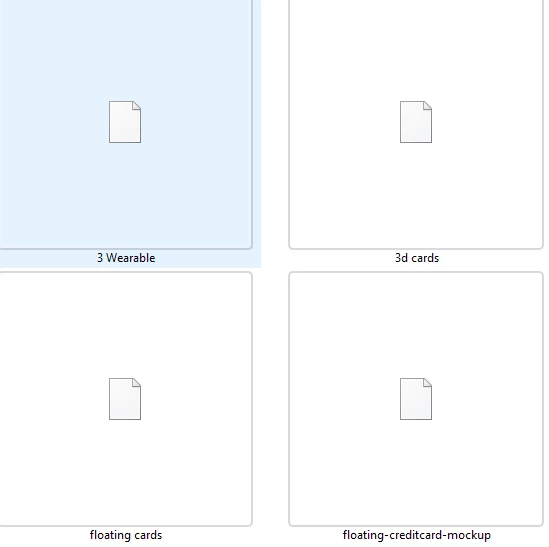
See attached screenshots and errors.



 AdChoices