
Answered
PSD Files Preview Bad, When updated I needed to set manually to openning the program correctly
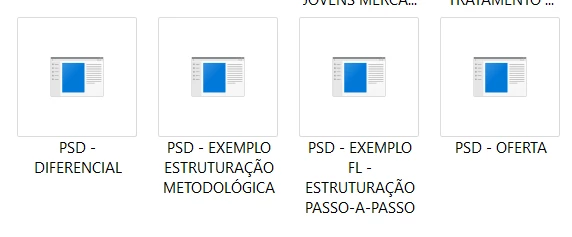
Hi my PSD files are looking like that, since I install the new photoshop and selected the option of remove everything about the previous versions. I wish I could return to the default appearance of editable files. I used to have 2 photoshops installed, and I remember some conflict to open PSD files since I got these 2, one it was for 3D, the other is most recent, but I removed the 3D, and I remember that I need to ''Open As...'' the specific version of Photoshop in the past. I always updated but never got this problem before, to open files I need to put ''Open As...'' the most recent version of PS, which was the one I updated today, but I want to know how to return to default psd files, for every update photoshop get for future.


 AdChoices