One_of_us
Participant
April 16, 2026
Answered

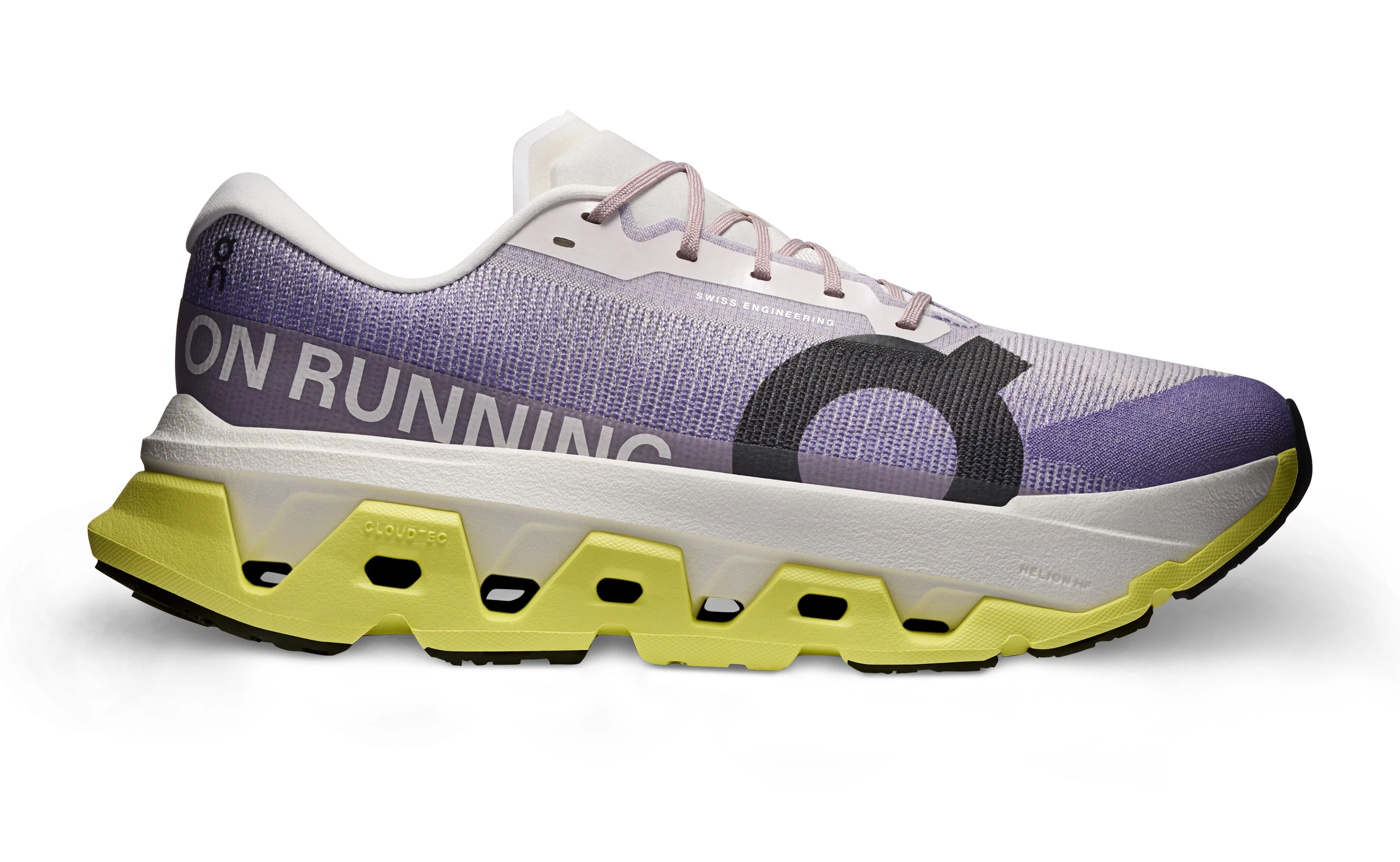
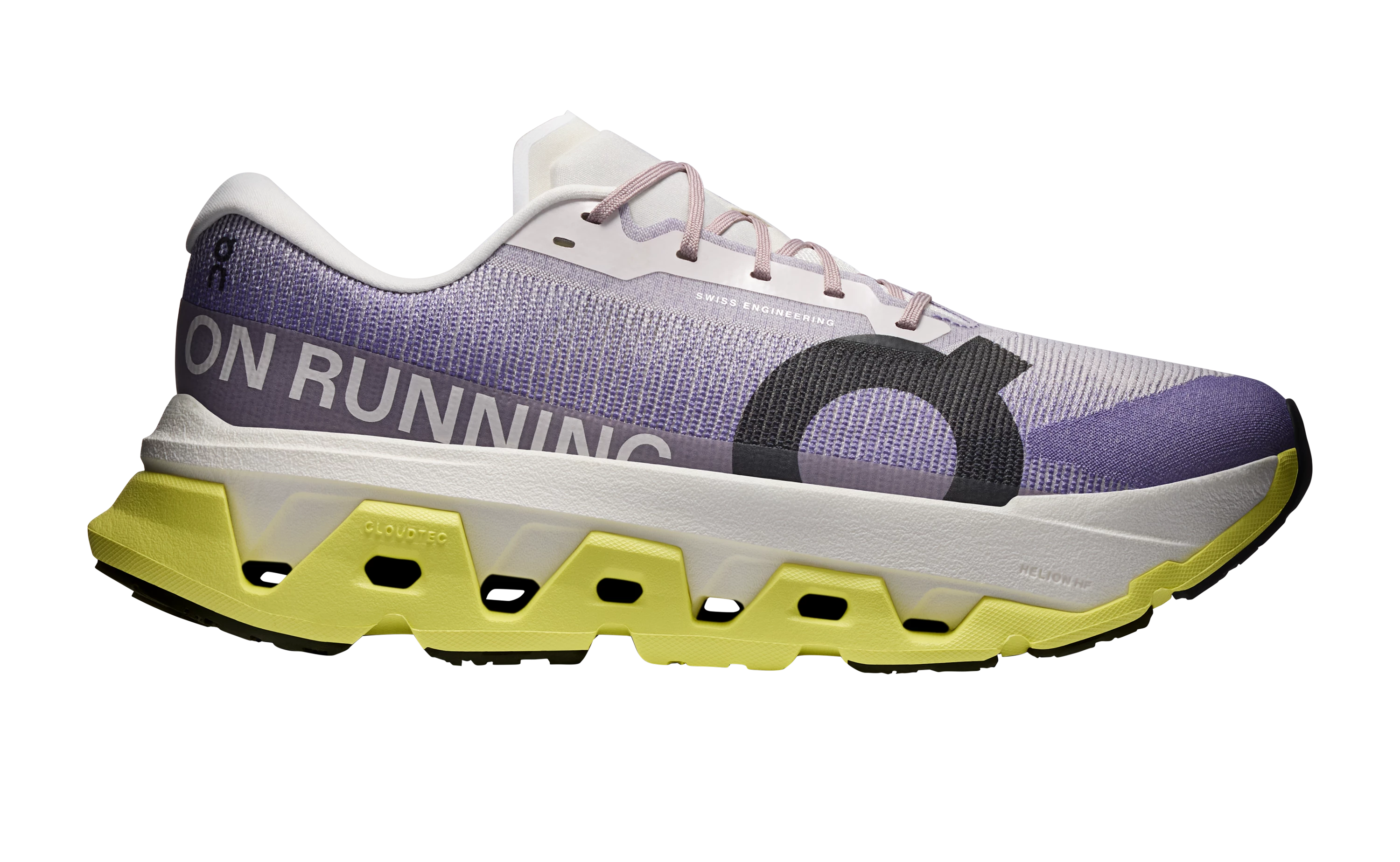
Realistic shadow under shoe. How to ?

  • April 16, 2026
  • 4 replies
  • 86 views

Hi everyone. Trying to figure out what is the best way to achieve a realistic shadow under a shoe. Beside shooting it on the paper with real shadow…
How are the big boys doing it ? And that on scale with large amount of products ? Ideas ? Thanks.

Original
 

Shadow 


    Correct answer D Fosse

    Yes, as ​@ExUSA says. Shoot it with diffuse front/overhead light, like a large softbox. It saves you an enormous amount of time!


    But if this is all you have, the main thing is 1. don’t overdo it, and 2. note how the softness of the shadow depends on the distance to the base. The closer it is, the sharper the edge. The further away, the softer the edge.


    4 replies

    Srishti Bali
    Community Manager
    Community Manager
    July 14, 2026

    Hi everyone! 

    A big thank you to everyone who has shared their creative shadow-making techniques in this community. It's been great to see the variety of workflows and tips you've contributed!

    Realistic shadows play a key role in helping a subject feel naturally grounded in a scene. Since there are multiple ways to create them in Photoshop, depending on your subject, lighting, and creative intent, we've brought together some of the most effective techniques based on workflows shared by this community, along with recommendations from our Photoshop experts.

    If you're looking for inspiration or want to explore different approaches, check out this page


    Hope this helps! If you have other shadow creation workflows or tips that work well for you, feel free to share them on this page. We'd love to keep learning from each other.

    Thanks, Srishti Bali | Community & Engagement Strategist, Digital Imaging | Adobe
    Myra Ferguson
    Community Expert
    Community Expert
    May 4, 2026

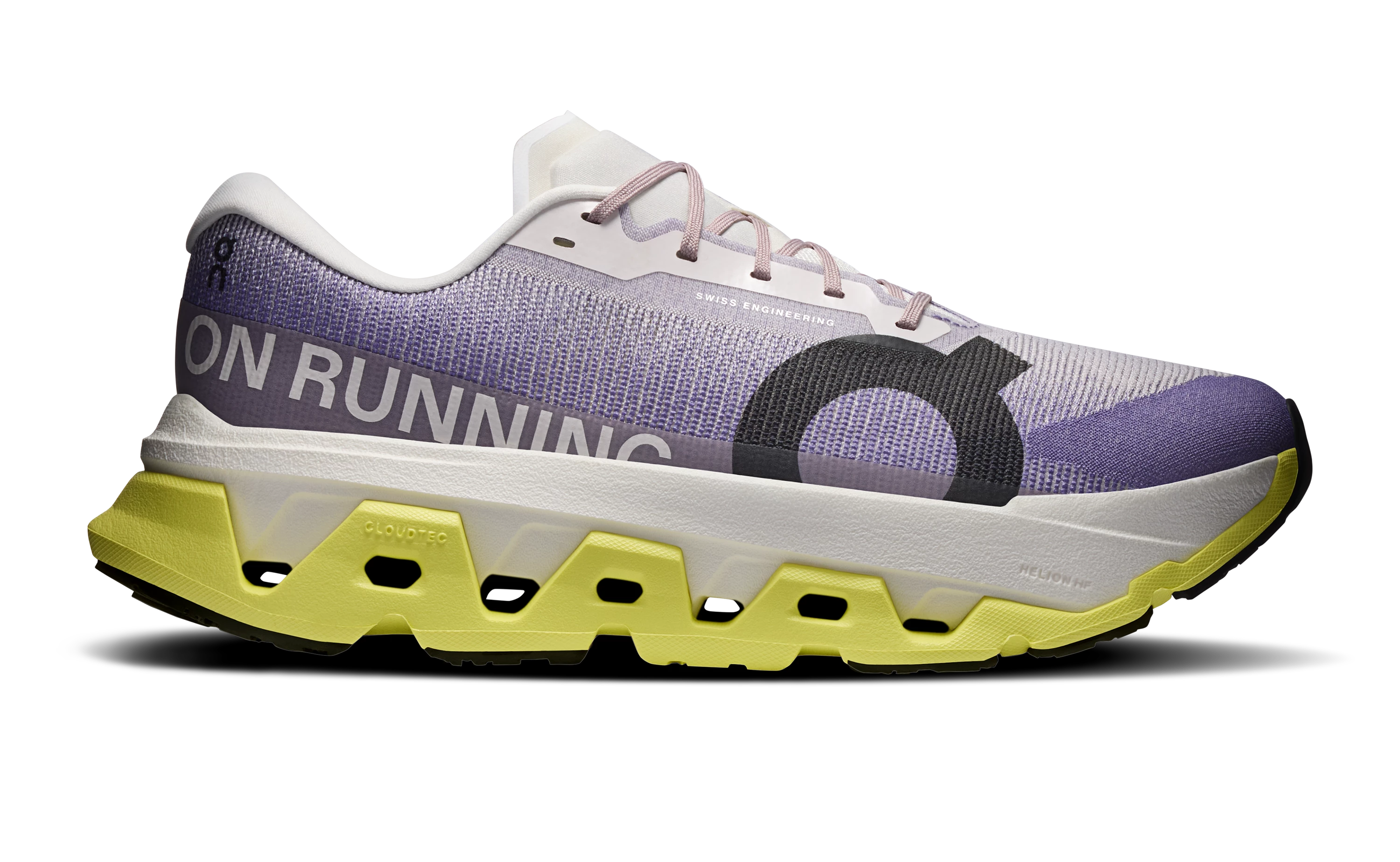
    Harmonize did a decent job with a soft shadow on a white background. I prefer its result without the layer mask to make it a little softer.

    Harmonize changed the lighting on the shoe and gave the shadow has a chartreuse cast, so here’s a modification where I masked out the harmonized shoe and left the shadow and applied a Hue/Saturation adjustment layer to just the harmonized shadow to desaturate it.


    D Fosse
    Community Expert
    D FosseCommunity ExpertCorrect answer
    Community Expert
    April 16, 2026

    Yes, as ​@ExUSA says. Shoot it with diffuse front/overhead light, like a large softbox. It saves you an enormous amount of time!


    But if this is all you have, the main thing is 1. don’t overdo it, and 2. note how the softness of the shadow depends on the distance to the base. The closer it is, the sharper the edge. The further away, the softer the edge.


    One_of_us
    One_of_usAuthor
    Participant
    May 4, 2026

    I kinda like your shadow, mind explaining how did you create something like this ? 

    D Fosse
    Community Expert
    Community Expert
    May 4, 2026

    Technically, a Levels layer with a layer mask that is painted in and out with soft brushes at low opacity. Build it up.


    But mainly - use your eyes. Look at a real shadow and how it behaves. Study it. A shadow is in fact a very complex optical phenomenon, there’s no easy one-click way to do it convincingly. With a little practice you soon get the hang of it ;-)


    But again, I cannot emphasize this strongly enough: Get the lighting right to begin with. I can promise you that will save you hours and hours and hours of time. The less you need to do in Photoshop, the sooner you can get the images out the door.

    Legend
    April 16, 2026

    If you must have shadows and have a large number of products, yes shoot it that way. You could probably use a commercial plug-in (check Adobe Exchange) if its worth spending money to automate.