


Participating Frequently
November 7, 2025
Question

Removal tool fills whole blank part of image instead of where I mark

  • November 7, 2025
  • 2 replies
  • 60 views

Removal tool fills whole blank part of image instead of where I mark


starting with an image on part of the canvas
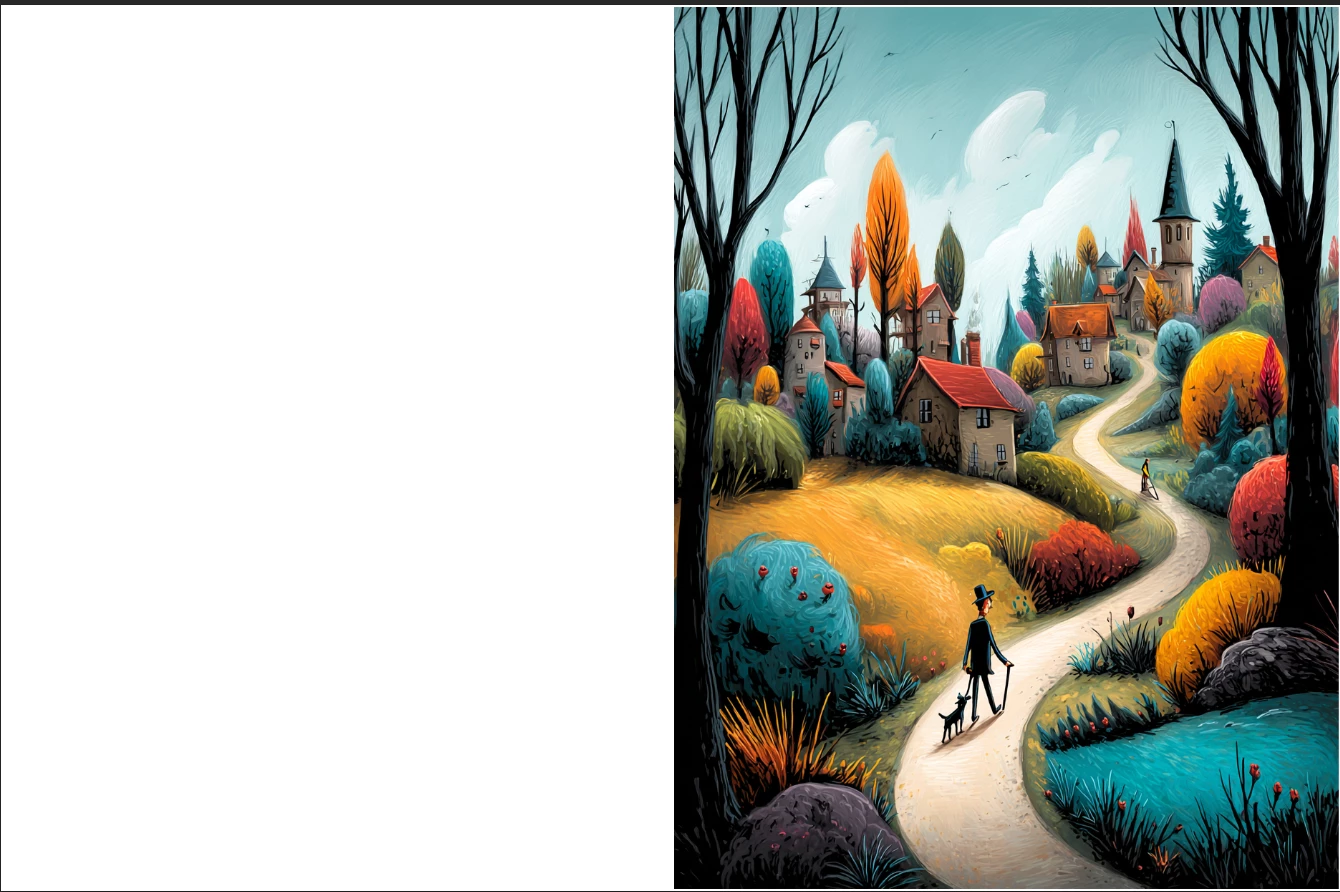
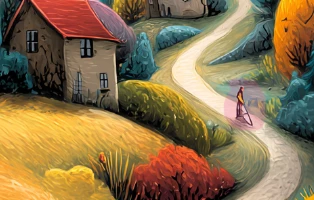
using the removal tool

(photoshop just crashed on me when I took a screenshot while drawing the removal tool area) 
 

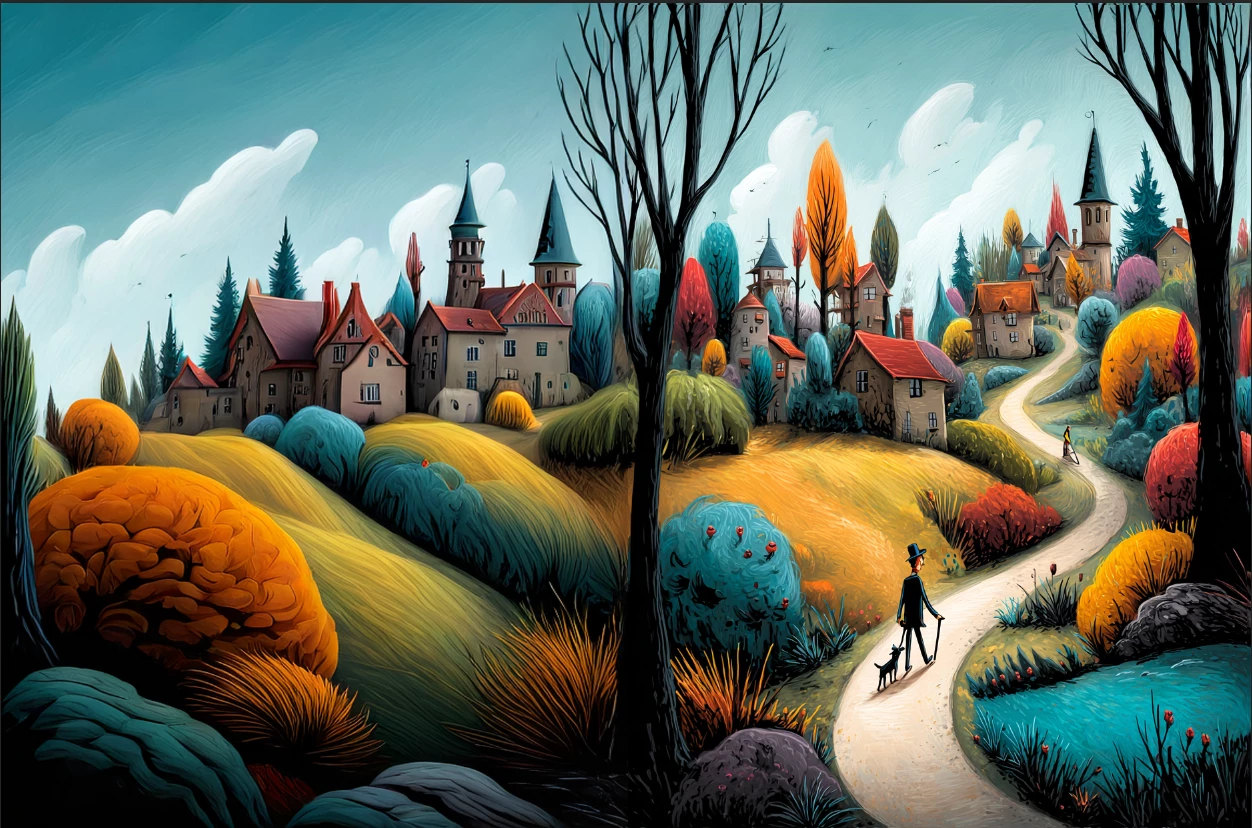
Removal Tool fills the whole canvas,  looks great, but it should be constrained to the area I draw with the removal too, not fill the whole canvas.


Photoshop version 27.0.0 release

2 replies

Participating Frequently
November 8, 2025

weird, cause it's very repeatable for me on Win11

I just rebooted my whole machine and tried again with a AI generated butterfly, I tried removing one of the atenta and it gave me a page full of butterflies


Ged_Traynor
Community Expert
Community Expert
November 8, 2025

@ponderWoods just tested on my system, and it's working as expected, Photoshop version 27.0