Inspiring
April 4, 2025
Answered

remove a part of the writing

  • April 4, 2025
  • 2 replies
  • 451 views

Saving uxp file

remove part of save name

from so

_DSC0193a.jpg_3.jpg

to so

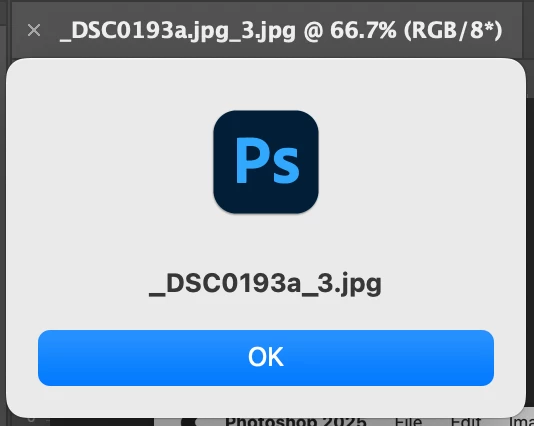
_DSC0193a_3.jpg

Correct answer Stephen Marsh

@Ciccillotto 


Without your sample code I can't give the following any context, as saving files in UXP isn't as simple as with ExtendScript.


In ExtendScript, you can use a regular expression in a variable such as:


var fileName = app.activeDocument.name.replace(/^(.*)\.jpg(_.*\.jpg)$/, '$1$2');


It's probably the same or very similar with UXP DOM, you would likely just change the var for let etc.


EDIT:


The following UXP code works:


const photoshop = require("photoshop");
const core = photoshop.core;
let fileName = app.activeDocument.name.replace(/^(.*)\.jpg(_.*\.jpg)$/, '$1$2');
core.showAlert(fileName);


2 replies

Stephen Marsh
Community Expert
Stephen MarshCommunity ExpertCorrect answer
Community Expert
April 5, 2025

@Ciccillotto 


Without your sample code I can't give the following any context, as saving files in UXP isn't as simple as with ExtendScript.


In ExtendScript, you can use a regular expression in a variable such as:


var fileName = app.activeDocument.name.replace(/^(.*)\.jpg(_.*\.jpg)$/, '$1$2');


It's probably the same or very similar with UXP DOM, you would likely just change the var for let etc.


EDIT:


The following UXP code works:


const photoshop = require("photoshop");
const core = photoshop.core;
let fileName = app.activeDocument.name.replace(/^(.*)\.jpg(_.*\.jpg)$/, '$1$2');
core.showAlert(fileName);


Inspiring
April 5, 2025

Stefano thanks I looked for other ways and it seems that I solved it.

I will put your answer as correct.

Stephen Marsh
Community Expert
Community Expert
April 5, 2025

@Ciccillotto 


You're welcome!


I learnt regex before scripting, so it's more natural for me to use. Others who learn scripting first are more comfortable with basic JavaScript string manipulation using .split or other methods:

const photoshop = require("photoshop");
const core = photoshop.core;
let fileName = app.activeDocument.name;
let parts = fileName.split('.jpg');
fileName = parts[0] + (parts[1] || '');
core.showAlert(fileName);


Imaginerie
Community Expert
Community Expert
April 5, 2025

Do you mean you want to batch rename files?
Not sure if that's what you are asking but you can do that with Adobe Bridge (it comes with Photoshop)

what it will come up with


It will apply to all the files you selected.

https://helpx.adobe.com/uk/bridge/using/automate-tasks-adobe-bridge.html

Let me know if that's what you meant!