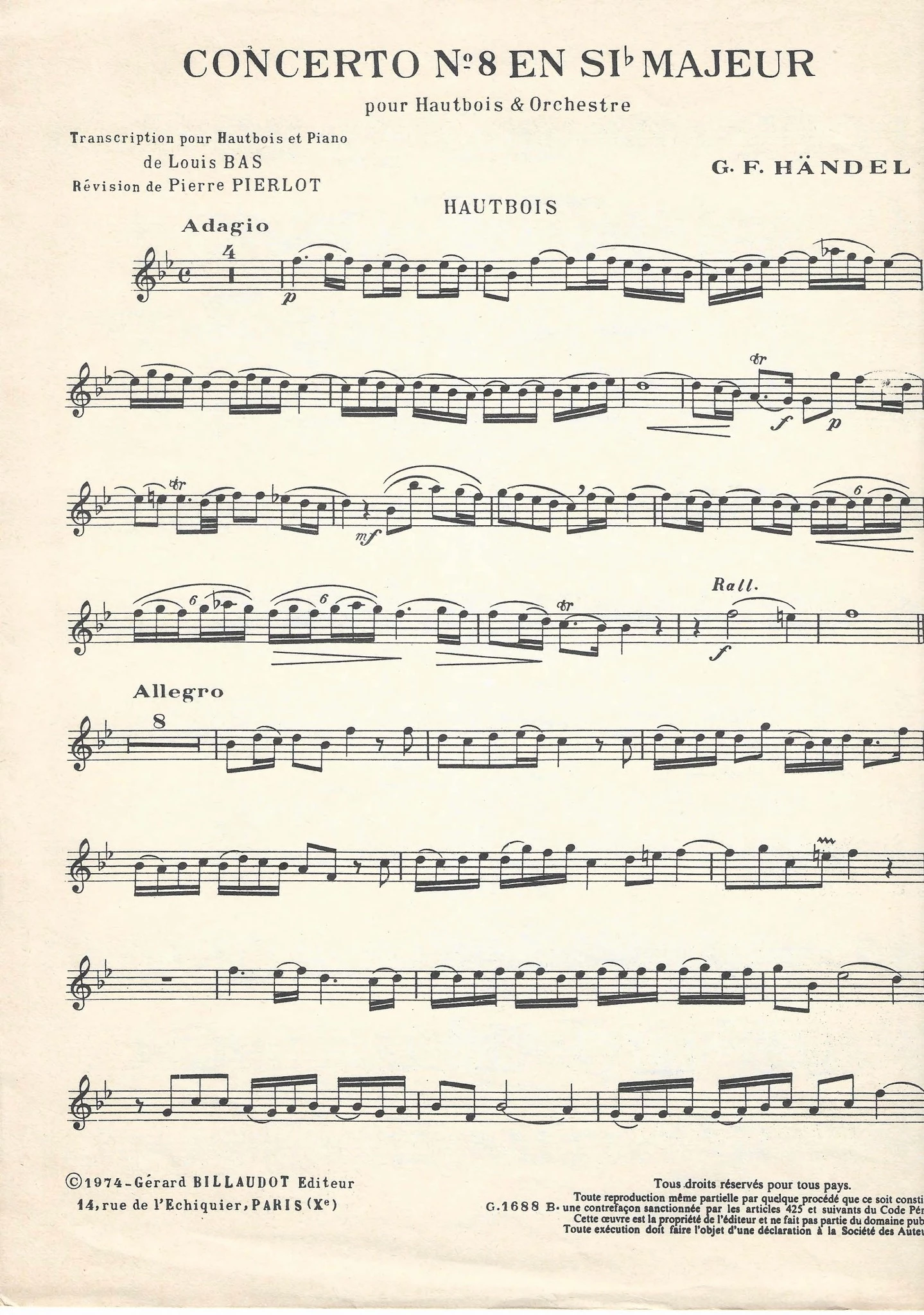
You just have to use a small enough brush with e.g. the healing brush so that you stay away from the notes. It's not difficult, it just takes a little time.
As a help, you can select the paper color and expand the selection one or two pixels. That should be enough to "eat up" the dust spots, but not too much into the notes. Then you can work a little more freely.
My need in that case is to remove the dust inside the notes like here :
But by example if I use the lasso tool directly on the notes (where there is dust), and use the filter "dust", the notes becomes blur. I am wotking with the background layer.