

Inspiring
February 17, 2024
Question

Remove image and place into new canvas?

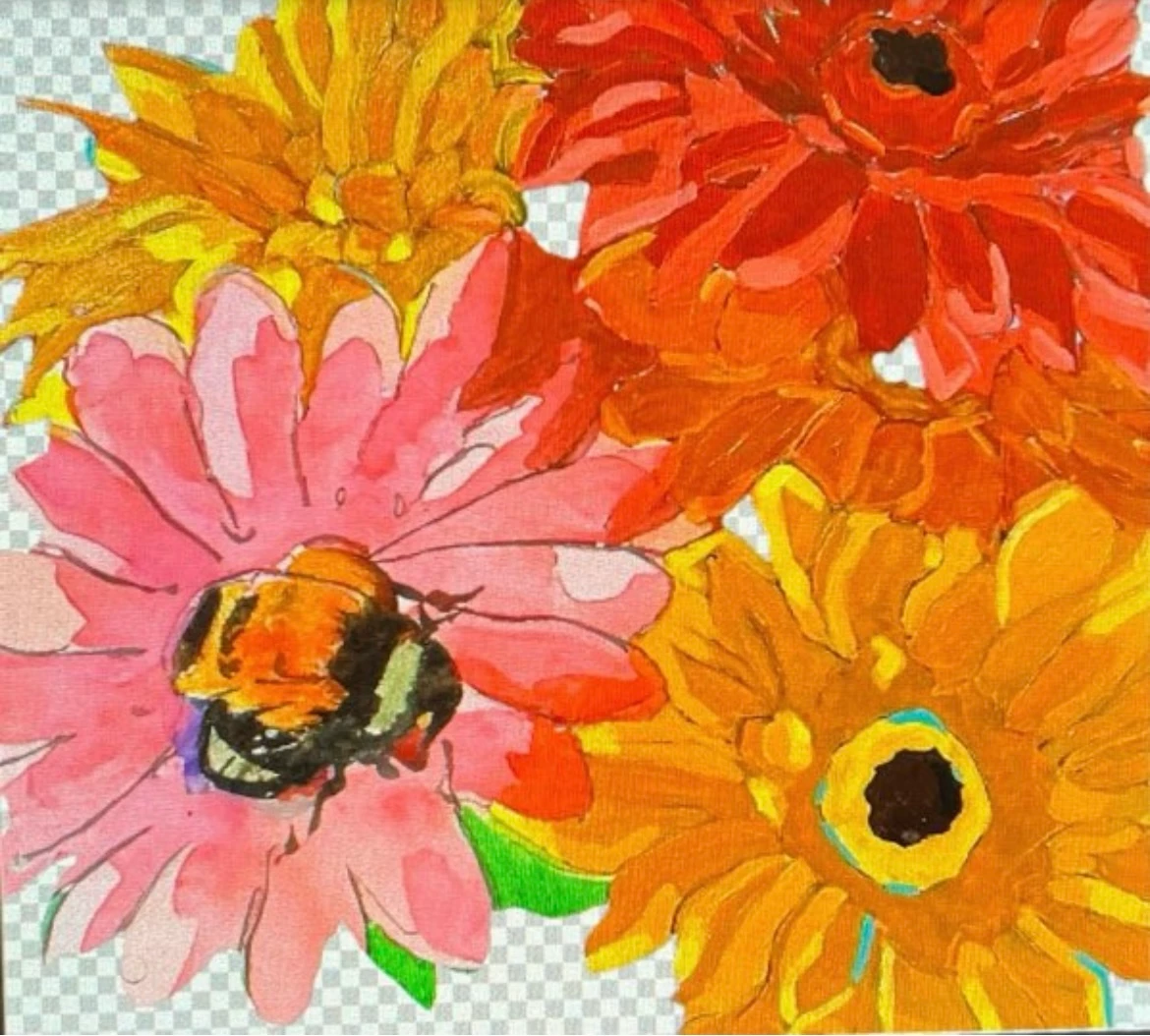
I took my painting and did generate watercolor flower. 
Now I want to remove this pink flower and place into new canvas? I tried several times with no luck.

 

This topic is closed to new replies. Start a new post to keep the conversation going.

12 replies

Jumpenjax
Community Expert
Community Expert
February 19, 2024

Merge images so there is no mask and copy and paste to new art board. Be sure to save original before starting. 

 
Translate
Lee- Graphic Designer, Print Specialist, Photographer
Peru Bob
Community Expert
Community Expert
February 17, 2024

Duplicate the layer.

Use one or more selection tools and/or eraser tools to isolate the flower.

Select inverse > Delete if selection tools are used.

Drag the layer to the new canvas.  Right click and choose Smart Object if you will be resizing it.

Translate
Inspiring
February 17, 2024

 I tried your suggestion,after deleting the layer.I was not able to create new canvas and drag into it. but i did do copy and paste in new layer and that worked.I also tried to rt clk and choose smart object.Did not see it actaully do anything different. I guess now I need to find a way to removed background behind flower?

Translate
Peru Bob
Community Expert
Community Expert
February 17, 2024

Creating a Smart Object just allows you to resize it without losing resolution.

Use the eraser tools and/or selection tools to remove the background

Translate
Peru Bob
Community Expert
Community Expert
February 17, 2024

I've moved this from the Using the Community forum (which is the forum for issues using the forums) to the Photoshop forum since your previous threads were there.

Scroll down here to see a list of the forums:
https://community.adobe.com/

Translate
Inspiring
February 17, 2024

Sorry about that. Thank you for moving it.

Translate
kglad
Community Expert
Community Expert
February 17, 2024

what app?

Translate
Inspiring
February 17, 2024

Photoshop

Translate