Answered
Remove tool
I'm using the last revision of Photoshop (25.0) and I tried to use he remove tool and the resul is that it remove the selected area without any replacement. See the images below.
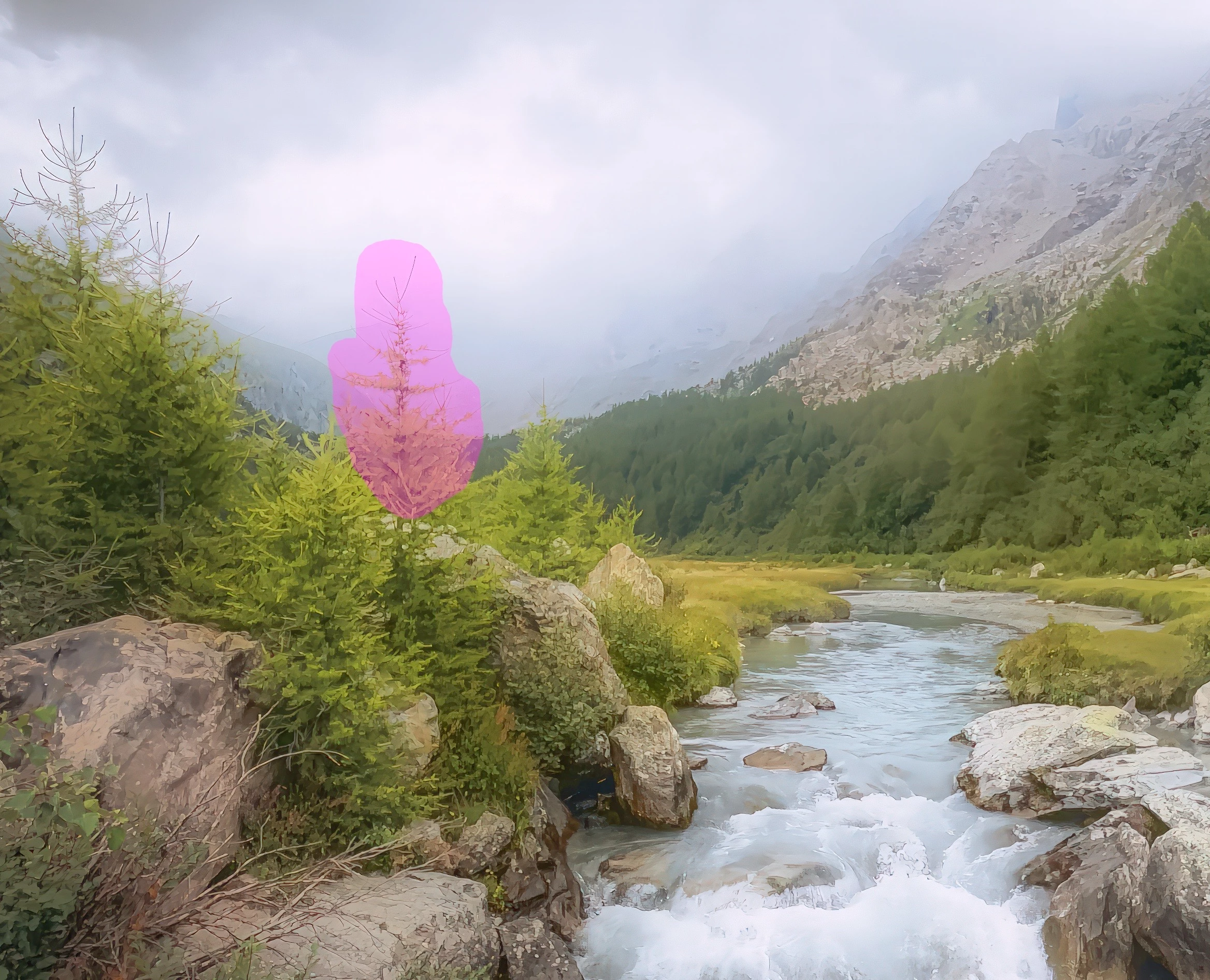
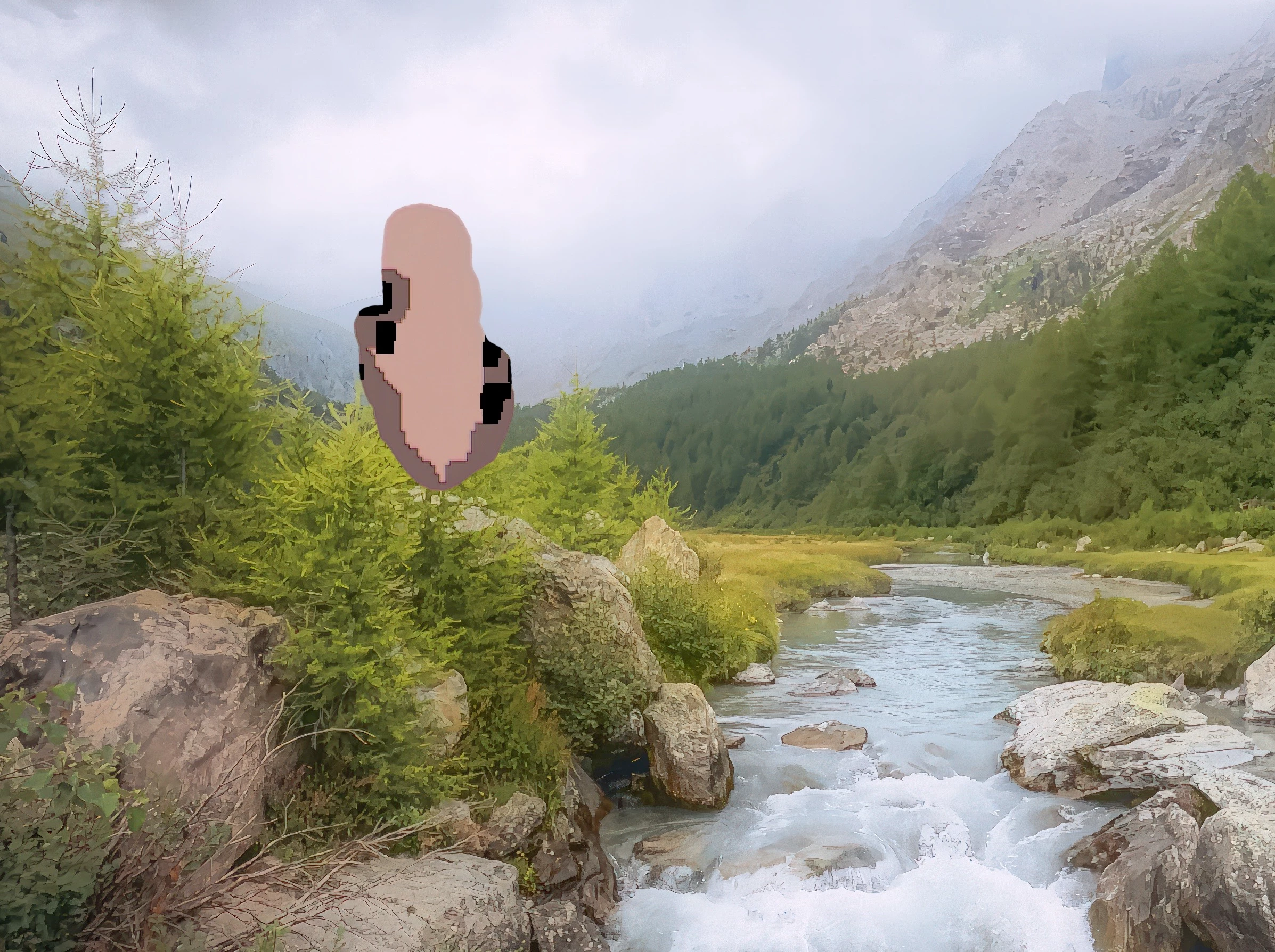
Any idea on how to solve the issue?
Thanks a lot

I'm using the last revision of Photoshop (25.0) and I tried to use he remove tool and the resul is that it remove the selected area without any replacement. See the images below.
Any idea on how to solve the issue?
Thanks a lot
Oh wow! That's properly broken. I can't think of any settings or conditions that would cause that to happen. I just checked and there is no provision for resetting the Remove Tool, so you might have to go straight to resetting Preferences.
Already have an account? Login
Enter your E-mail address. We'll send you an e-mail with instructions to reset your password.


 AdChoices