Tenebrous Nox
Participant
July 9, 2026
質問

Remove Tool not working

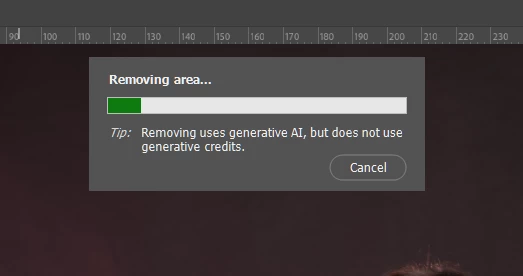
My remove tool stays like this and never does what it is supposed to do. Lightroom Classic doesn’t has this issue. Then, after a long wait it ends with this error message.
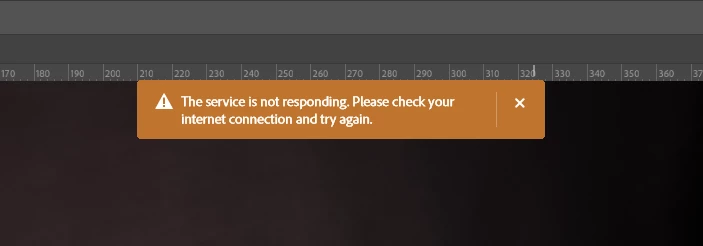
Yes, I have an internet connection. Lightroom Classic works well. Takes some time, but it works.

Feels like I pay too much for these tools… They either don’t work properly or are SLOW as hell (both the interface and the cloud services).

    返信数 1

    Ged_Traynor
    Community Expert
    Community Expert
    July 9, 2026

    @Tenebrous Nox 2 things to try, turn off AI in the options bar

    If that doesn’t help, try setting the remove tool to more stable in the preferences and restarting Photoshop


    Tenebrous Nox
    Tenebrous Nox作成者
    Participant
    July 9, 2026

    Thank you for the help. I need the cloud service for this case. When I use local it works, the result is bad but at least theres a result.
    I tried putting everything in stable mode and seems like there’s no change at all. Must be network related?
    I will try to re-install. But at this point I’m finding very weird that Lightroom Classic has no issue at all and this doesn’t even work.


    Light can only shine if there's darkness.
    Ged_Traynor
    Community Expert
    Community Expert
    July 9, 2026

    I’ve tested on my system with both AI on and off for the remove tool, and it works fine with both settings