
Question
Renaming a layer to nothing
Long time Photoshop user - Ok this might be a 1 in 10,000 but if you rename a layer to nothing as in “”, zip, nada, no characters - it’s very difficult to rename it to anything else:
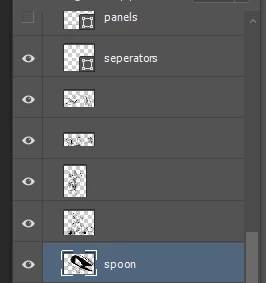
The area that allows you to double click to rename it - slightly right of the thumbnail preview is very very small indeed. If you don’t know where to look (to click) - it’s very very difficult to rename. Otherwise it just brings up the Layer Style properties box!


 AdChoices