Inspiring
October 3, 2022
Answered

Resize canvas to the top 5% and bottom 10%

  • October 3, 2022
  • 5 replies
  • 562 views

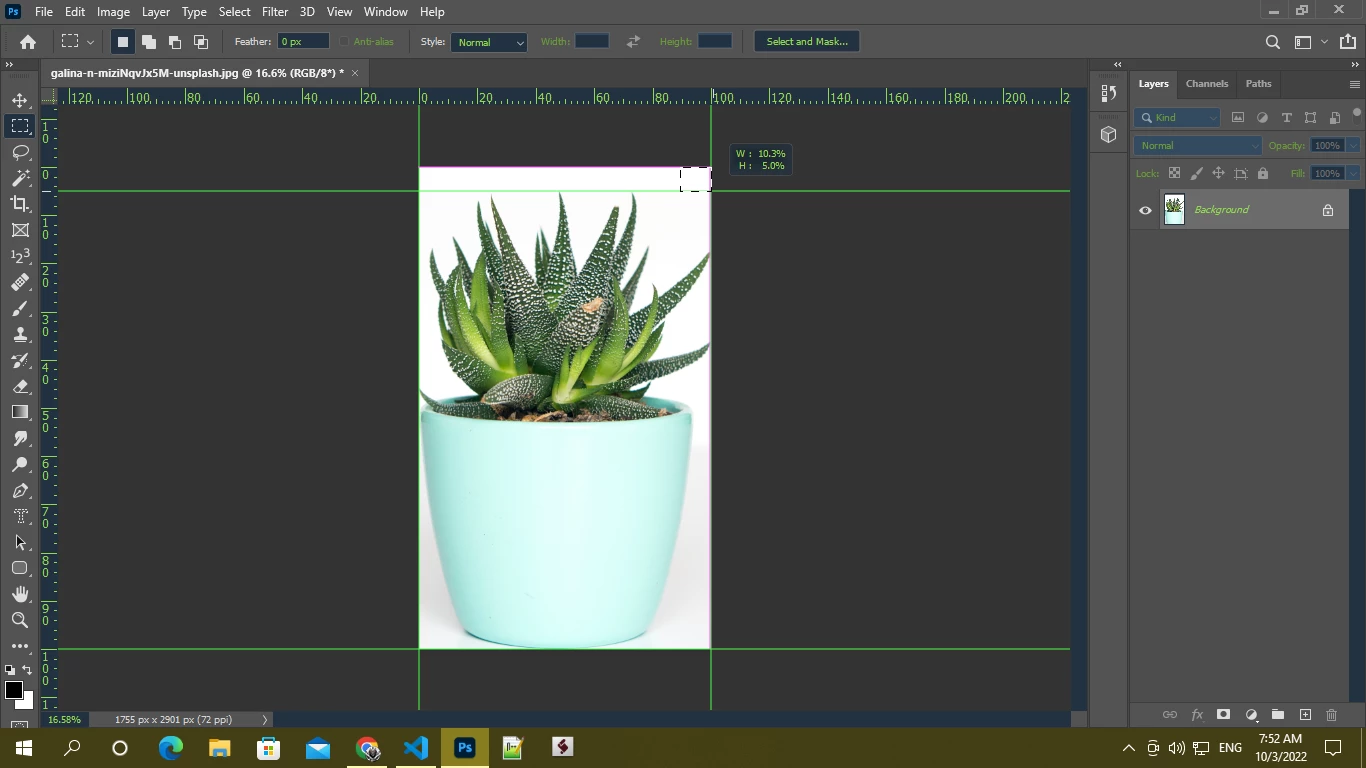
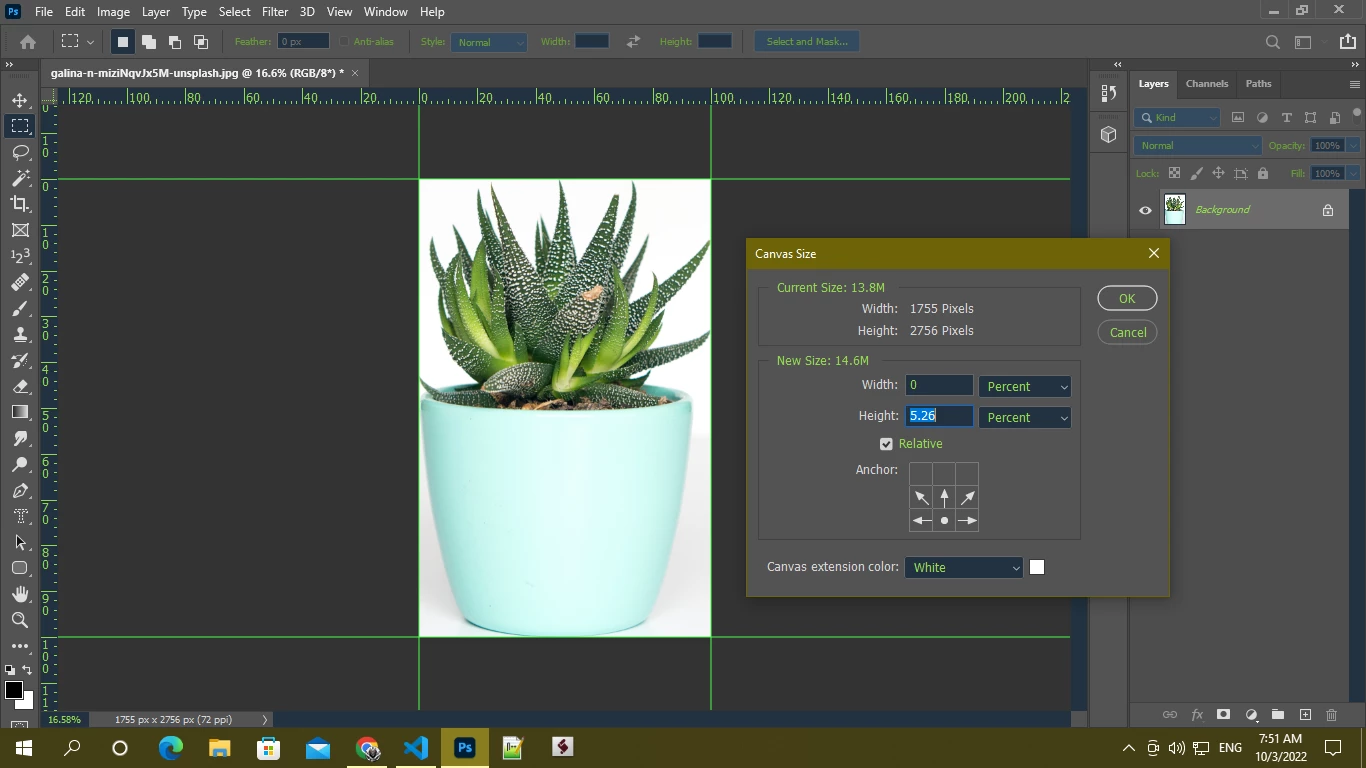
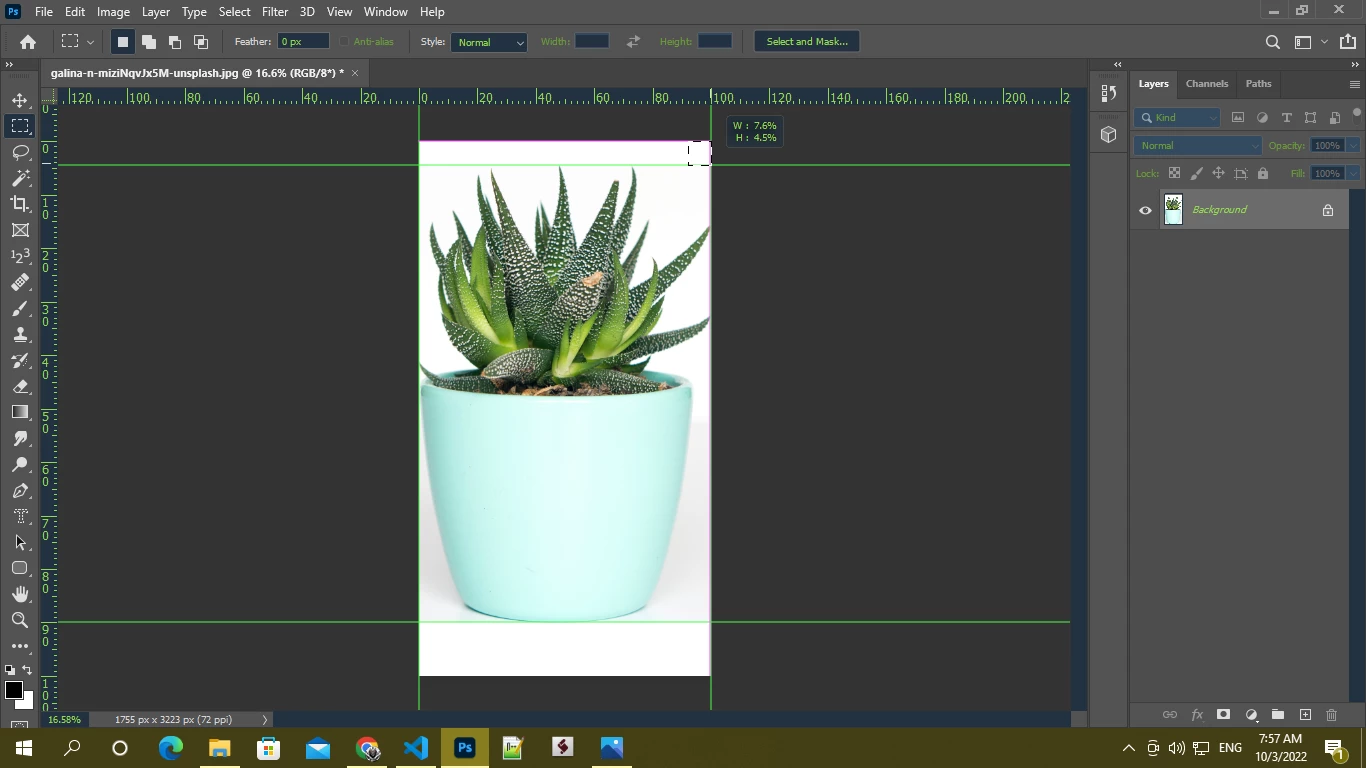
I want to increase the canvas size to the top 5% and bottom 10%. I increase the canvas size orderly first top side then bottom side. But after increasing the bottom side the top side padding changed 5 to 4.5 . Is there any way to fix it or suggest a new way to increase canvas?


This topic has been closed for replies.
Correct answer Mahadi_hasan

@Stephen Marsh 

your action didn't do what I needed. But I got a process from your answer.
the process is -
1. Create a new layer
2. Transform the layer (increase height by 17.65%*)
3. Use reveal all
4. Then translate the layer (converted pixel value from 2.5%)
5. Use the select pixel of this layer and cropped it
6. after cropping delete the layer.

*. when increasing or decreasing canvas size u can't use the exact value like if u want to increase x% of the current canvas size u have to use [ (x/(100-x))*100 ] this equation. This equation will give you a value that you need to apply . after applying the value increased canvas size will be x% .....if u don't use this equation increased canvas size will be lesser than x%.

5%+10% = 15%

15/(100-15)*100 = 17.647059=~17.65%

reason of translate 2.5% - as I transform the layer by 15% and anchorposition : middlecenter the increased size in both top and bottom will be 7.5% but I need 5% in the top that's why I just simply translate the layer by 2.5% so that it stayed 5% in the top ...

Thanks, @Stephen Marsh  @Chuck Uebele  for trying to help me

5 replies

Mahadi_hasanAuthorCorrect answer
Inspiring
October 3, 2022

@Stephen Marsh 

your action didn't do what I needed. But I got a process from your answer.
the process is -
1. Create a new layer
2. Transform the layer (increase height by 17.65%*)
3. Use reveal all
4. Then translate the layer (converted pixel value from 2.5%)
5. Use the select pixel of this layer and cropped it
6. after cropping delete the layer.

*. when increasing or decreasing canvas size u can't use the exact value like if u want to increase x% of the current canvas size u have to use [ (x/(100-x))*100 ] this equation. This equation will give you a value that you need to apply . after applying the value increased canvas size will be x% .....if u don't use this equation increased canvas size will be lesser than x%.

5%+10% = 15%

15/(100-15)*100 = 17.647059=~17.65%

reason of translate 2.5% - as I transform the layer by 15% and anchorposition : middlecenter the increased size in both top and bottom will be 7.5% but I need 5% in the top that's why I just simply translate the layer by 2.5% so that it stayed 5% in the top ...

Thanks, @Stephen Marsh  @Chuck Uebele  for trying to help me
Community Expert
October 3, 2022

Here's another way, which could be in an action:

* Increase the canvas size height by 105 percent anchored to the bottom to add the 5% to the top.
* Increase the canvas size height by 109.52 percent anchored to the top to add the 10% of the original height to the bottom.

109.52 is the rounded percentage but is very close and will generally give the results you're after. There will always be roundng depending on the image's orginal pixel height.

Chuck Uebele
Community Expert
Community Expert
October 3, 2022

Here's a script that will do it. It will allow you to put in the percentages for each side. There is no error checking, so if you don't enter a number, it will fail.


#target photoshop
var doc = activeDocument;
var dW = doc.width
var dH = doc.height
var run = false;
var cTop = 0;
var cBottom = 0;
var cRight = 0;
var cLeft = 0;

var dlg = new Window('dialog','Adjust Canvas');
    dlg.topGp = dlg.add('group');
        dlg.topGp.orientation = 'row';
        dlg.topGp.alignment = ['right','top'];
        dlg.topGp.alignChildren = ['right','top'];
        dlg.topGp.sTxt = dlg.topGp.add('statictext',undefined,'Increase top by percent:')
        dlg.topGp.eTxt = dlg.topGp.add('edittext',undefined,0)
            dlg.topGp.eTxt.size = [60,21];
    dlg.bottomGp = dlg.add('group');
        dlg.bottomGp.orientation = 'row';
        dlg.bottomGp.alignChildren = ['right','top'];
        dlg.bottomGp.alignment = ['right','top'];
        dlg.bottomGp.sTxt = dlg.bottomGp.add('statictext',undefined,'Increase bottom by percent:')
        dlg.bottomGp.eTxt = dlg.bottomGp.add('edittext',undefined,0)
            dlg.bottomGp.eTxt.size = [60,21];        
    dlg.topGp = dlg.add('group');
        dlg.topGp.orientation = 'row';
        dlg.topGp.alignChildren = ['right','top'];
        dlg.topGp.alignment = ['right','top'];
        dlg.topGp.sTxt = dlg.topGp.add('statictext',undefined,'Increase top by percent:')
        dlg.topGp.eTxt = dlg.topGp.add('edittext',undefined,0)
            dlg.topGp.eTxt.size = [60,21];            
    dlg.rightGp = dlg.add('group');
        dlg.rightGp.orientation = 'row';
        dlg.rightGp.alignChildren = ['right','top'];
        dlg.rightGp.alignment = ['right','top'];
        dlg.rightGp.sTxt = dlg.rightGp.add('statictext',undefined,'Increase right by percent:')
        dlg.rightGp.eTxt = dlg.rightGp.add('edittext',undefined,0)
            dlg.rightGp.eTxt.size = [60,21];     
    dlg.leftGp = dlg.add('group');
        dlg.leftGp.orientation = 'row';
        dlg.leftGp.alignChildren = ['right','top'];
        dlg.leftGp.alignment = ['right','top'];
        dlg.leftGp.sTxt = dlg.leftGp.add('statictext',undefined,'Increase left by percent:')
        dlg.leftGp.eTxt = dlg.leftGp.add('edittext',undefined,0)
            dlg.leftGp.eTxt.size = [60,21];      
            
    dlg.btnGp = dlg.add('group');
        dlg.btnGp.orientation = 'row';
        dlg.btnGp.ok = dlg.btnGp.add('button',undefined,'Okay');
        dlg.btnGp.cancel = dlg.btnGp.add('button',undefined,'Cancel');
        
        dlg.btnGp.ok.onClick = function(){
            dlg.close();
            run = true;
            cTop = Number(dlg.topGp.eTxt.text);
            cBottom = Number(dlg.bottomGp.eTxt.text);
            cRight = Number(dlg.rightGp.eTxt.text);
            cLeft = Number(dlg.leftGp.eTxt.text);
            }
        
        dlg.show()
        alert(cTop)
   
if(cTop !=0 && run){canvasSize ((cTop/100)*dH, 'top')}
if(cBottom !=0 && run){canvasSize ((cBottom/100)*dH, 'bottom')}
if(cRight !=0 && run){canvasSize ((cRight/100)*dW, 'right')}
if(cLeft !=0 && run){canvasSize ((cLeft/100)*dW, 'left')}


function canvasSize (pSize,side){
    var idCnvS = charIDToTypeID( "CnvS" );
        var desc7 = new ActionDescriptor();
        var idRltv = charIDToTypeID( "Rltv" );
        desc7.putBoolean( idRltv, true );
        
        if(side == 'top' || side == 'bottom'){
            var idHght = charIDToTypeID( "Hght" );
            }
        else{var idHght = charIDToTypeID( "Wdth" );}
        
        var idPrc = charIDToTypeID( "#Pxl" );
        desc7.putUnitDouble( idHght, idPrc, pSize );
        
        switch(side){
            case 'bottom':
                var idVrtc = charIDToTypeID( "Vrtc" );
                var idVrtL = charIDToTypeID( "VrtL" );            
                var idTop = charIDToTypeID( "Top " );
                desc7.putEnumerated( idVrtc, idVrtL, idTop ); 
                break;
            case 'top':
                var idVrtc = charIDToTypeID( "Vrtc" );
                var idVrtL = charIDToTypeID( "VrtL" );            
                var idBttm = charIDToTypeID( "Bttm" );
                desc7.putEnumerated( idVrtc, idVrtL, idBttm ); 
                break;      
            case 'right':
                var idHrzn = charIDToTypeID( "Hrzn" );
                var idHrzL = charIDToTypeID( "HrzL" );
                var idLeft = charIDToTypeID( "Left" );
                desc7.putEnumerated( idHrzn, idHrzL, idLeft ); 
                break;     
            case 'left':
                var idHrzn = charIDToTypeID( "Hrzn" );
                var idHrzL = charIDToTypeID( "HrzL" );
                var idRght = charIDToTypeID( "Rght" );
                desc7.putEnumerated( idHrzn, idHrzL, idRght ); 
                break;                     
            }

        var idcanvasExtensionColorType = stringIDToTypeID( "canvasExtensionColorType" );
        var idcanvasExtensionColorType = stringIDToTypeID( "canvasExtensionColorType" );
        var idBckC = charIDToTypeID( "BckC" );
        desc7.putEnumerated( idcanvasExtensionColorType, idcanvasExtensionColorType, idBckC );
    executeAction( idCnvS, desc7, DialogModes.NO );    
    
    }


Stephen Marsh
Community Expert
Community Expert
October 3, 2022

@Mahadi_hasan 


My first thought was the same as @Chuck Uebele – but I wanted to push myself to do it with an action!


You can download the ATN file here:

https://shared-assets.adobe.com/link/d575ddf9-0d49-45e7-4c35-498a380e4eb9


Edit: Here is a very basic scripted version:


var savedRuler = app.preferences.rulerUnits;
app.preferences.rulerUnits = Units.PIXELS;
var fivePercent = 0.05 * activeDocument.height.value;
var tenPercent = 0.1 * activeDocument.height.value;
activeDocument.resizeCanvas(undefined, activeDocument.height.value + fivePercent, AnchorPosition.BOTTOMCENTER);
activeDocument.resizeCanvas(undefined, activeDocument.height.value + tenPercent, AnchorPosition.TOPCENTER);
app.preferences.rulerUnits = savedRuler;


Chuck Uebele
Community Expert
Community Expert
October 3, 2022

Sounds like this needs to be done with a script, where you can calculate the sizes in pixels of each percentage, then apply that.