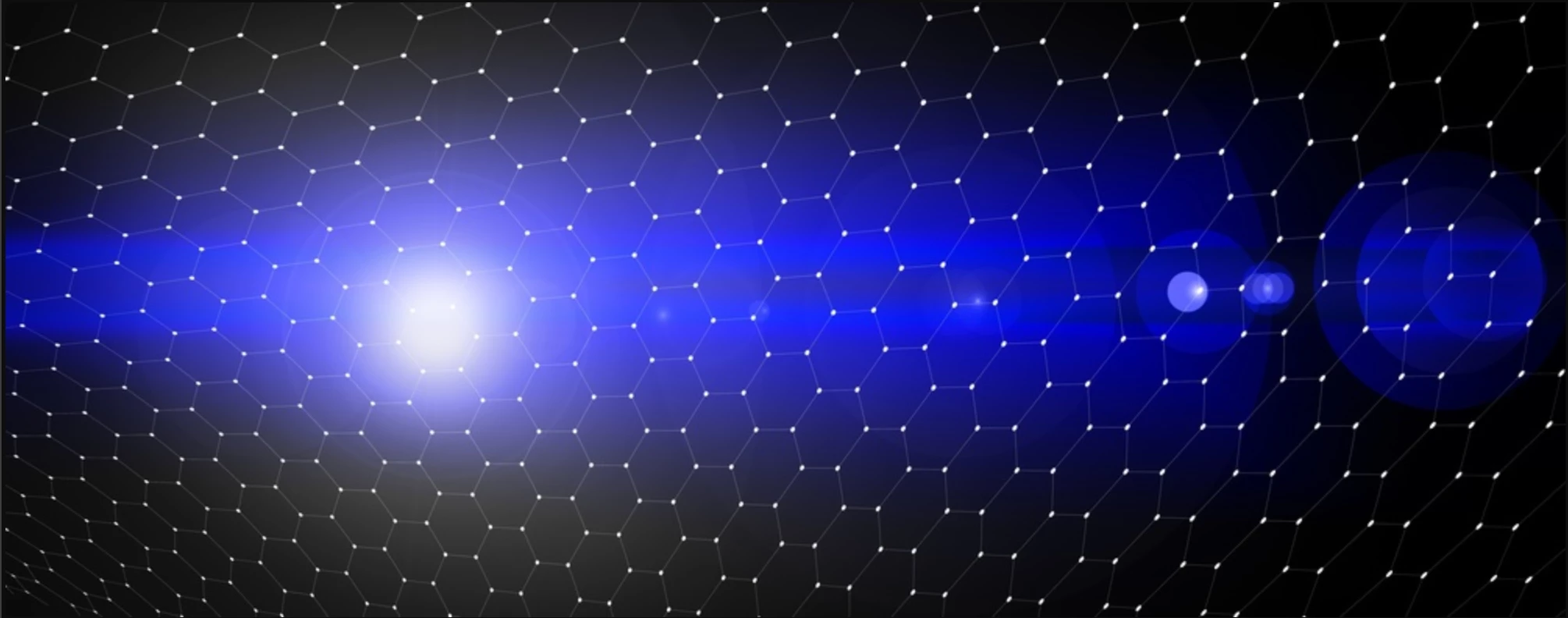
Hi @Julio Andr�s, I think this is a good start and has an outer space feel. Are you using AI to make your designs, or do you want to create your images manually, layer by layer?
Before you start making your abstract backgrounds, try to imagine the end user. Who might use the background and for what application? Will it be a header in a website that has text over it? There should be negative or neutral space in areas where a logo or headline might appear. Are you going to print these as personal art to hang on your walls? Maybe use them as screensavers?
The size (proportions) of your artwork should fit into some standard formats, such as the widescreen 16:9 ratio. You might start with high-resolution, 300 ppi files so that your backgrounds could be used in print applications. For example, 4800 × 2700 pixels is the equivalent of 16” wide x 9” high at 300 ppi. It’s always harder to upscale an image, although Photoshop now has Generative Upscale, which is terrific. But for complex, detailed patterns the results might not be ideal.
If you have Adobe Illustrator, you might find that software better than Photoshop for the type of patterned illustration you show in your post. Illustrator uses vector graphics, which are resolution-independent, so you can scale your artwork to any size without losing quality.
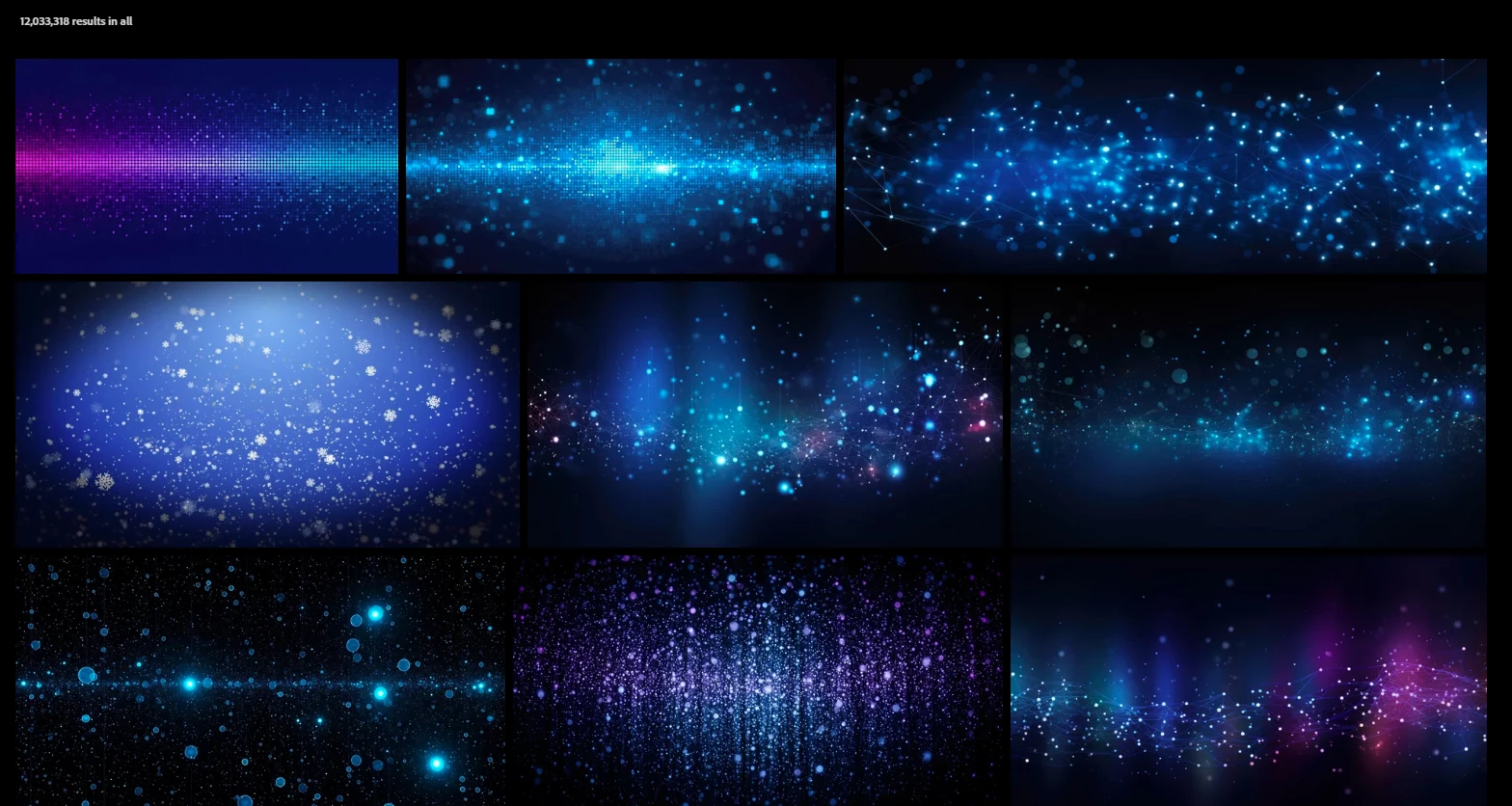
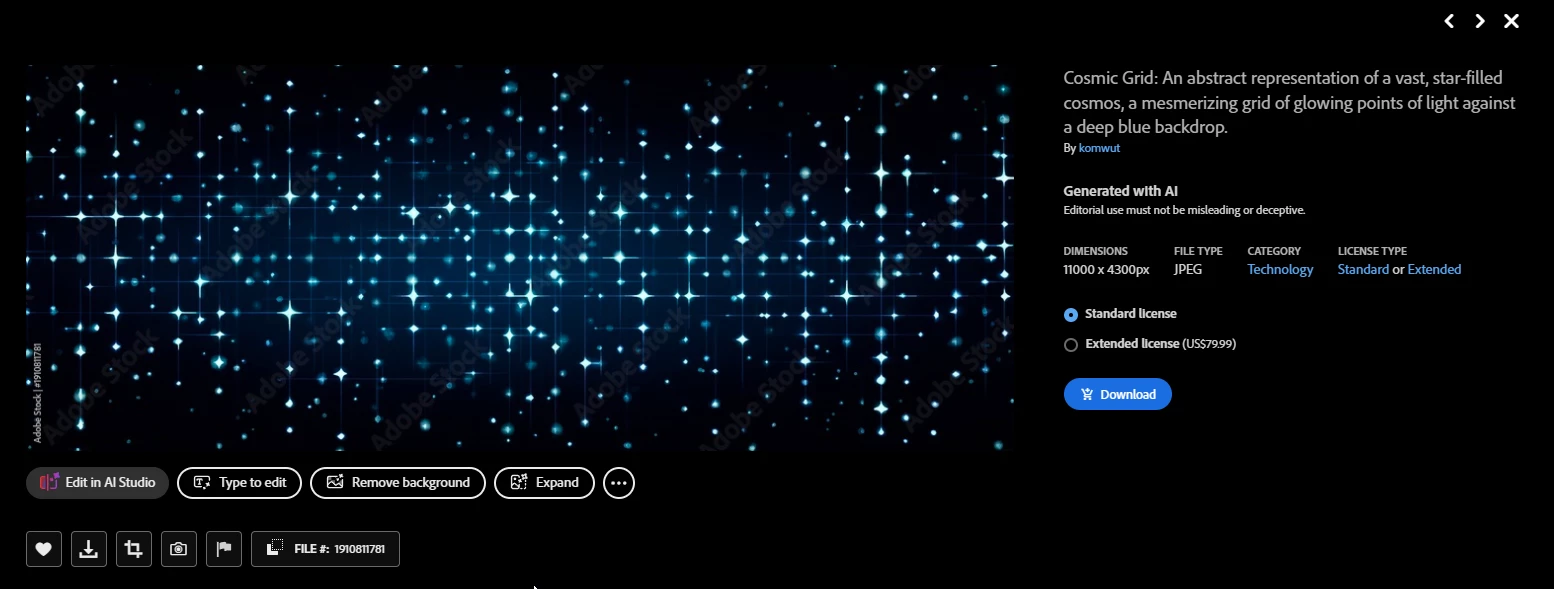
Finally, if you would like to offer your backgrounds for sale, look at other background artwork that’s available. Here is a screenshot of similar images found at Adobe Stock: https://stock.adobe.com/.
If you are looking for specific Photoshop tools or techniques and how to use them, please let us know.
muchas gracias por tus consejos, yo estoy combinado Illustrator y Photoshop las figuras y las mallas las creo en Illustrator y los colores y demás elementos en Photoshop.
si esto trabajando sin inteligencia artificial, como diseñador gráfico trato de el contenido que creo sea útil gracias.
Hi @Julio Andr�s, I think this is a good start and has an outer space feel. Are you using AI to make your designs, or do you want to create your images manually, layer by layer?
Before you start making your abstract backgrounds, try to imagine the end user. Who might use the background and for what application? Will it be a header in a website that has text over it? There should be negative or neutral space in areas where a logo or headline might appear. Are you going to print these as personal art to hang on your walls? Maybe use them as screensavers?
The size (proportions) of your artwork should fit into some standard formats, such as the widescreen 16:9 ratio. You might start with high-resolution, 300 ppi files so that your backgrounds could be used in print applications. For example, 4800 × 2700 pixels is the equivalent of 16” wide x 9” high at 300 ppi. It’s always harder to upscale an image, although Photoshop now has Generative Upscale, which is terrific. But for complex, detailed patterns the results might not be ideal.
If you have Adobe Illustrator, you might find that software better than Photoshop for the type of patterned illustration you show in your post. Illustrator uses vector graphics, which are resolution-independent, so you can scale your artwork to any size without losing quality.
Finally, if you would like to offer your backgrounds for sale, look at other background artwork that’s available. Here is a screenshot of similar images found at Adobe Stock: https://stock.adobe.com/.
If you are looking for specific Photoshop tools or techniques and how to use them, please let us know.




 AdChoices