



Gareth_Williams
Inspiring
August 26, 2026
Question

Same Layers Looking Different in Different Files?

  • August 26, 2026
  • 3 replies
  • 24 views

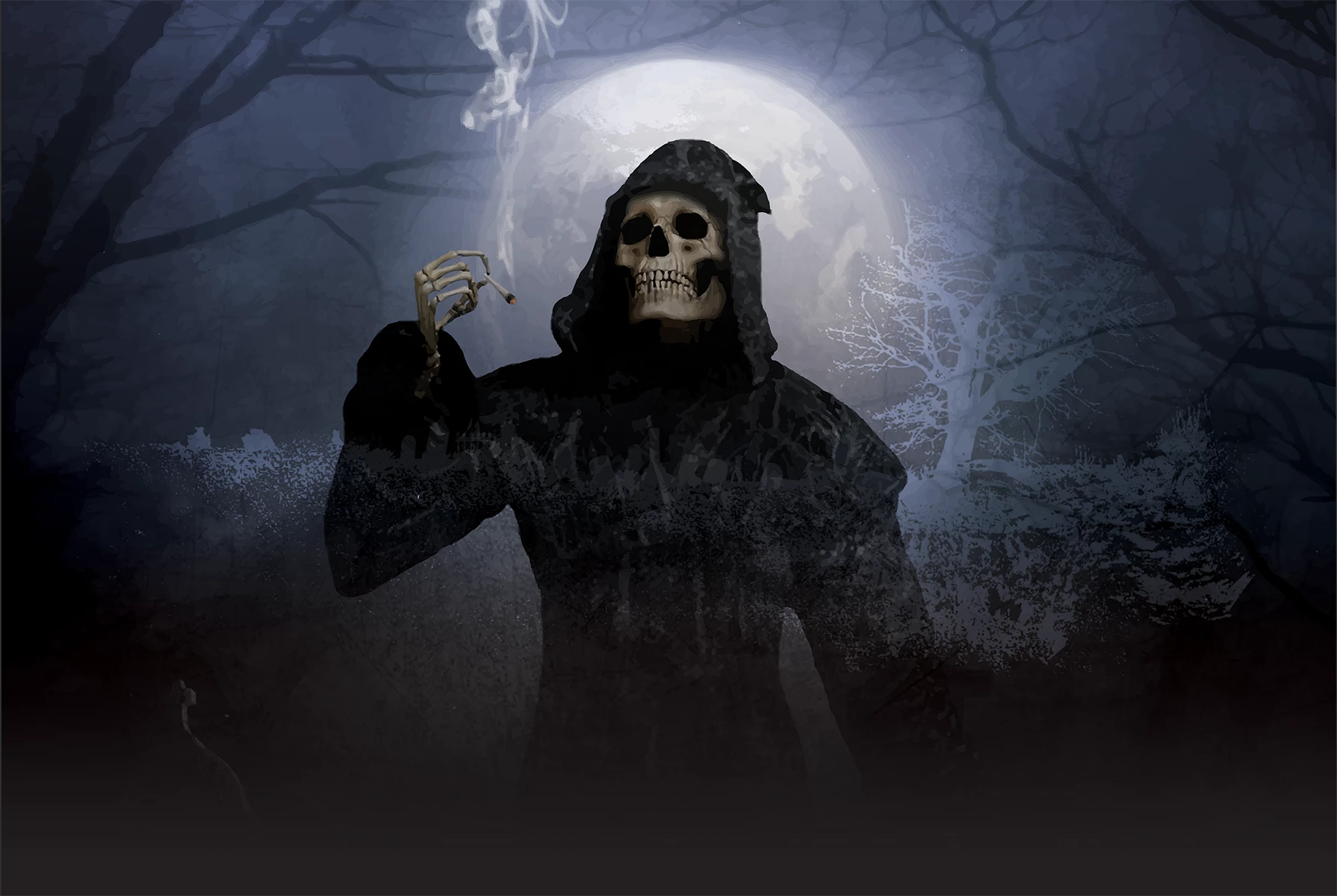
Hi everybody, I’m trying to make an advert for my band but I’m having different results in two different files with the same layers and can’t figure out why. I was wondering if anybody can spot the obvious mistake I’ve made?

In one file (the one above) I have the album cover with a multiply blend of another image over it and a vertical gradient layer over that. When the gradient layer is on it comes out lighter so you can see the detail underneath. Grave stone etc.

I have dragged the exact same layers into a different file which has some other things in it and they appear completely different when the gradient layer is on! This file (the one below) it is way darker! What could be different in file on the left to the file on the right? Many thanks for any ideas.

 

    3 replies

    Gareth_Williams
    Inspiring
    August 26, 2026

    Thanks guys. There are layer masks involved but it should be the same in both files. I will sort out some more helpful screen shots. Thanks again.

    c.pfaffenbichler
    Community Expert
    Community Expert
    August 26, 2026

    Please set the Status Bar to »Document Profile« and post meaningful screenshots including all pertinent Panels (Layers, Options, …).

    Do the two images share the same Color Space? 


    As ​@MarekMularczyk hinted at: Do all the Gradient Layers have Layer Masks? 

    A Gradient Layer without a Layer Mask (or Vector Mask) will act in reference to the Canvas. 

    edit: 


    MarekMularczyk
    Community Expert
    Community Expert
    August 26, 2026

    Maybe the gradient you applied is a bit lower in one file and higher in another? Have you checked the position of the layer with the gradient and the gradient itself?

    Adobe Community ExpertAdobe Certified Professional
