

Question
Save as screen appears black (Photoshop)
Cannot save files in Photoshop, get only a dark gray screen.
Already tried restarting, resetting preferences, signing out and in again.
Hereby a snapshot:
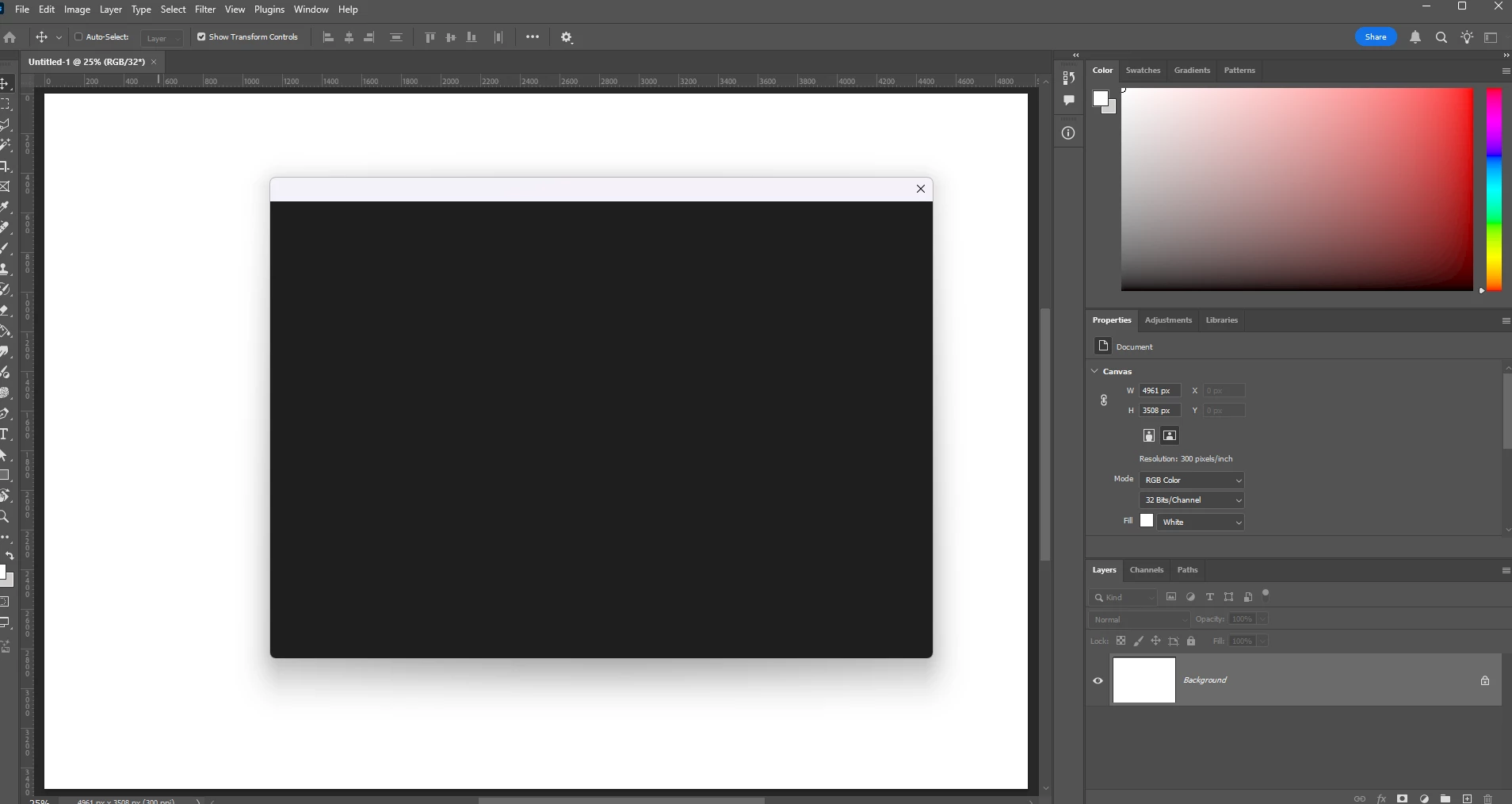

Cannot save files in Photoshop, get only a dark gray screen.
Already tried restarting, resetting preferences, signing out and in again.
Hereby a snapshot:
Already have an account? Login
Enter your E-mail address. We'll send you an e-mail with instructions to reset your password.
 AdChoices