

john8012
Participant
February 9, 2024
Answered

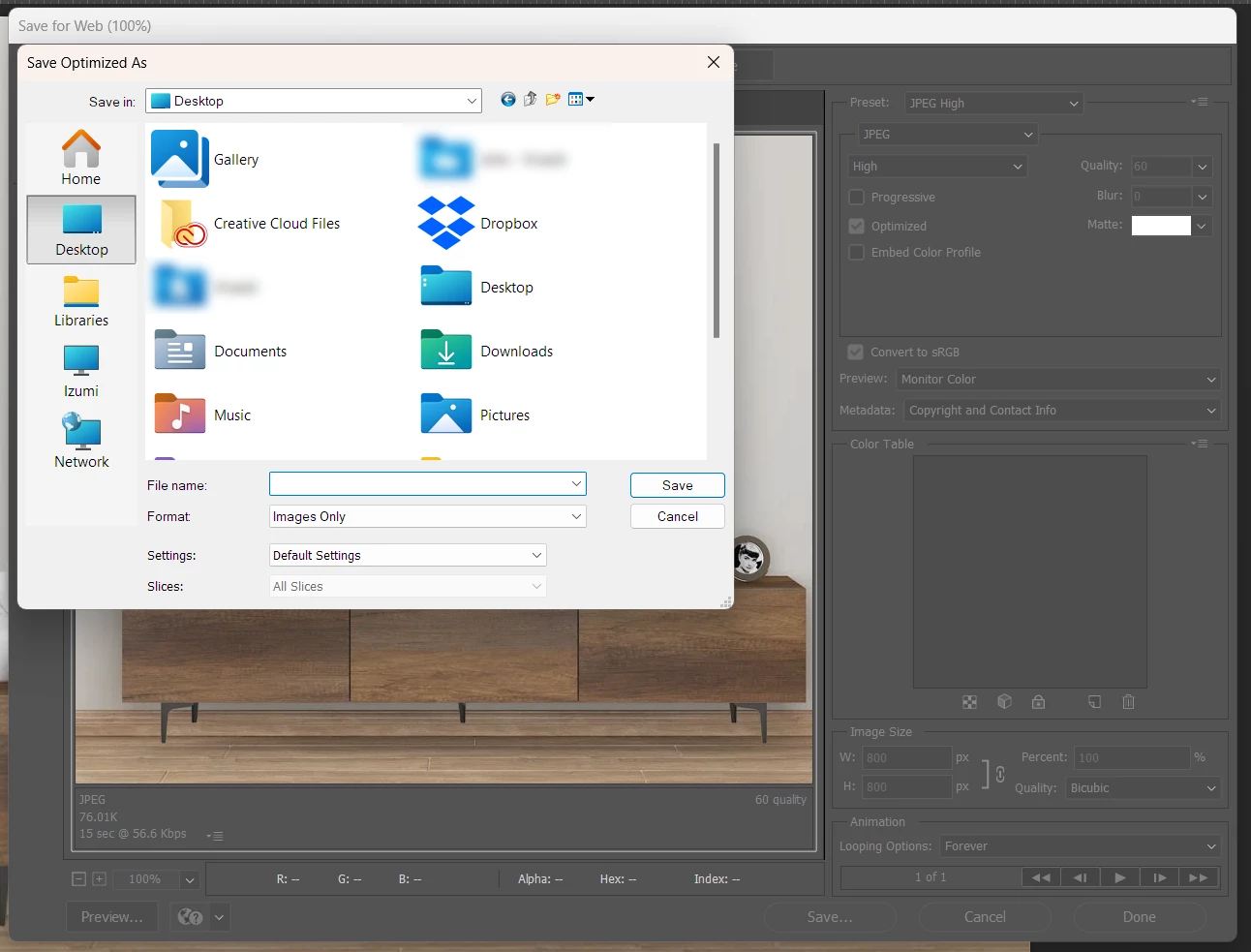
Save For Web Dialog Showing Old Windows Explorer

  • February 9, 2024
  • 3 replies
  • 309 views

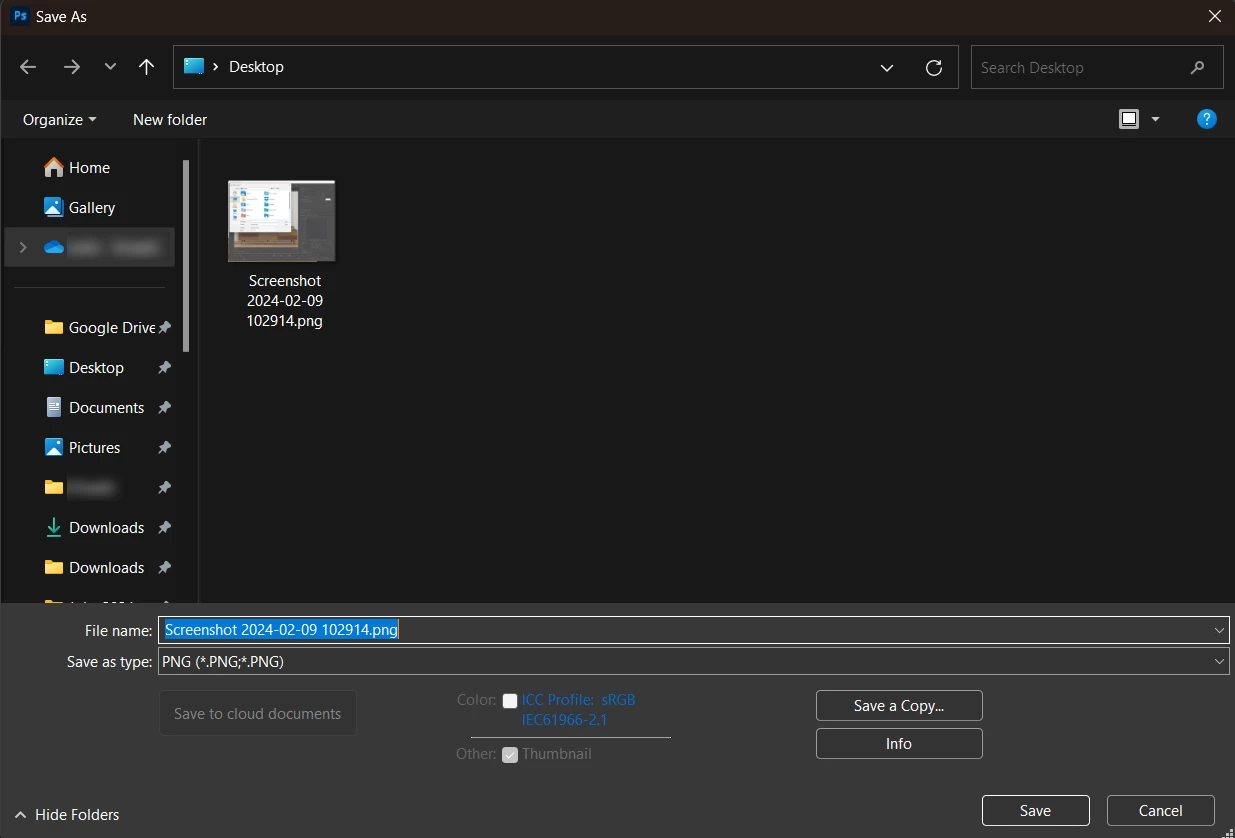
Can anyone help me with why this is happening? PS showing the old windows dialog instead of the updated one with the sidebar, recents, favorites, drives, etc.


Running Windows 11 and the latest version of Photoshop CC


This is what I expect to see:
Correct answer john8012

You know what, I thought I was using "Export As...". It seems after an upgrade it reverted to an old shortcut key I had bound. Agreed Save For Web is legacy and shouldn't be used, my b.

3 replies

Stephen Marsh
Community Expert
Community Expert
February 9, 2024
quote

Agreed Save For Web is legacy and shouldn't be used, my b.


By @john8012


That is taking things a bit far.


As Export As doesn't have feature parity and can't be recorded into an action or used with a script, there are still many valid uses for Save for Web, despite its old code base and known issues.

john8012
john8012AuthorCorrect answer
Participant
February 9, 2024

You know what, I thought I was using "Export As...". It seems after an upgrade it reverted to an old shortcut key I had bound. Agreed Save For Web is legacy and shouldn't be used, my b.

Legend
February 9, 2024

Save for Web is old, old code and probably uses a bunch of old Windows APIs. Not a bug just new vs old.