
Participating Frequently
Nov 18, 2026 11:57 PM UTC
Question

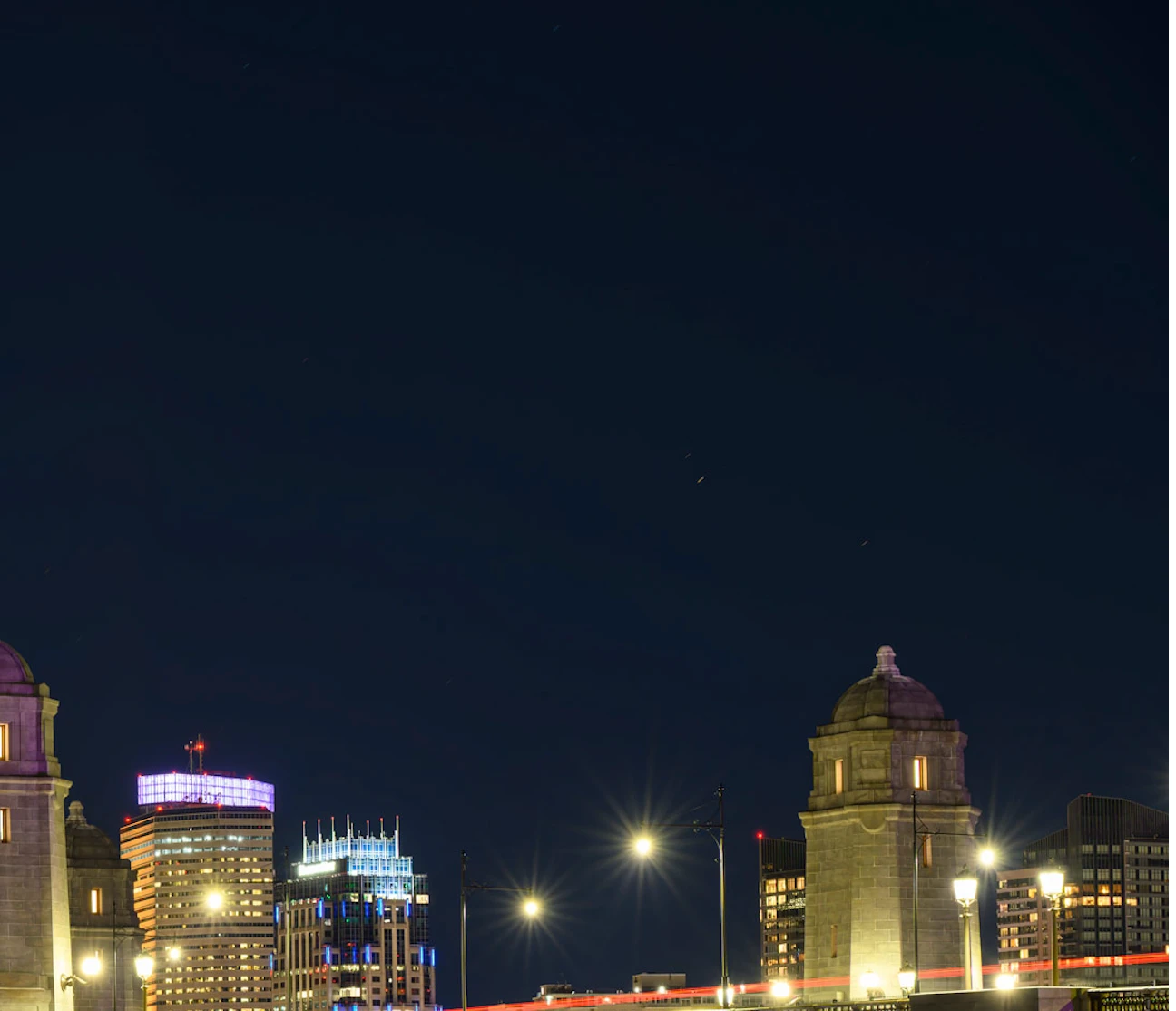
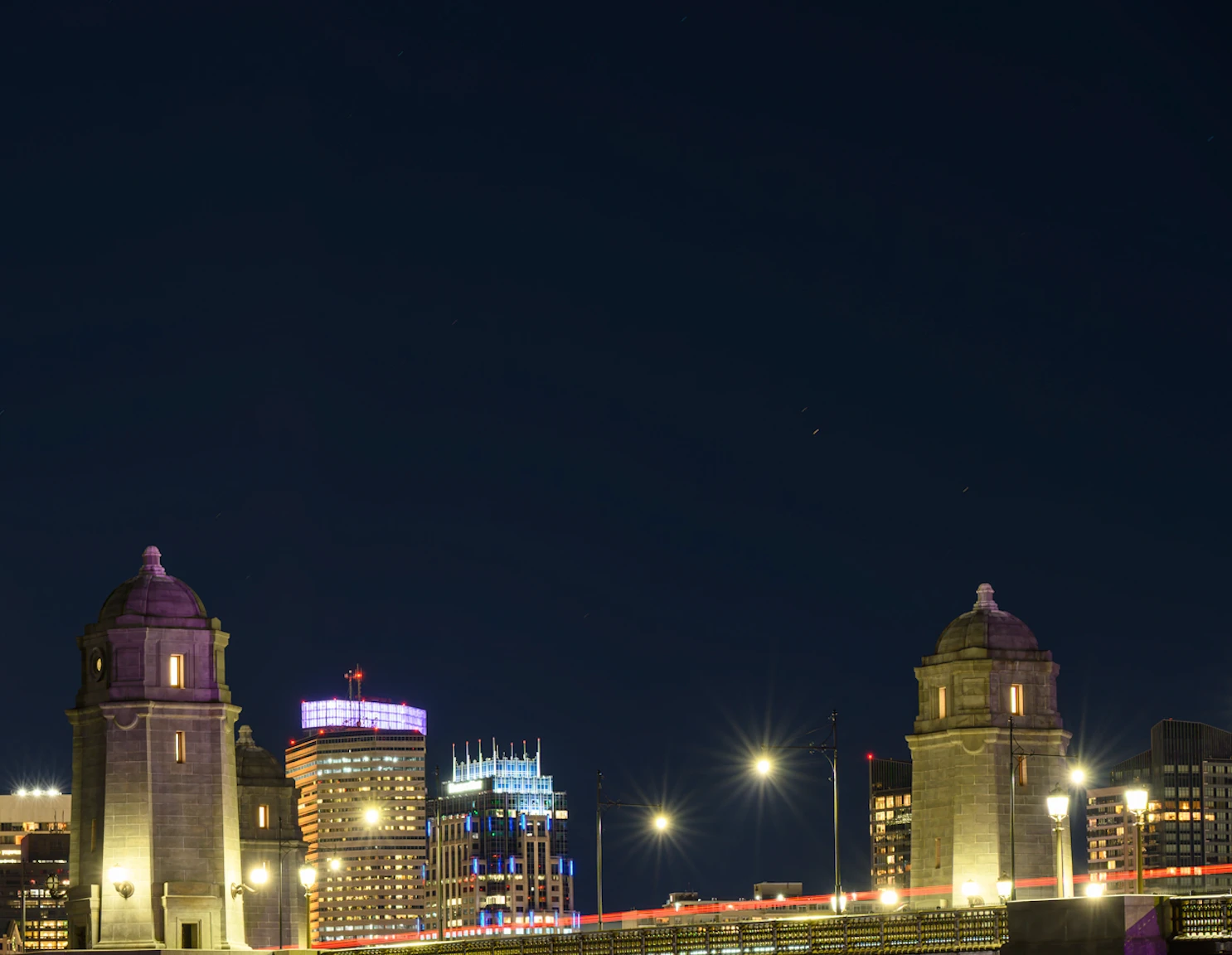
Save for Web introduces visible gradient/banding in dark skies...

I've used Save for Web (Legacy) successfully in the past, but recently noticed a gradient/haze appearing in dark blue skies when exporting JPEGs.

I'm resizing beforehand to 2500px, applying Smart Sharpen, and exporting at quality 65. Even increasing quality to 100 doesn't eliminate it.

Exporting normally through Photoshop produces a clean image with an obviously larger file size.

I've recently updated Photoshop, although I'm not sure if that's related. I also haven't photographed a night sky like this in a while, so it's possible the issue has been there all along.

Is this typical behavior or am I overlooking something?
 

At 65 Quality via Save For Web:


At 100:


    1 reply

    D Fosse
    Community Expert
    Community Expert
    Nov 19, 2026 10:14 AM UTC

    This looks like normal 8 bit banding. There’s only 256 discrete values per channel, and these 256 steps are visually distiguishable.

    Add to that the effects of jpeg compression, which compresses the color component much more aggressively than the luminance component. This compression applies at all quality settings (there’s no such thing as maximum quality jpeg). Each resave amplifies it.

    Banding is always caused by insufficient bit depth, and the thing about banding is that it’s cumulative.

    You have a lot of links in your display pipeline that are 8 bit only. There’s the document itself, the bit depth of your monitor, calibration tables in your graphics card, and in many cases also a defective/suboptimal monitor profile.

    All of these pile on top of each other.

    A shallow gradient like this is always vulnerable to banding. The standard precaution, if you can’t change the other factors above, is to add a tiny bit of noise. Not so much that you notice it - just enough to break up the banding.

    Translate