
swankylexis
Participant
January 28, 2020
Question

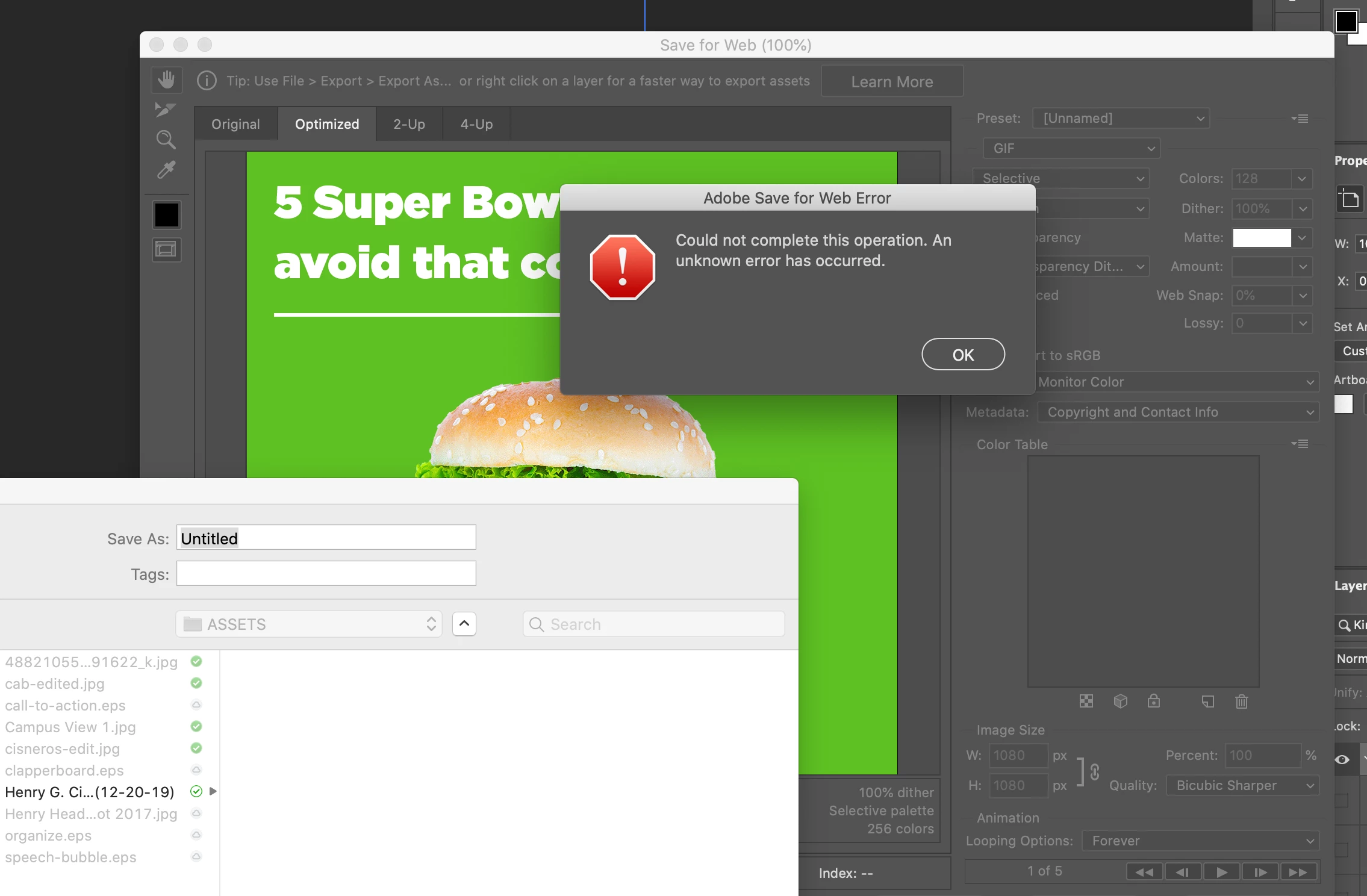
Save for Web Legacy unknown error in Photoshop

  • January 28, 2020
  • 2 replies
  • 1027 views

Save for Web legacy is not working in photoshop. Whether I try to export a JPG or a GIF it gives me an unknown error and that the operation could not be completed. My settings are correct and neither the JPG or GIF files are overly big. I have more than enough space on my RAM. I have already tried to delete the prefrences files and restart photoshop and my laptop, but that still does not work. HELP!! See pic below:
 

This topic has been closed for replies.

2 replies

CShubert
Community Manager
Community Manager
September 29, 2021

Hi,

Please go to Help/System Info and paste the info here so the team can review it.

You can also check this thread with others and the solutions they tried:

https://community.adobe.com/t5/photoshop-ecosystem-discussions/save-for-web-error/td-p/8939936/page/3

Akash Sharma
Legend
January 29, 2020

Hi there, 


Sorry that you'er getting an error message while saving an image using the Save for web function. This is a known issue in Photoshop 2020 and we're working on it. Please checkout this linked article to know the available workaround: Adobe Save for Web Error


Thanks,

Akash

Participant
September 29, 2021

Hi,


I am also having this issue on the most current version of Photoshop 22.5.1... How can I resolve this?