


Answered
Save to cloud documents greyed out
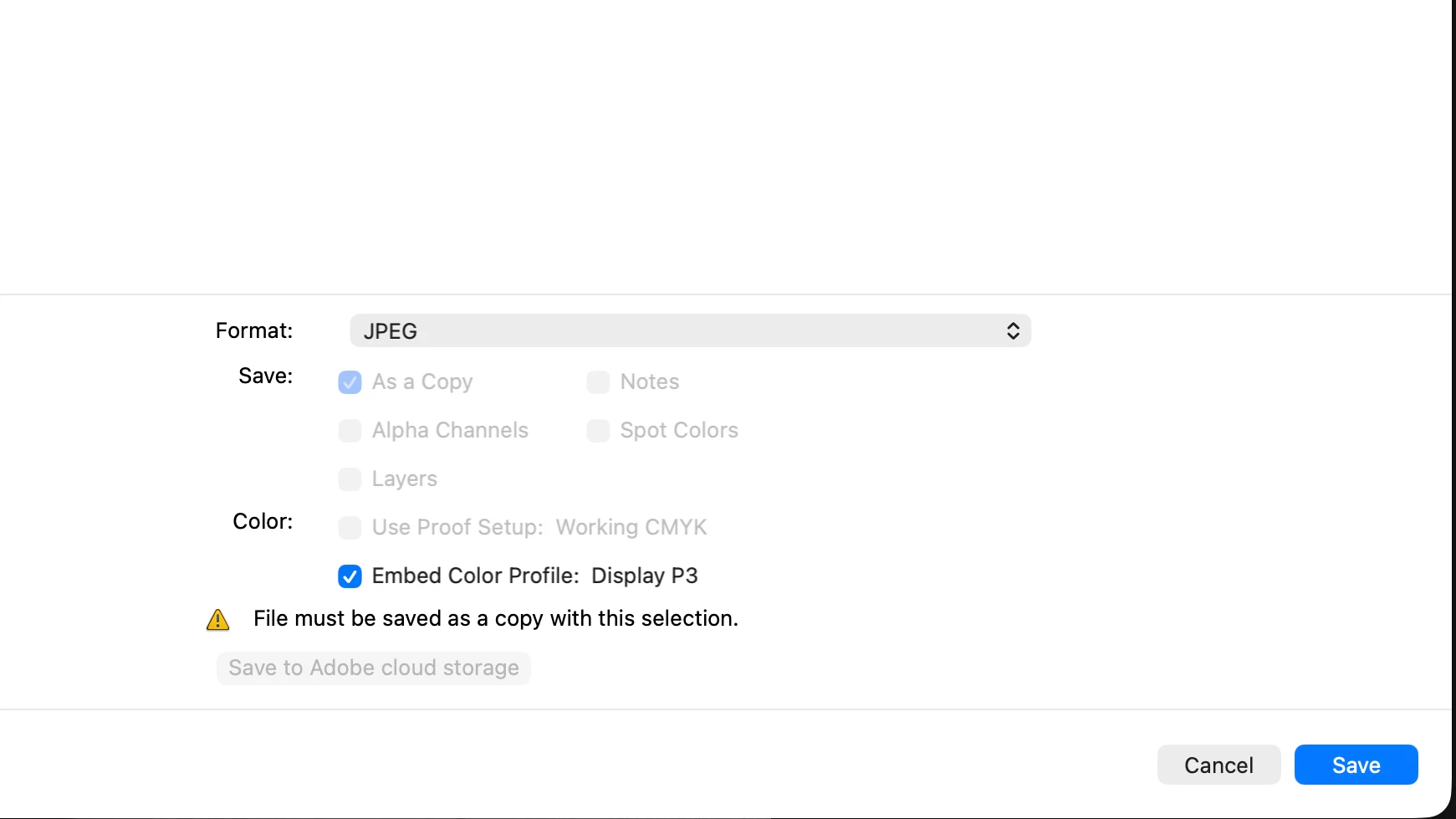
When I edit a session for a client, I usually do it from my computer. I wanted to store the files to cloud documents as well just until I finish that session. Then I would remove from cloud and back up with my usual 3,2,1. However when I choose "Save As" and back it up to my computer, the option to save to cloud is greyed out. Is it possible to save my work to my computer and cloud documents as well? These are JPEG files. Working on PS latest version on a MAC

 AdChoices