Inspiring
May 13, 2023
Answered

save to creative cloud

  • May 13, 2023
  • 2 replies
  • 2136 views

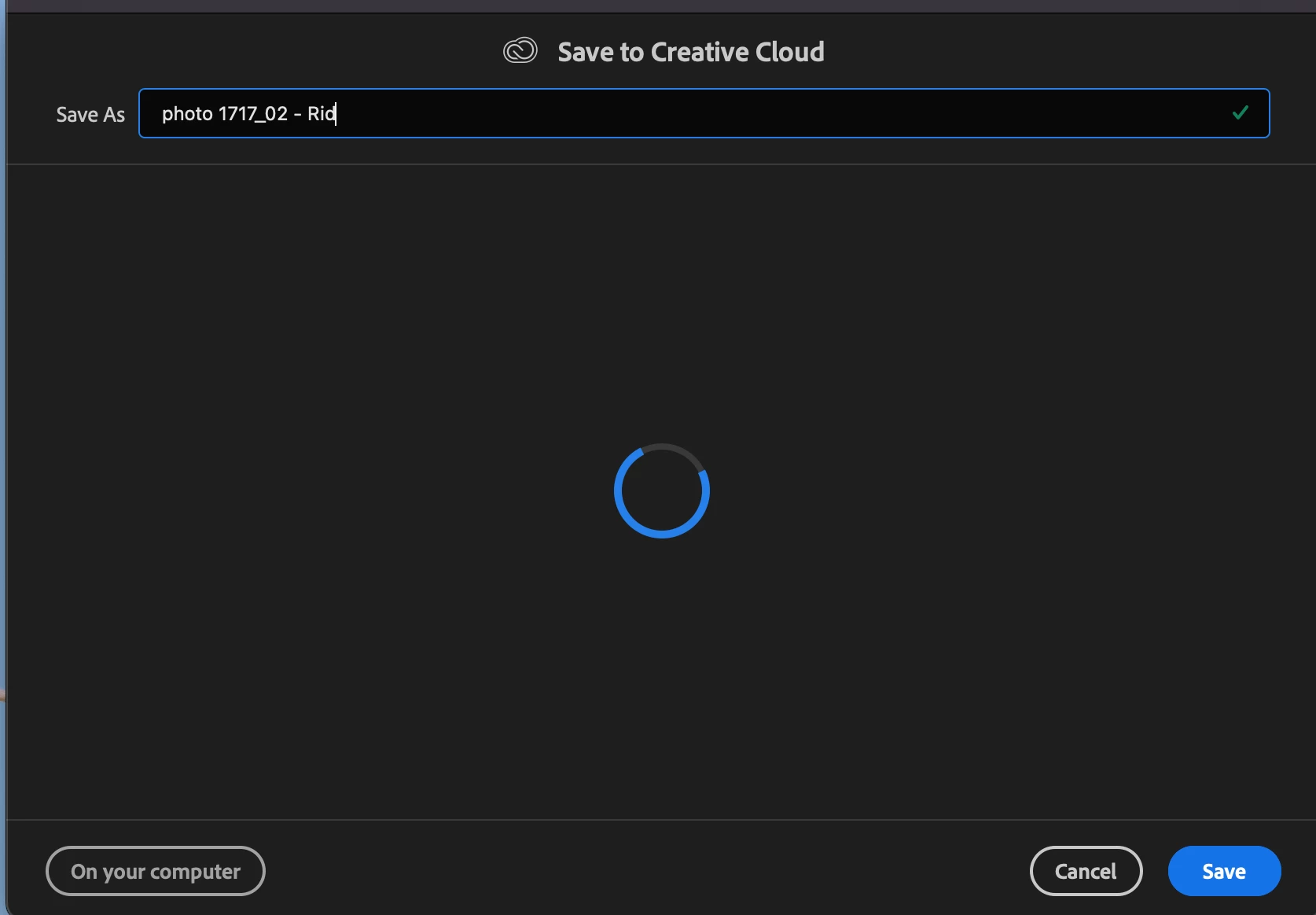
I don't want this window to pop up when I want to save the file
what do i have to do?
 

This topic has been closed for replies.
Correct answer Ged_Traynor

@Ciccillotto what exact version of Photoshop are you using, my screenshot is from 24.4.1

2 replies

Participating Frequently
March 17, 2024

This preference change would appear to solve the same problem I'm having... I WANT to save to the CLOUD, but it's greyed out.  On the preferences, it DOESN'T EVEN SHOW the option:  DEFAULT FILE LOCATION  ????  I've spent hours updating, and searching for a solution, but have found NOTHING that works!  :^(

Participating Frequently
March 17, 2024

FYI:  I'm using PHOTOSHOP version 25.5.1

gener7
Community Expert
Community Expert
March 18, 2024

Maybe a preference reset will help. Press the "Reset on Quit" button and quit and restart Photoshop:

Ged_Traynor
Community Expert
Community Expert
May 13, 2023

@Ciccillotto go into the preferences and select this option

Inspiring
May 13, 2023

I have seen but I can not find the item that is present in your screen


Ged_Traynor
Community Expert
Ged_TraynorCommunity ExpertCorrect answer
Community Expert
May 13, 2023

@Ciccillotto what exact version of Photoshop are you using, my screenshot is from 24.4.1
