Inspiring
Oct 21, 2018 2:04 AM UTC
Answered

Saving an animated .gif destroys animation

I have an animated .gif that I want to make part of a larger image. This image will be texted, so the animation will show.

I can add a larger background to the animated .gif, but when I save the file as "Compuserve GIF," the animation is gone.

In fact, even if I save the image under another name, without changing it in any way, the animation is gone.

I've also tried dragging all of the layers of the animated gif into a .psd file. But once again, if I save the file as a gif, there is no animation.

What can I do? I have Creative Cloud 19.1.6.

Please help! This is for invitations!

This topic is closed to new replies. Start a new post to keep the conversation going.
Noel Carboni
Noel CarboniCorrect answer
Legend
Oct 21, 2018 3:17 AM UTC

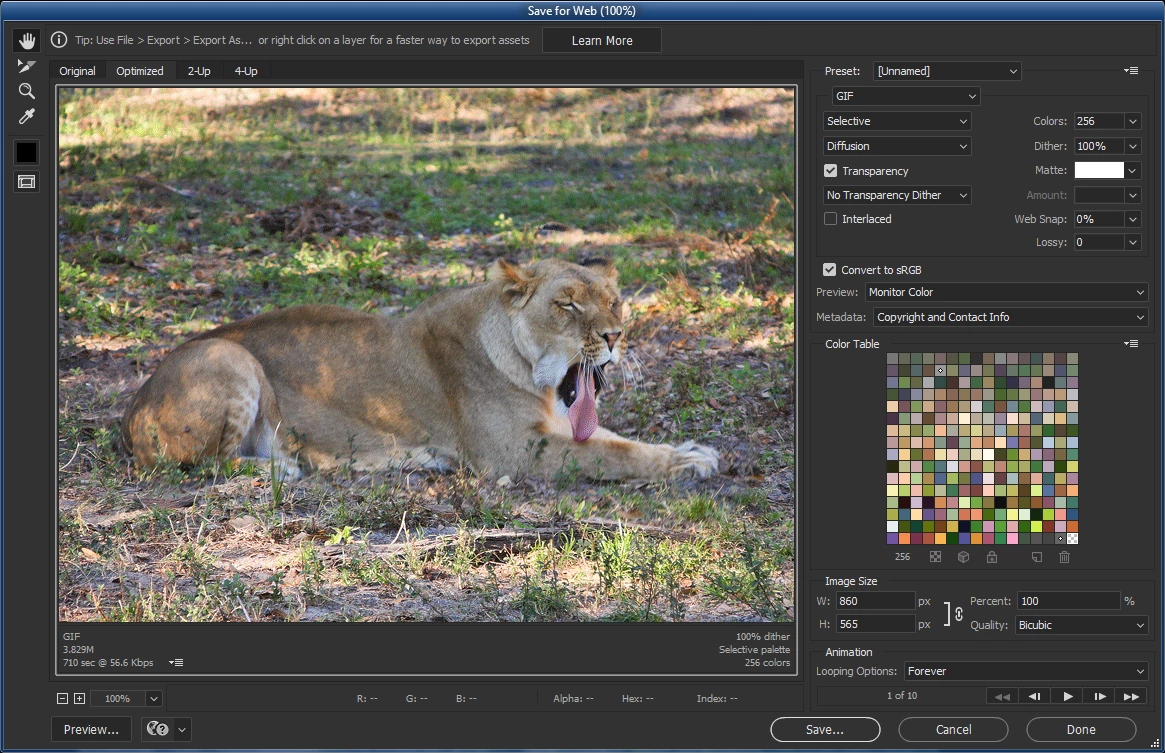
To save an animated GIF you can't use File > Save As.

Use File > Export > Save for Web (Legacy) from a document that's been set up to do a Frame Animation.  You'll be presented with options in the lower right of the panel having to do with animation.

-Noel

3 replies

Noel Carboni
Noel CarboniCorrect answer
Legend
Oct 21, 2018 3:17 AM UTC

To save an animated GIF you can't use File > Save As.

Use File > Export > Save for Web (Legacy) from a document that's been set up to do a Frame Animation.  You'll be presented with options in the lower right of the panel having to do with animation.

-Noel

Translate
Inspiring
Oct 21, 2018 3:54 PM UTC

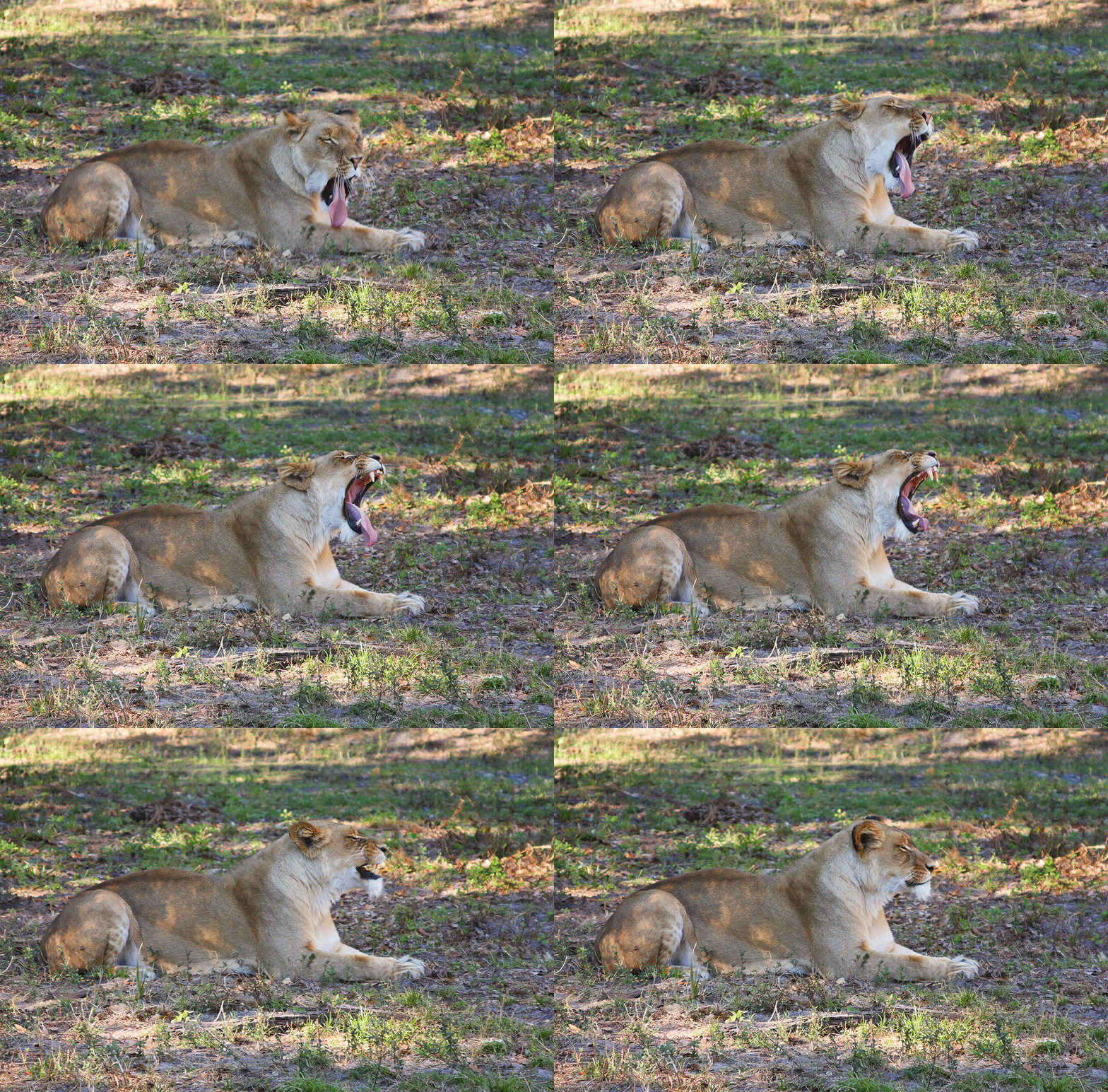
Noel -- When I first tried this, I didn't understand exactly how gifs work. Then I realized that I had to merge my new background  with every frame of the original gif. Once I did that, and set the time for each frame, I was able to save it as you suggest, and it works!

Translate
lambiloon
Community Expert
Community Expert
Oct 21, 2018 2:27 AM UTC

hi please show us screenshots so we can see what is possible...thanks

Translate
Ali Sajjad / Graphic Design Trainer / Freelancer / Adobe Certified Professional