
Participant
Feb 18, 2020 11:23 PM UTC
Question

Saving multiple pages (artboards) as Photoshop PDF

I created a template in Photoshop for the client to be able to edit it. The output is meant to be a 9-page A4 PDF. I tried saving the sourcefile as Photoshop PDF (after flattening each artboard) but I encounter two issues that I'd need help with:

ISSUE 1 - all artboards are exported together rather than individual pages (it should be one PDF page per one PSD artboard);

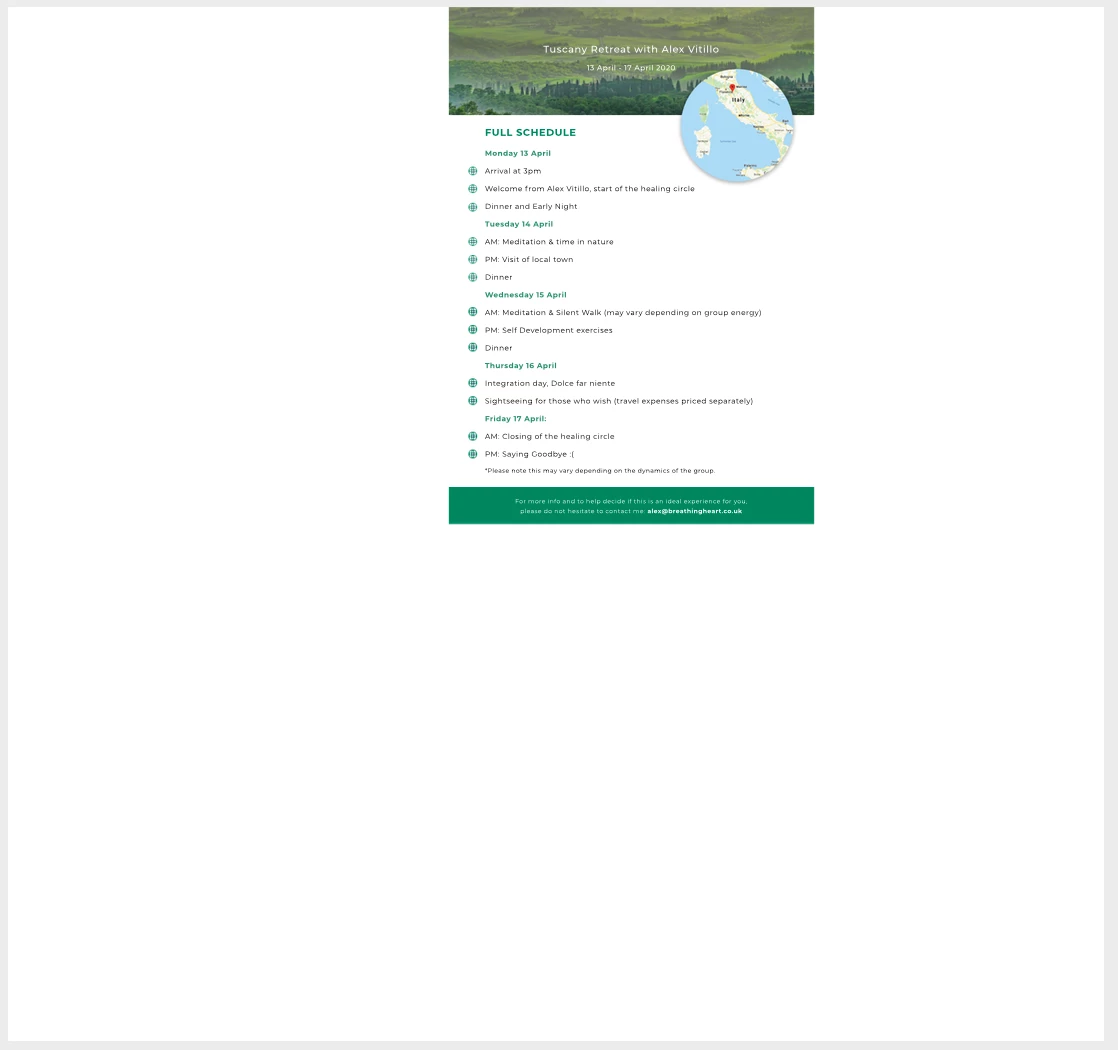
ISSUE 2 - even if I have one artboard only PSD document, it still exports in a strange format (not what the canvas nor the artboard are set to) - see the screenshot below for reference, and the source file attached.
6 replies

Stephen Marsh
Community Expert
Community Expert
Mar 22, 2025 2:39 AM UTC

You can use my script to create a multi-page Photoshop PDF from a layered file:


Translate
Sahar_Naseem2254
Participant
Sep 6, 2024 2:09 PM UTC

I have to face issue 1

Translate
Nick StudioStorm.com.au
Participant
Apr 29, 2021 5:39 AM UTC

Hi @joannakonefal 

I have encountered the same problem, yet I worked out that you can create a multiple page PDF by following this sequence:

FILE > EXPORT > SAVE > ARTBOARDS TO PDF

From there you can choose your preferences before exporting. 

I think the artboards need to be arranged from top to bottom in the Layers panel, in order to structure the page numbers in the PDF — which is a bit odd considering you think they would be generated based on the artboard number. 

Perhaps this is customisable in the presets when exporting the sequence. 

Translate
Participant
Jul 24, 2023 2:52 PM UTC

I was having the same issue. But yes, arranging artboards from from to ottom was the solution here.

A big big thanks to you!

Translate