
Question
Saving png results in loss of color data in fully transparent pixels
- have a image with color data and mask
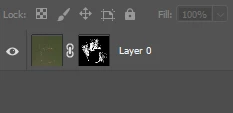
- export it to png (whatever method. saving/quick exporting, all of them have this same issue)
- open png and display RGB only data (no alpha), (also could be done through photoshop, import png, layers>layer mask> from transparency)
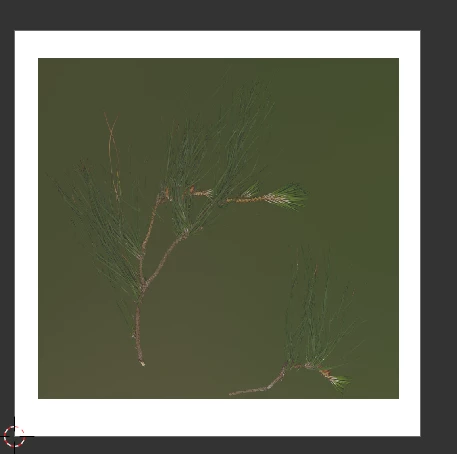
There's an ugly white frame around my image where fully transparent pixels were. I know these are fully transparent but people might use alpha channel to store some other data (like roughness) and this antifeature ruins color data. Also it's gonna ruin mipmaps


 AdChoices