
Known Participant
Apr 29, 2024 7:42 PM UTC
Question

scaling a pattern to fill a selection in Photoshop

I’d like to create a Photoshop action to automatically fill a selection with another image and scale the image to fit to cover the selection.


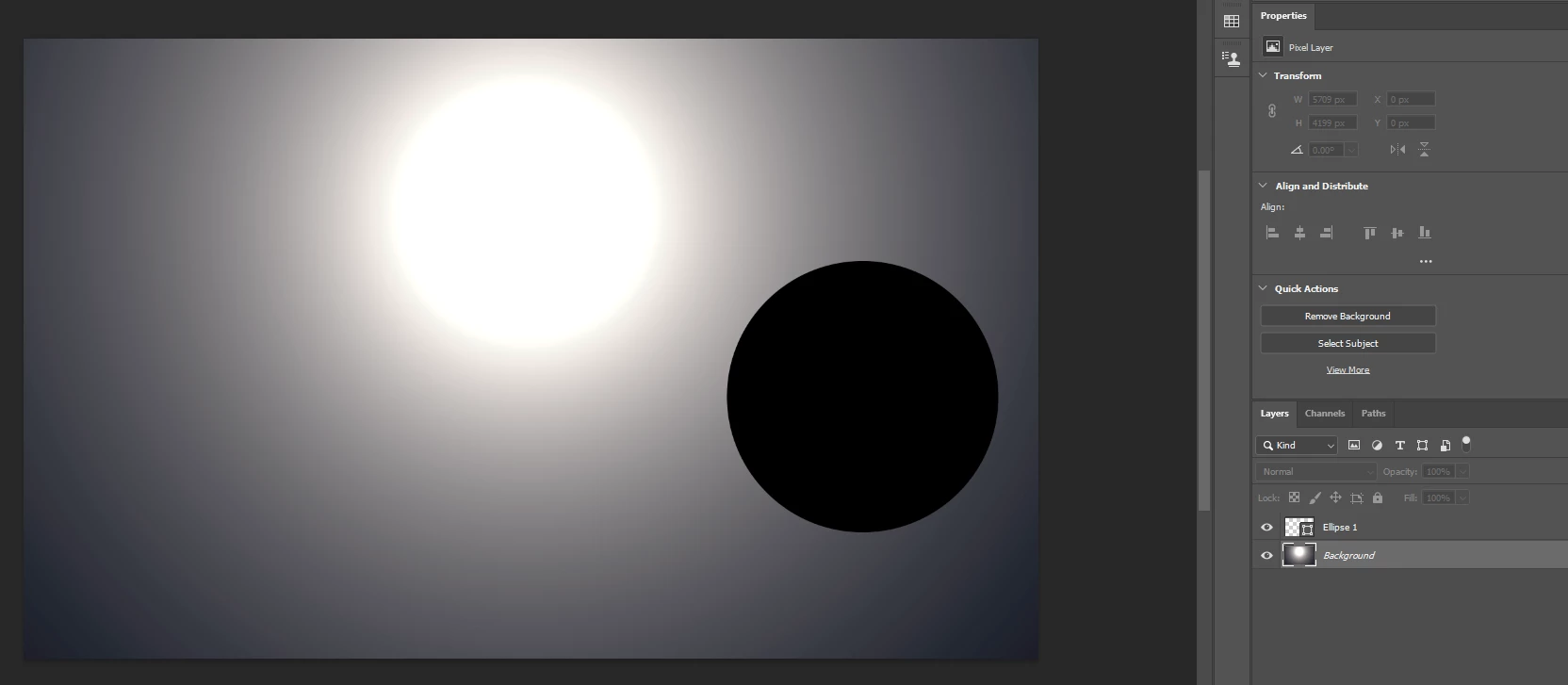
For example, I’d like the action to fill a circle with the image below.


I tried defining a pattern, but I wasn’t able to find a script that would either create a single instance of the pattern or scale the pattern down to cover the selection.


Is there a pattern script that will scale a pattern to fit to cover a selection?


Or will another Photoshop tool do this?


This topic is closed to new replies. Start a new post to keep the conversation going.

4 replies

Bojan Živković11378569
Community Expert
Community Expert
Apr 30, 2024 4:30 AM UTC

Or will another Photoshop tool do this?


Data-driven graphics can automatically scale to layer bounds, but I am not aware if scripts can utilize this feature. This functionality can certainly be applied manually or by using a pre-existing data list, especially when aiming to populate a defined area with multiple pre-prepared images.

Translate
nickcombs
Inspiring
Apr 29, 2024 11:01 PM UTC

One thing you could do is clip the circle layer to the image layer and then resize the image layer to cover (in either order). Scaling to cover means you calculate the scale factor to match both height and width and then take the maximum. When doing this, I typically scale it an extra pixel on each side to prevent anti-aliased edges from showing up in the clipped area. Below is the scriptListener function that clips the active layer to the one below.


function ClipActiveLayer() {
  var d = new ActionDescriptor()
  var r = new ActionReference()
  r.putEnumerated( chID( "Lyr " ), chID( "Ordn" ), chID( "Trgt" ) )
  d.putReference( chID( "null" ), r)
  executeAction( chID( "GrpL" ), d, DialogModes.NO )
}


Translate
Legend
Apr 29, 2024 8:21 PM UTC

You may need to write a custom script. You can get the size by selection.bounds and then get the fill bounds (say, another layer) using layer.bounds then scale with layer.resize().

Translate