


Participant
July 23, 2026
Question

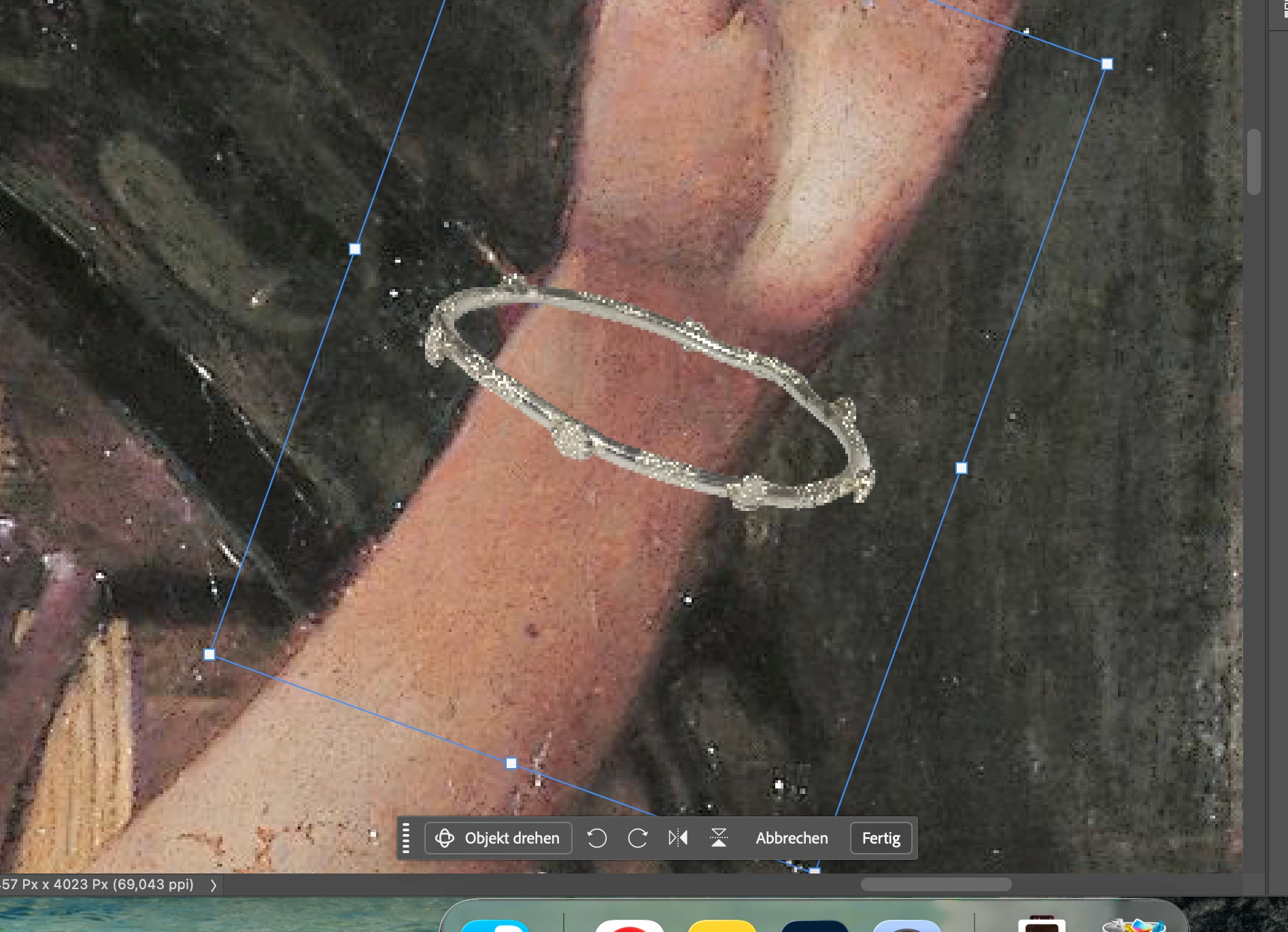
Scaling an inserted image messes it up completely
  • July 23, 2026
  • 6 replies
  • 66 views


When inserting a high resolution image into another one and scaling the former down to a required size, it loses all sharpness and becomes super blurry, why? Also when trying to seize it back up to its original size it remains blurry .

6 replies

Stephen Marsh
Community Expert
Community Expert
July 23, 2026

Factors to consider:


  • Resampling method
  • Pixel dimensions and resolution of the placed image before resizing
  • Pixel dimensions and resolution of the receiving document 
c.pfaffenbichler
Community Expert
Community Expert
July 24, 2026
  • Resampling method

Good point! 

@Elizaveta26409616ucas , what is your Photoshop > Settings > General > Image Interpolation setting? 


c.pfaffenbichler
Community Expert
Community Expert
July 23, 2026

Another point: While the transformation remains unconfirmed the transformation is previewed and not calculated at full quality. (edited)


c.pfaffenbichler
Community Expert
Community Expert
July 23, 2026

Did you place the image as a Smart Object? (If not then downsampling destroyed detail and upsampling will naturally not recreate it.) 

Could you please post a screenshot taken at View > 100% with the pertinent Panels (Toolbar, Layers, Channels, Options Bar, …) visible? 

Participant
July 23, 2026

Hello, 


yes, it is a smart object, and the original picture is high resolution before i scale it


c.pfaffenbichler
Community Expert
Community Expert
July 23, 2026

I asked for a screenshot at View > 100% for a reason. 


The Smart Object-instance cannot have a different resolution from the containing image (unlike in Illustrator or Indesign where different pixel-elements may have different resolutions); so the pixelation seems as expected when one looks at the background, which is just as pixelated.