
Participating Frequently
January 23, 2024
Question

scaling patterns is breaking image in photoshop

  • January 23, 2024
  • 1 reply
  • 378 views

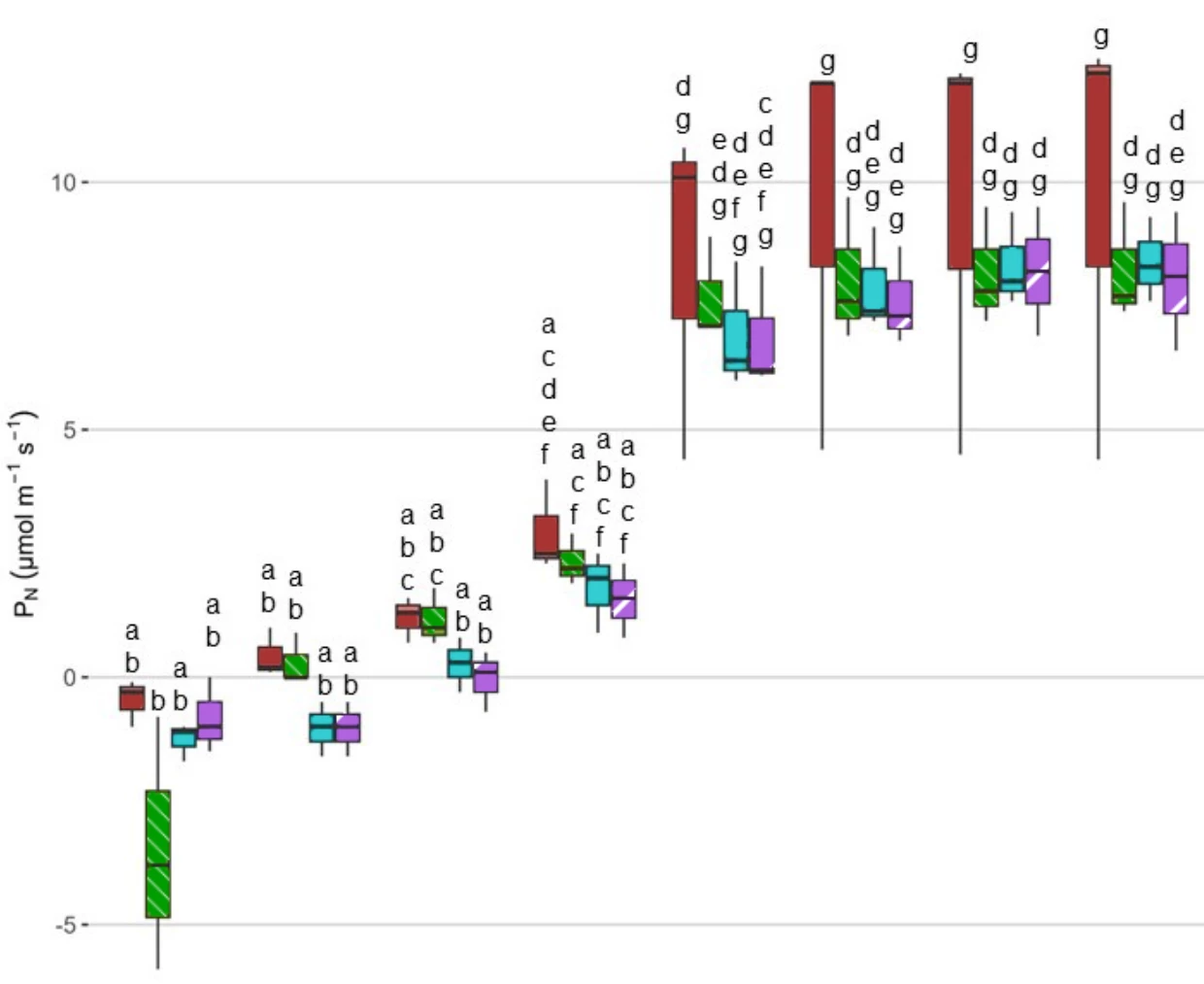
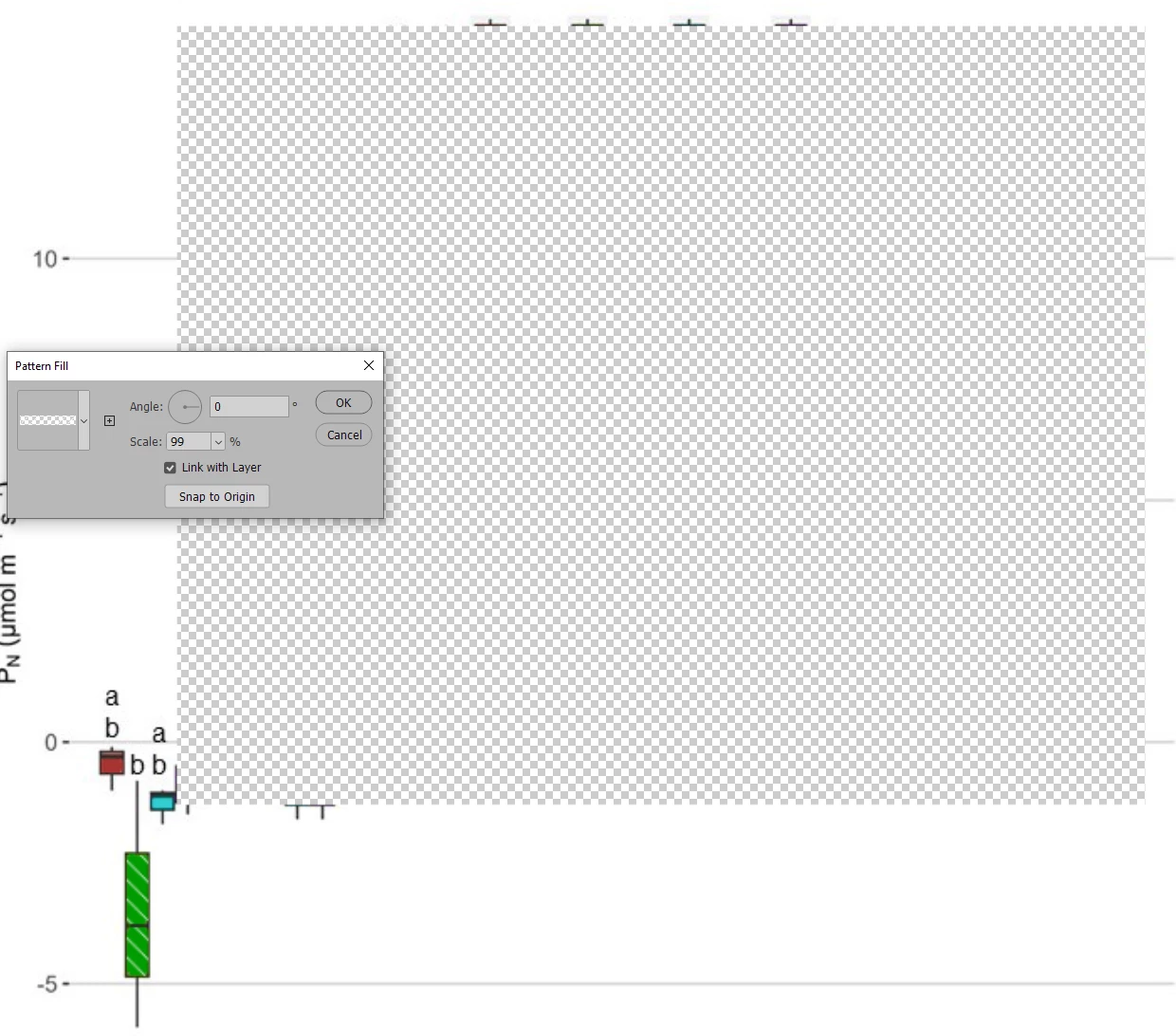
I'm trying to add patterns to a couple of colors on a graph to make it accessible and I was able to add and scale a pattern to one color, but after adding the second pattern as soon as I start trying to scale the pattern it seems to break the image and replace large sections of it with transparency both when I have the scaling dialog open and after clicking ok. The first screenshot is with the pattern at 100%, the second is as soon as I try to scale the second pattern(the one in the purple, the one in the green scaled like normal). Any ideas of what is going on and how to scale the pattern in the purple?
  

This topic has been closed for replies.

1 reply

c.pfaffenbichler
Community Expert
Community Expert
January 25, 2024

Does turning off »Use Graphics Processor« in the Performance Preferences (Photoshop > Preferences > Performance > Graphic Processor Settings) and restarting Photoshop have any bearing on the issue? 
Does turning on »Deactivate Native Canvas« (Photoshop > Preferences > Technology Previews) and restarting Photoshop have any bearing on the issue?

Participating Frequently
January 25, 2024

That didn't help, I'm thinking it may have just been a corrupted photoshop file as at the end of the day yesterday I tried putting the source image into a new photoshop file and it let me scale 2 different patterns like normal and its still working this morning on the new file as well.

c.pfaffenbichler
Community Expert
Community Expert
January 25, 2024

Just to make sure: Did you restart Photoshop after changing the Preferences settings?