Participant
December 4, 2020
Answered

Scratch Disk Issue

  • December 4, 2020
  • 1 reply
  • 421 views

I have been using Photoshop off and on for years since Creative. Suite 2 in like 2009 or what ever. But I have never in my life received this message, I cannot complete a single project now... 

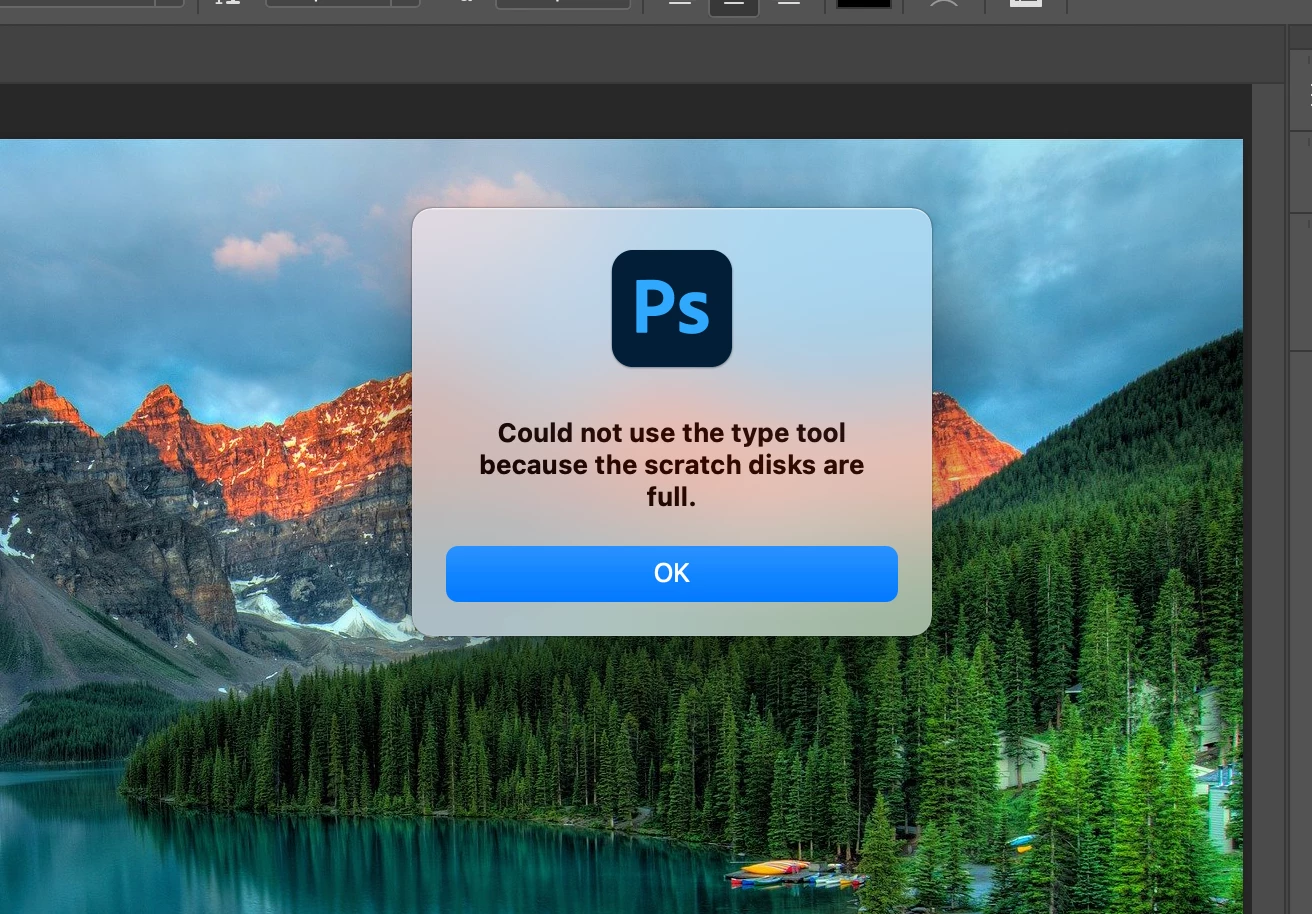
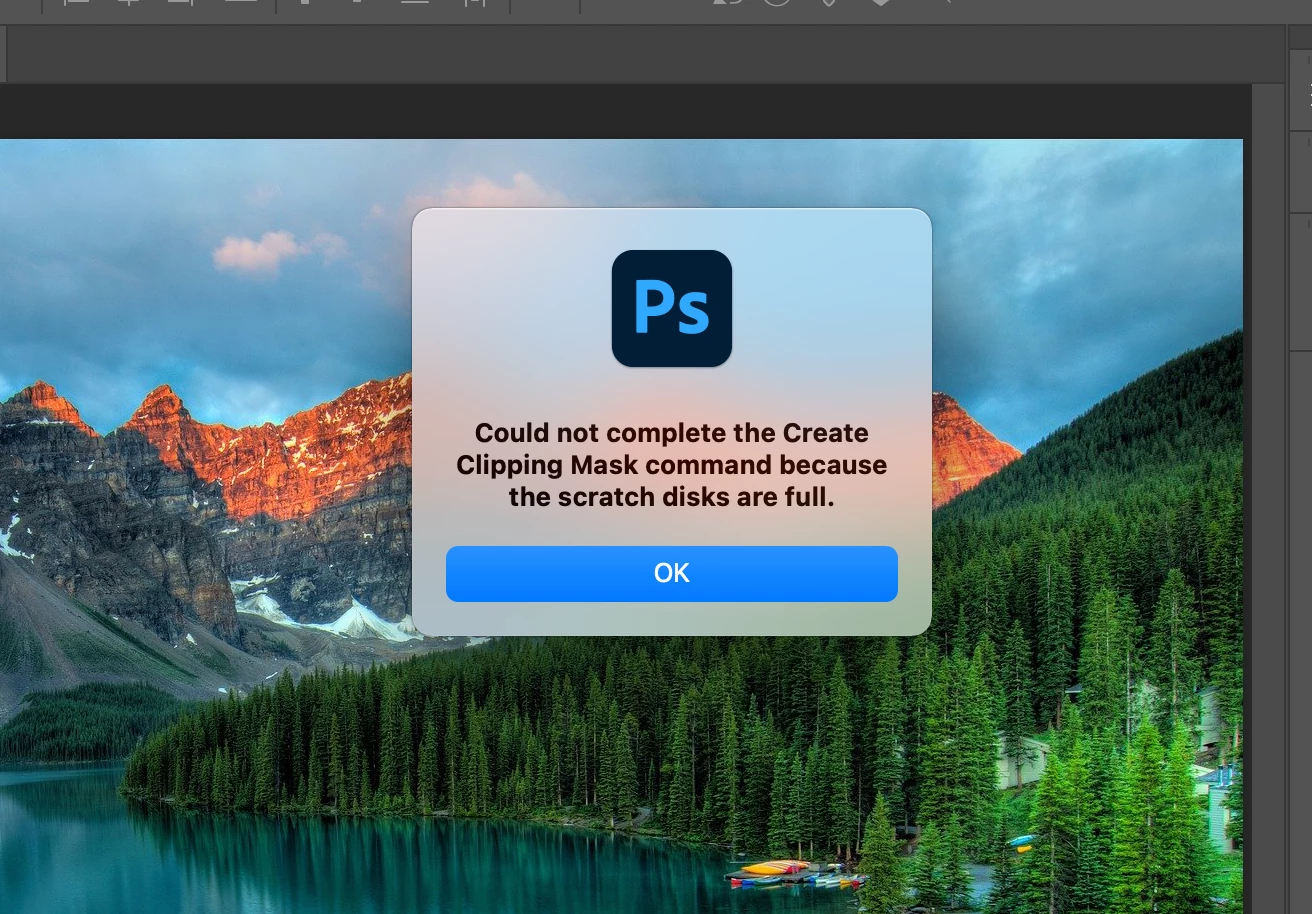
SCRATCH DISK FULL for every single tool 2 min into every single project im losing my mind. 

how do I fix this so i dont see this message again. 

I go into settings i have 5GB left, then when I go Command + Option it resets to only 6.5GB I dont even know what this even is. 


I attached two screen grabs 

I am on MacOS Big Sur with the 2021 version of photoshop 
This topic has been closed for replies.
Correct answer

Hi

Take a look at this thread so we don't have to repeat ourselves 😀

https://community.adobe.com/t5/photoshop/photoshop-do-not-start-scratch-disk-problem/td-p/11650189?page=1

1 reply

Correct answer
December 4, 2020

Hi

Take a look at this thread so we don't have to repeat ourselves 😀

https://community.adobe.com/t5/photoshop/photoshop-do-not-start-scratch-disk-problem/td-p/11650189?page=1

Participant
December 4, 2020

Thank you. 

I have never in my life had a computer with no storage remaining, and I think that was the issue... I had NO IDEA my computer had 160GB of TV Shows downloaded. I removed then and now lets try. yup. Fixed. 

oh gosh that was fun!! haha back to work now.