@TaraRebeka
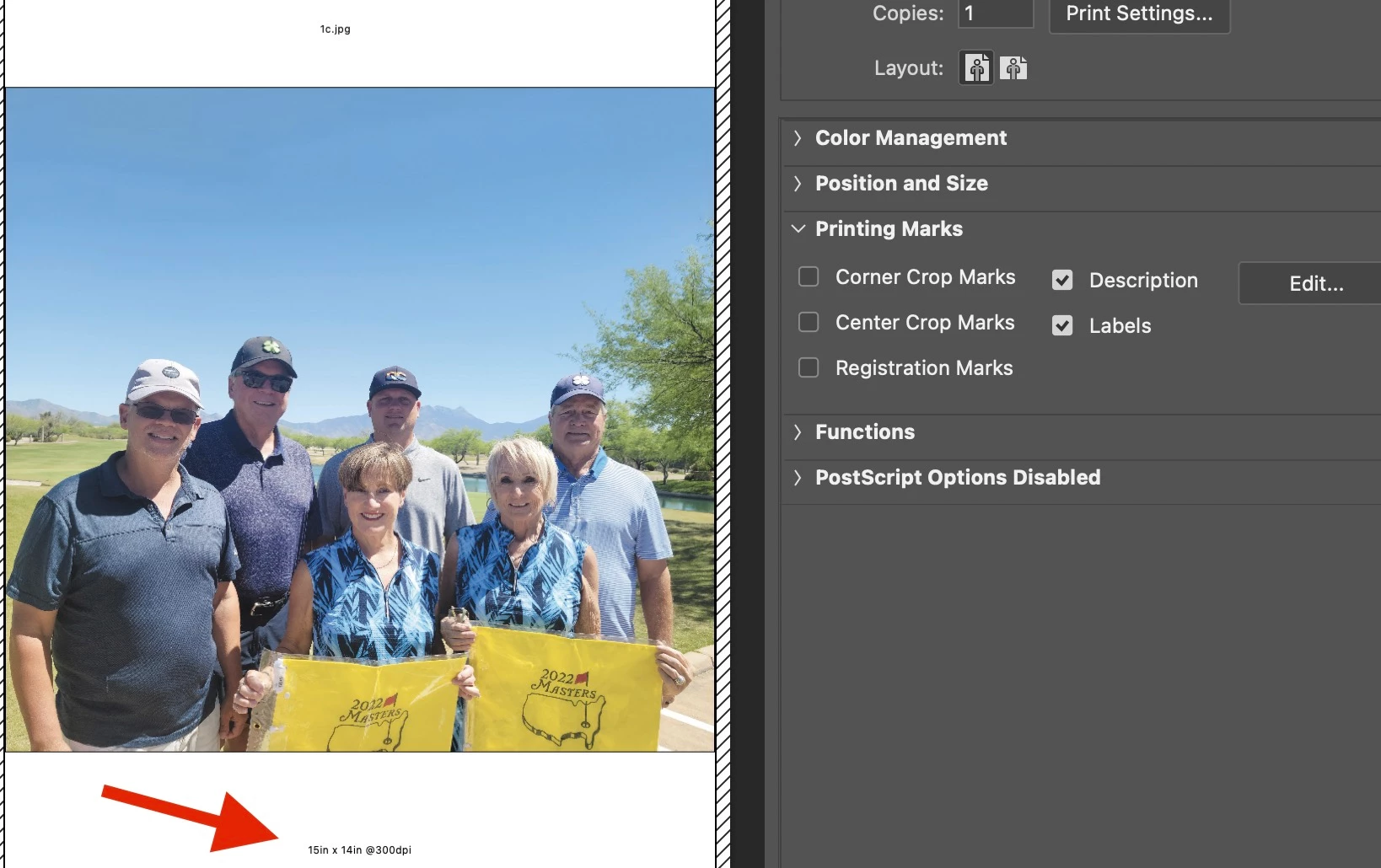
The following script will do this for a single open/active document.
P.S. It's ppi – not dpi, you can change that yourself if you disagree! :]
Legacy:
/*
Add Document Dimensions & Resolution to Description Metadata of Open Document.jsx
4th May 2024, Stephen Marsh
https://community.adobe.com/t5/photoshop-ecosystem-discussions/script-to-add-image-size-to-description-field-to-include-in-printing-marks/td-p/14597499
*/

#target photoshop

// Rounded to 1 decimal place
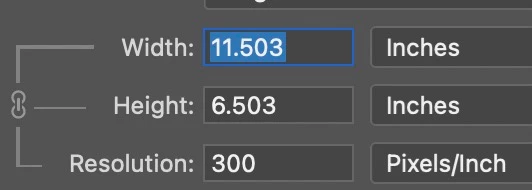
var theDims = Math.round(activeDocument.width.as('in') * 10) / 10 + "in x " + activeDocument.height.as('in').toFixed(1) + "in @" + activeDocument.resolution + "ppi";

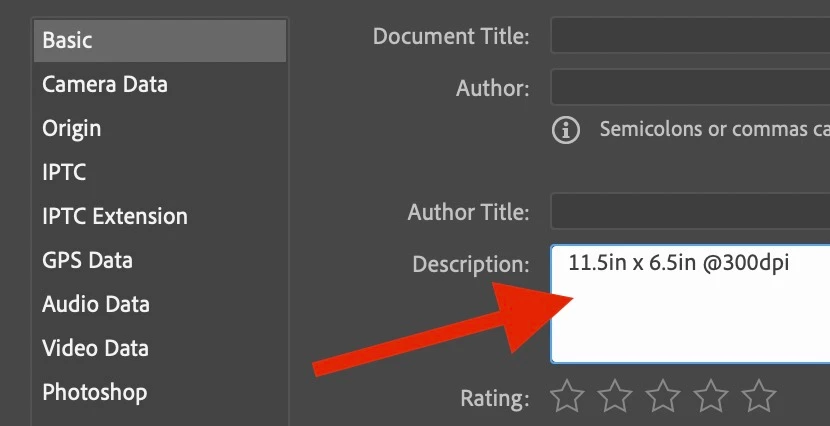
activeDocument.info.caption = theDims;
Or current:
/*
Add Document Dimensions & Resolution to Description Metadata of Open Document.jsx
4th May 2024, Stephen Marsh
https://community.adobe.com/t5/photoshop-ecosystem-discussions/script-to-add-image-size-to-description-field-to-include-in-printing-marks/td-p/14597499
*/

#target photoshop

// Rounded to 1 decimal place
var theDims = Math.round(activeDocument.width.as('in') * 10) / 10 + "in x " + activeDocument.height.as('in').toFixed(1) + "in @" + activeDocument.resolution + "ppi";

if (ExternalObject.AdobeXMPScript === undefined) ExternalObject.AdobeXMPScript = new ExternalObject("lib:AdobeXMPScript");
var xmp = new XMPMeta(activeDocument.xmpMetadata.rawData);
xmp.deleteProperty(XMPConst.NS_DC, 'description');
xmp.setProperty(XMPConst.NS_DC, 'description', theDims);
app.activeDocument.xmpMetadata.rawData = xmp.serialize();
You could automate this when opening a file using the Script Events Manager:
https://prepression.blogspot.com/2021/10/photoshop-script-events-manager.html
https://prepression.blogspot.com/2017/11/downloading-and-installing-adobe-scripts.html





 AdChoices