


Inspiring
August 26, 2025
Answered

Seeking photo organizing app recommendations

  • August 26, 2025
  • 3 replies
  • 436 views

I used Picasa to manage my photos for many years.  A few months ago I got a new PC (Windows 11) and there was no convenient way to migrate the Picasa setting over.  Since Picassa was ancient (and no longer supported), I decided to move to a new organizing app.  I'm a Creative Suite subscriber, so I have access to Lightroom and Bridge, both of which can do what I need.  The problem is, both apps do a lot more than I need beyond basic organizing, and, as a result, are much more complicated for organizing than I'd like.  I just need to add/edit/delete/group tags and filter by them (as well as by camera, date, and location).  Can anyone recommend an organizing-only (or primarily) app that does this and is straightforward to use?

Correct answer Trevor.Dennis

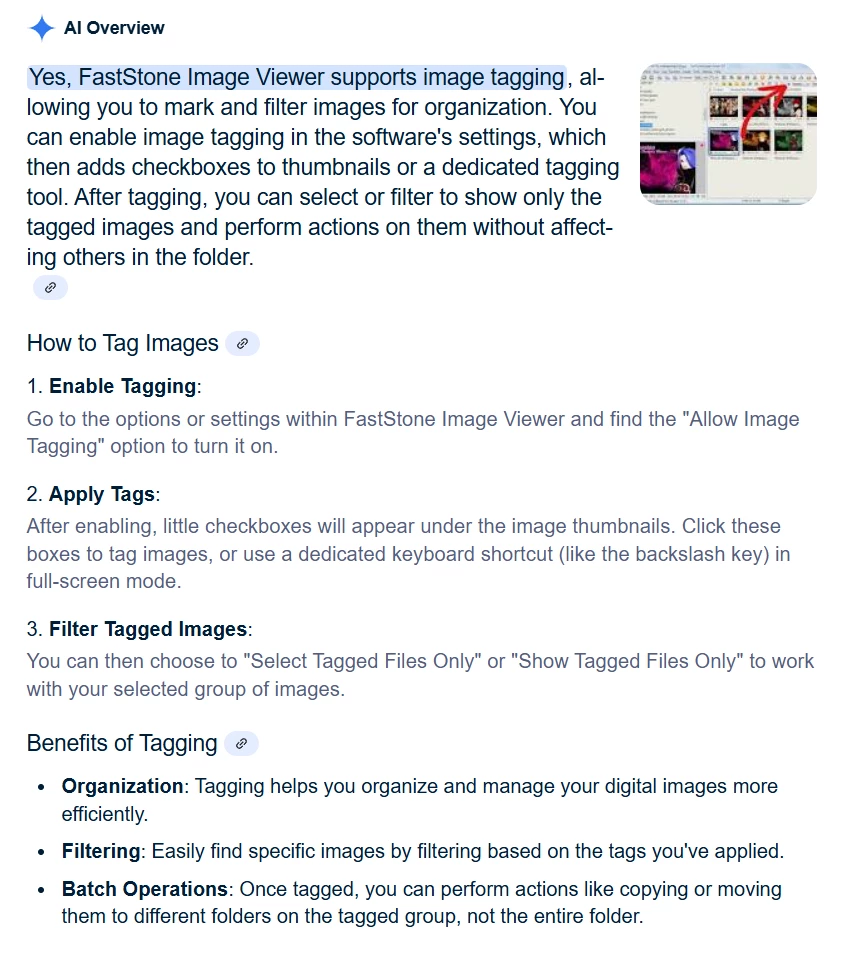
I don't use it myself, but Google Ai seems to think it supports tags.

3 replies

barbara_a7746676
Community Expert
Community Expert
August 26, 2025

Many people use Lightroom or Bridge.

I have my own personal system of filing and keywording images and storing them in folders which I prefer. 

Trevor.Dennis
Community Expert
Community Expert
August 26, 2025

I know a good few people, and at least one camera club, that uses Faststone.  It's free as well.


Inspiring
August 26, 2025

Thanks, but it doesn't support tags.

Trevor.Dennis
Community Expert
Trevor.DennisCommunity ExpertCorrect answer
Community Expert
August 26, 2025

I don't use it myself, but Google Ai seems to think it supports tags.

Rob_Cullen
Community Expert
Community Expert
August 26, 2025

Hi @Am_I_Lame?  I have some comments, but I think you may have difficulty finding something that is 'Simple to use.'

Adobe Bridge is a File Browser with benefits that allows you to view your photo files where you have placed them. It is the 'simplest' Adobe app that comes close to what you ask.  One that I would recommend.

Adobe Lightroom is a 'Cloud based' app that syncs your photos up to the Cloud where you have limited ways of organizing. It does not mirror or replicate any folder structure you have currently in your PC.

Adobe Lightroom-Classic is deemed to be 'the Photographers Data Management app' that uses a database (called a Catalog) that has powerful features referencing your photos locally where they are located in your system. Lightroom-Classic has a very steep learning curve so may not be a choice if you want "basic organising".

There are other free FIle browser Apps (like XnView) but Bridge works better with other Adobe Apps.

An app called PhotoMechanic is ofter suggested by Pro Photographers, but again steep learning.


Regards. My System: Windows-11, Lightroom-Classic 15.1.1, Photoshop 27.3.1, ACR 18.1.1, Lightroom 9.0, Lr-iOS 10.4.0, Bridge 16.0.2 .
Inspiring
August 26, 2025

Thanks for oyur thoughtful answer.  I guess I'll keep chipping away at Bridge.