

Seeking True Color Signal from Photoshop (DeckLink Mini Monitor 4K + Pro Monitor PA32UCDM):
- 6 답변들
- 499 조회
- 모두 번역
Hi everyone, I’m a professional colorist working primarily in DaVinci Resolve, but I also do retouching and editing in Photoshop at a professional level.
Recently I upgraded my setup with an ASUS ProArt PA32UCDM (OLED) as my reference monitor and a Blackmagic DeckLink Mini Monitor 4K I/O card. The DeckLink allows me to bypass OS color management and get a clean, unmanaged video signal directly from Resolve to my reference display — perfect for accurate grading in HDR/SDR workflows.
Now, here’s my question :
1. DeckLink + Photoshop workflow I read on Blackmagic’s website that there’s a “Blackmagic Export” option in Photoshop, but from what I see, that only sends a still image through the DeckLink, it’s not a live feed. So:
Is there any way to preview or edit live in Photoshop, using the DeckLink output, so I can view the true, unmanaged signal on my reference monitor while I work? Or is Photoshop always bound to the OS-managed pipeline?
2. Color spaces for web work From what I understand, the ideal workflow for web content is: Work in ProPhoto RGB (the largest available color space) Export/convert to sRGB for web delivery Does this make sense in your experience?
3. Color management for printing
For print workflows:
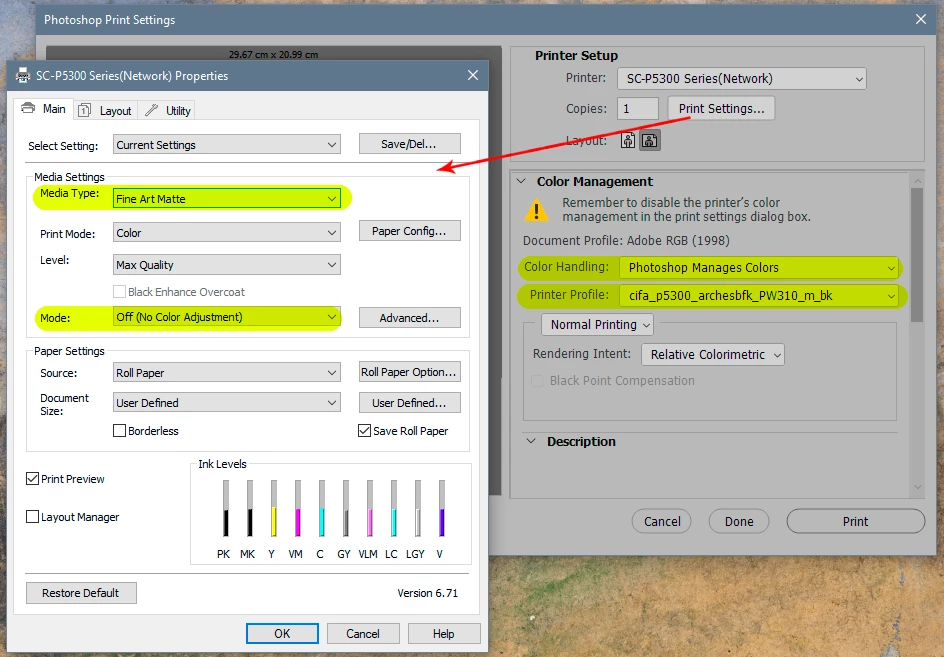
Should I still work in ProPhoto RGB and then soft-proof or convert to the printer’s ICC profile before exporting? Is there a way to preview how the image will look in print on-screen (for example, using soft proofing or a specific color management mode) so I can see how my vivid colors will be clipped or muted?
Ideally, I’d love to have a setup where I can edit in ProPhoto RGB but have a second preview or window showing the print color space result — just like in Resolve when you toggle between HDR and SDR views.
Any advice or insights from people working with color-managed pipelines, DeckLink cards, or printing workflows would be amazing.
Thanks in advance.



 AdChoices