MahaB82A
March 20, 2026
Question

Separate PNG file from many layers

  • March 20, 2026
  • 2 replies
  • 89 views

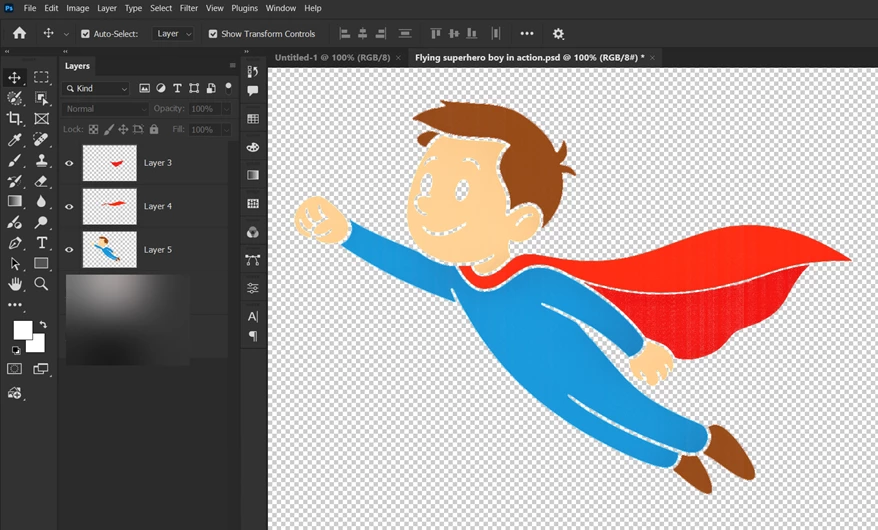
There are three layers in the image. Is there any way to convert this layers into three PNG images in one go?. I know to do one by one but I want altogether in a single shot



    2 replies

    D Fosse
    Community Expert
    Community Expert
    March 20, 2026

    File > Export > Layers to Files.


    Set format and destination in the dialog.


    EDIT: triple posting in one go here...actually, Stephen’s suggestion of selecting the layers and Export As is probably quicker and more convenient.

    MahaB82A
    MahaB82AAuthor
    March 21, 2026

    Thanks.

    Stephen Marsh
    Community Expert
    Community Expert
    March 20, 2026

    Select all three layers in the Layers panel, then right-click and Export As.


    Otherwise a script can be used Export Layers to Files.

    MahaB82A
    MahaB82AAuthor
    March 21, 2026

    Thanks

    It confused me before because there are two export as. Now it is OK.


    jane-e
    Community Expert
    Community Expert
    March 21, 2026

    @MahaB82A wrote: there are two export as


    They are the same command in different places.


    Adobe frequently gives us several ways to do something, because while one user prefers one way, another user prefers a different way. Your screenshots show the File menu and the context sensitive (right-click) menu, as well as the keyboard shortcut. 


    Jane