

Setting Photoshop as Default to Open Images Photoshop Mac
Just treated myself to a new Mac Studio and am determined to keep it as clean as possible. After 20ish years of migrating from one Mac to another I did a fresh, clean, shiny install of all applications.
I now realize how set in my ways I am, as I almost melted down over Photoshop not wanting to open images when clicked on. I used the same method I've used forever to set that by within Finder clicking on a .jpg, a .PSD. a .tiff and a .png and getting info then changing them to Photoshop default for opening and clicking change all.
For whatever reason, when I have to reboot Photoshop it loses this and loses my favorited fonts. We are in a very rural area and while I have surge protectors I replace often, I still unplug computers, just to be safe.
What am I missing? We had a storm last night and when I opened Photoshop it had lost these settings. I double-checked General Preferences and do not have the Reset Preferences on Quit selected. I have never selected that option.
Also, it no longer offers the Change All option. Arggghhhh.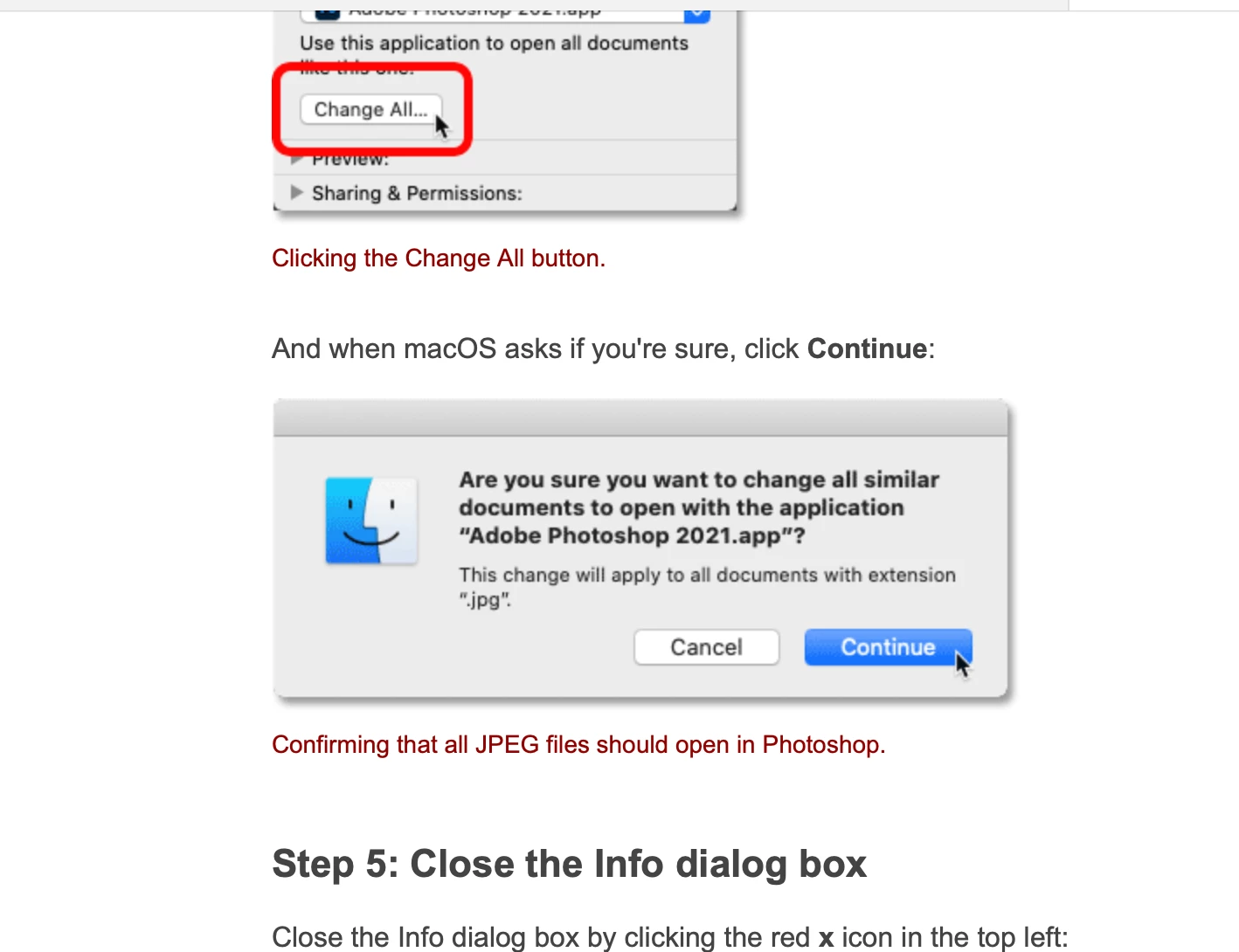
Apple M1 Max OS Monterey 12.4 (21F79)
Photoshop is 23.4.1
Any advice would be greatly appreciated!
Kathy
 AdChoices