

Severe Text Blurring and Pixelation in Pixel (PX) Documents in Photoshop 2025/2026 (Recent Issue)
Hello Adobe Community and experts,
I’ve recently encountered a severe and puzzling issue with text rendering and export in Photoshop 2025 and 2026, which was not present before.
Text becomes noticeably blurry and pixelated, both in the preview window and in the final exported/saved files (Export/Save As). This occurs regardless of the document’s resolution being set to 300 PPI or 72 PPI.
The most peculiar aspect is the difference in behavior based on document units:
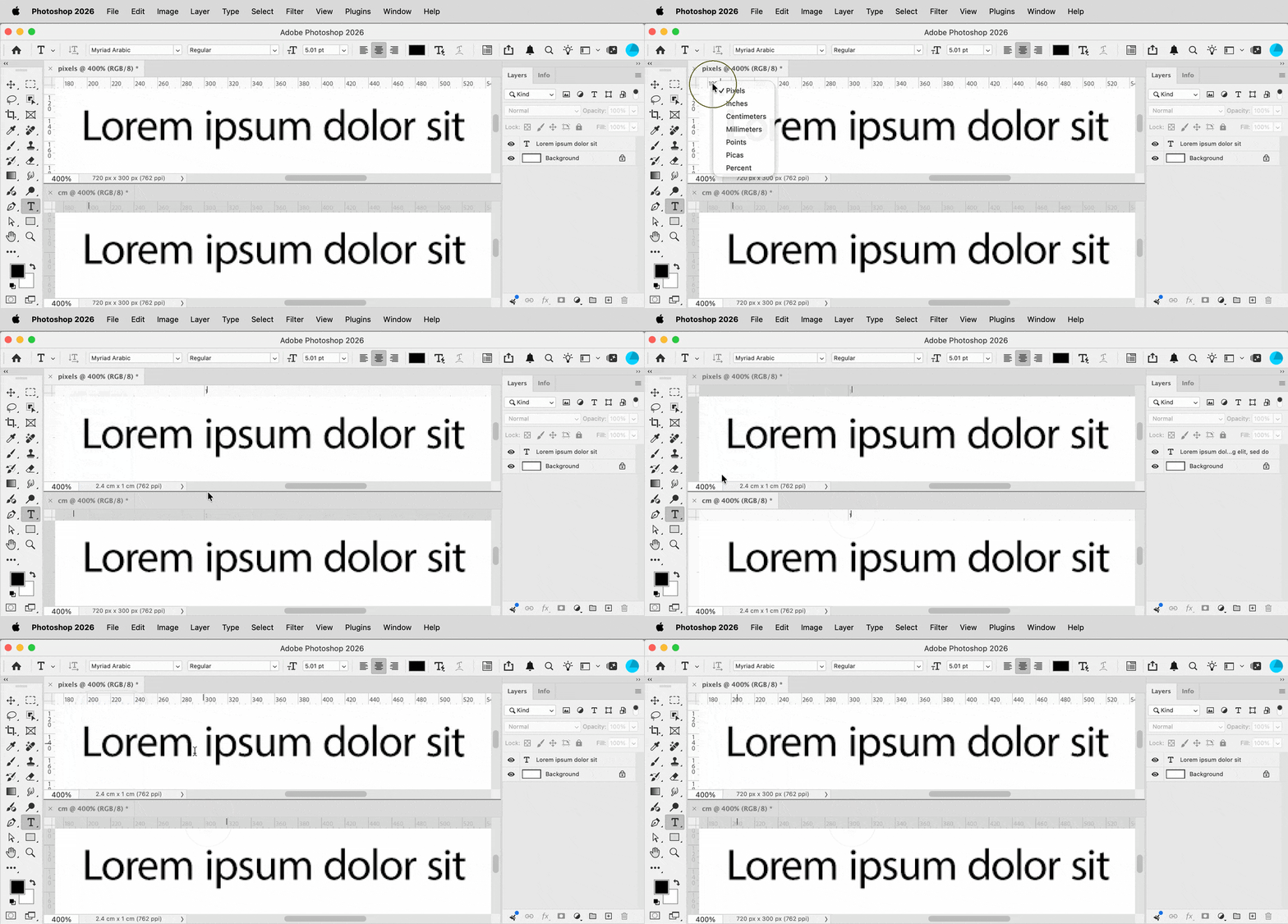
- Documents created with Centimeters (CM) as the unit (e.g., from Print presets) exhibit perfectly clear and sharp text.
- However, documents created with Pixels (PX) as the unit suffer from this text blurriness and pixelation.
This issue started occurring only very recently (within the last few days) and was not an issue with previously created pixel-based files in the same Photoshop versions.
Troubleshooting Steps Attempted (That Did Not Resolve the Issue):
I have already tried several common troubleshooting steps without success:
- Checked and updated the graphics driver (specifically NVIDIA GeForce MX330).
- Adjusted Windows Scaling settings (tried default and custom scaling).
- Reset Photoshop preferences using the
Ctrl + Alt + Shiftkey combination upon startup. - Changing the document resolution (from 72 to 300 PPI and vice-versa) has not resolved the problem.
- I have completely uninstalled Photoshop, performed a clean installation, and then installed version 2026. The issue persists even after this complete reinstallation.
Using Centimeter (CM) units for print-related documents resolves the text clarity, but this is not a practical solution for workflows that inherently require pixel-based documents and disrupts my usual workflow.
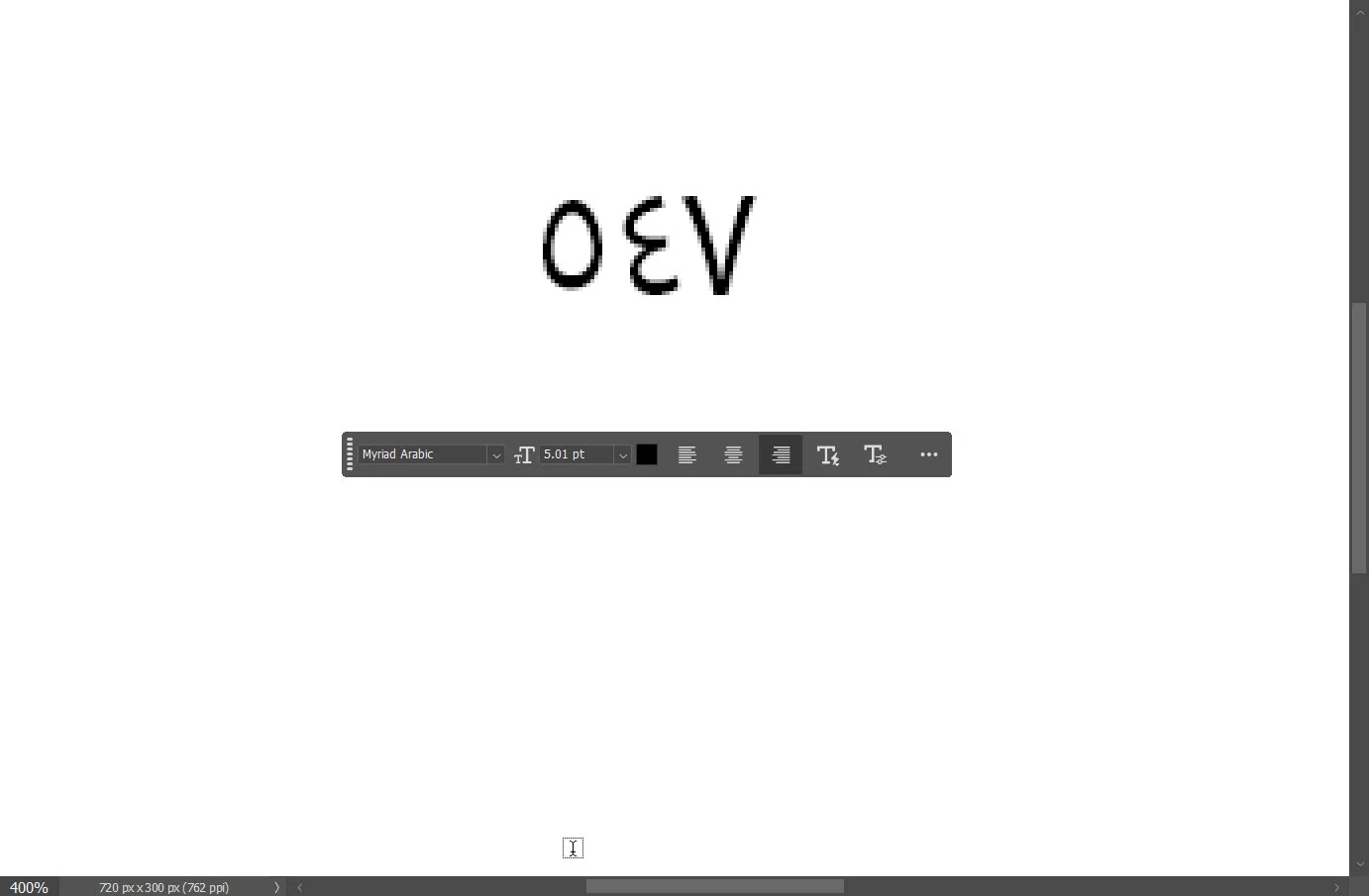
This image demonstrates the text blurriness experienced in pixel-based documents.
Has anyone else experienced a similar issue with text rendering in pixel-based documents specifically in recent versions of Photoshop (2025/2026), while CM documents remain unaffected? Are there any other specific Photoshop settings (related to GPU, Text Engine, Anti-aliasing, etc.) or system configurations that might be causing this behavior, especially given that it’s a recent change and the aforementioned steps did not help?
Any insights, suggestions, or solutions would be greatly appreciated. Thank you in advance for your help!


 AdChoices