
Participant
December 11, 2024
Question

Sharing from Photoshop puts artboards on white screens

  • December 11, 2024
  • 1 reply
  • 102 views

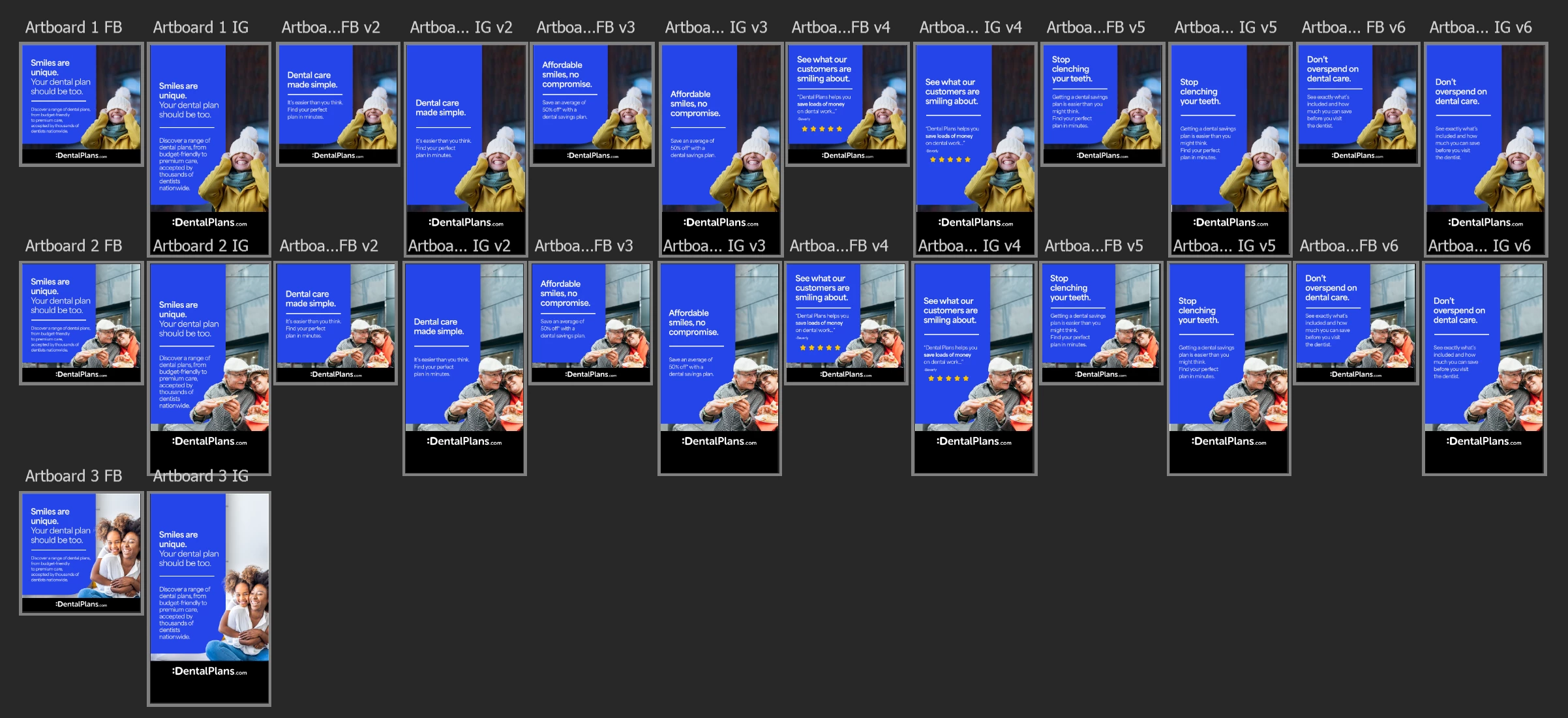
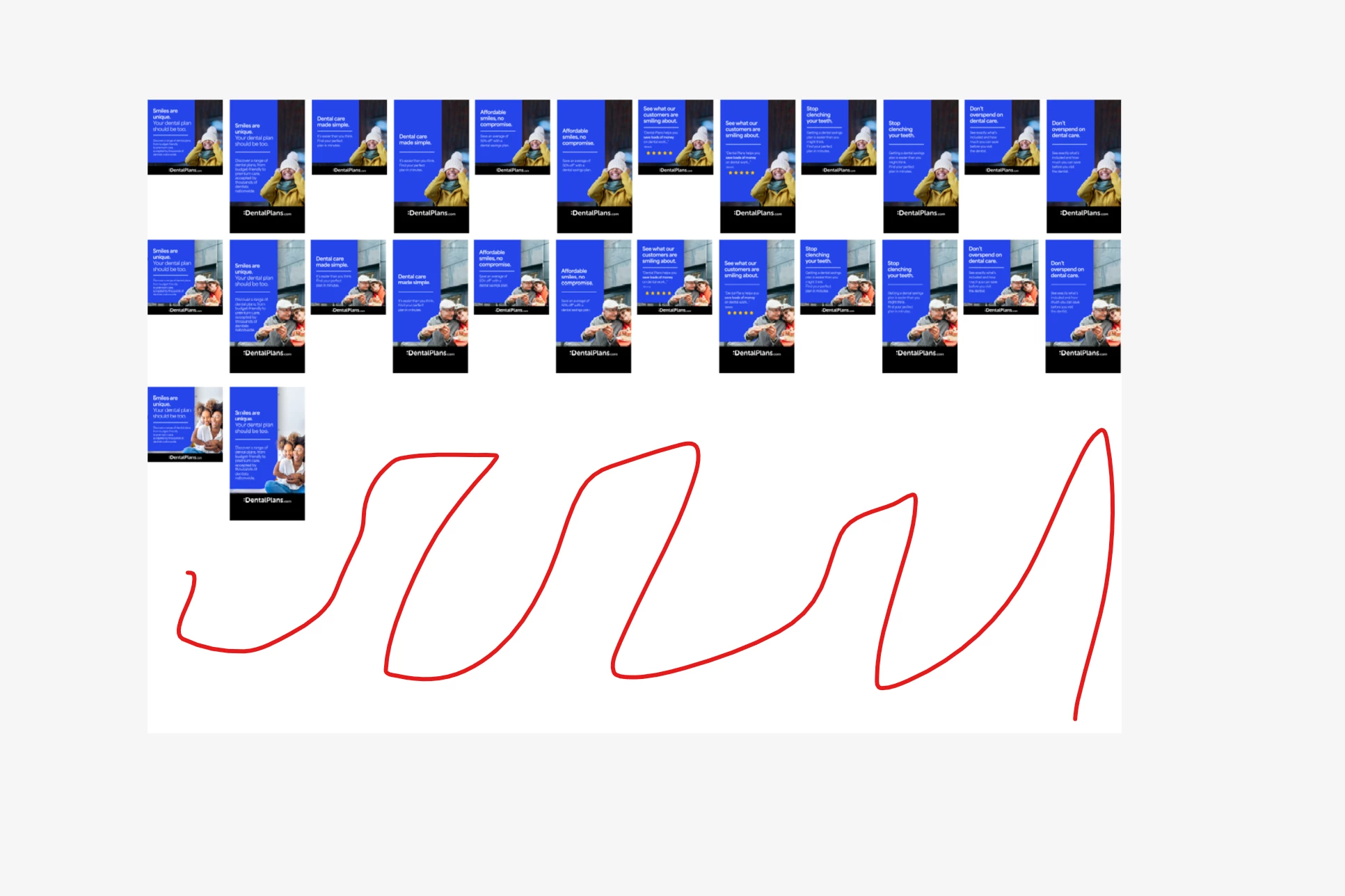
I am trying to share an artboard I am working on but when you use the share link, the link has a white background around the artwork instead of the dark background being used in photoshop causing it to look weird.  Is there any way to change these settings so the client can see exactly what I am seeing?


View in PS
 

Client View
 

    This topic has been closed for replies.

    1 reply

    Sameer K
    Community Manager
    Community Manager
    December 16, 2024

    Hey, @rickh13652014. Welcome to the Photoshop Community. I'll help you figure this out. 


    Have you shared the artboards via frame.io or Creative Cloud? In Creative Cloud mode, you can set the preferences from the profile icon > Preferences > Color Theme. 


    Let me know how it goes. Thanks!
    Sameer K

    (Type '@' and type my name to mention me when you reply)