@Omineus
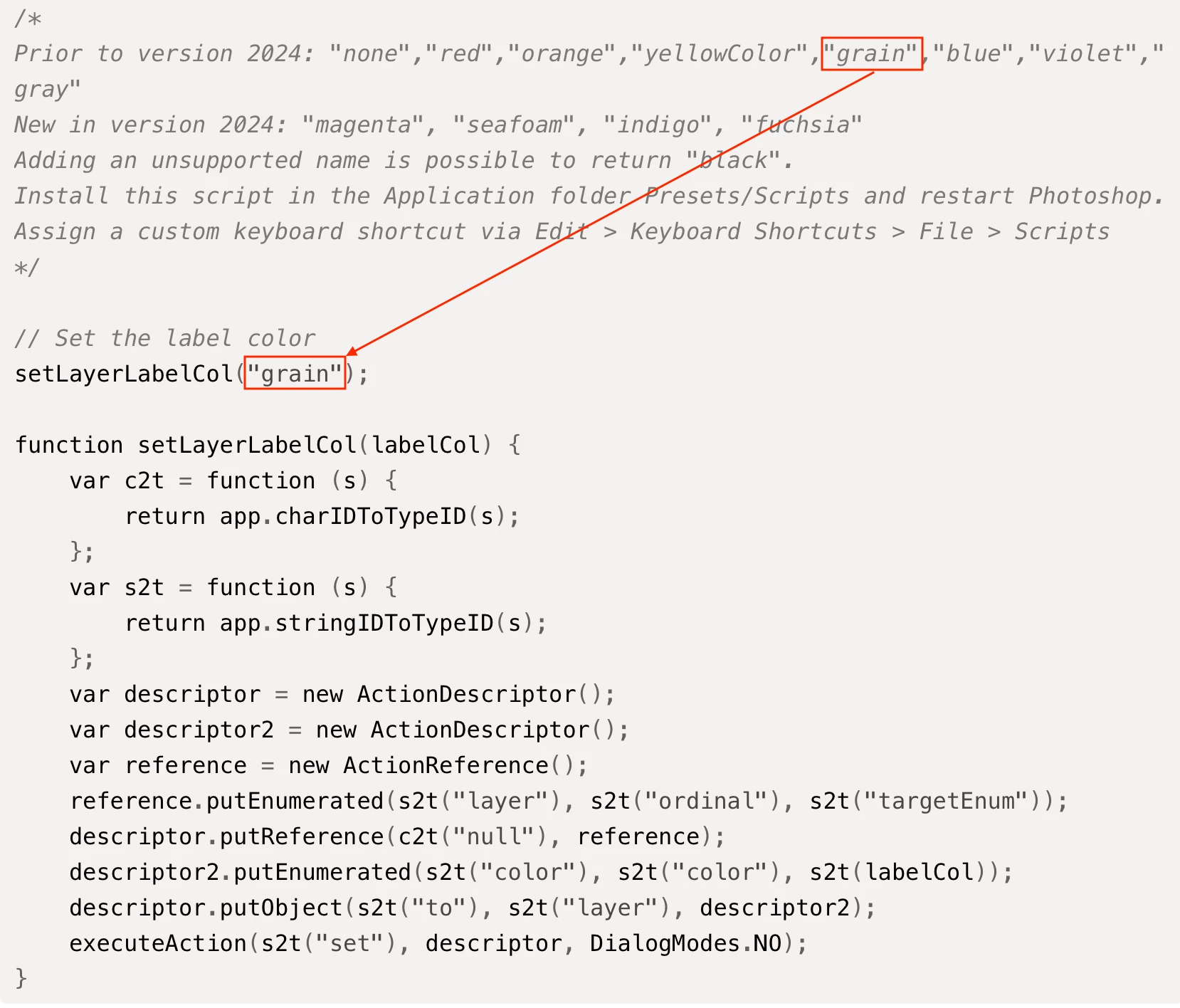
You can only have the hard-coded colours, not custom colours.
/*
Prior to version 2024: "none","red","orange","yellowColor","grain","blue","violet","gray"
New in version 2024: "magenta", "seafoam", "indigo", "fuchsia"
Adding an unsupported name is possible to return "black".
Install this script in the Application folder Presets/Scripts and restart Photoshop.
Assign a custom keyboard shortcut via Edit > Keyboard Shortcuts > File > Scripts
*/

// Set the label color
setLayerLabelCol("grain");

function setLayerLabelCol(labelCol) {
    var c2t = function (s) {
        return app.charIDToTypeID(s);
    };
    var s2t = function (s) {
        return app.stringIDToTypeID(s);
    };
    var descriptor = new ActionDescriptor();
    var descriptor2 = new ActionDescriptor();
    var reference = new ActionReference();
    reference.putEnumerated(s2t("layer"), s2t("ordinal"), s2t("targetEnum"));
    descriptor.putReference(c2t("null"), reference);
    descriptor2.putEnumerated(s2t("color"), s2t("color"), s2t(labelCol));
    descriptor.putObject(s2t("to"), s2t("layer"), descriptor2);
    executeAction(s2t("set"), descriptor, DialogModes.NO);
}
https://prepression.blogspot.com/2017/11/downloading-and-installing-adobe-scripts.html





 AdChoices