We are sorry to hear that so many of you are hitting issues. It appears that one of the licensing files was corrupted during the recent update. We are working on a fix right now but in the meantime, you can workaround the issue by relicensing the software:
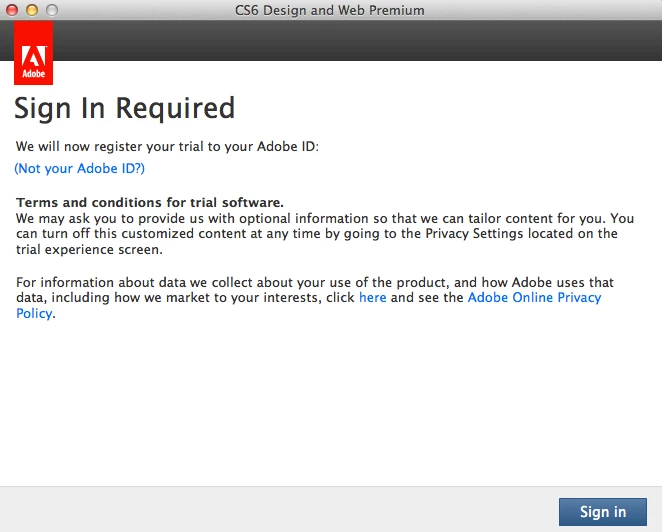
- On receiving Trial/Trial Expired screen
- Make sure that you are online
- Click on license this software
- Creative Cloud members: Log in with Adobe ID which has subscription
Perpetual product owners: Log in with adobe ID and enter product serial number - Product should be licensed successfully
Note that this isn't a permanent solution, and you might need to repeat the above mentioned steps again should the licensing screen reappear. Again, we apologize for any inconveniences we've caused and we should be able to provide a real fix soon.




 AdChoices