
Participant
February 6, 2024
Answered

Skewing issues

  • February 6, 2024
  • 2 replies
  • 807 views

Hi!

I'm attempting to skew a large group of images. However, when I do this, the image turns out blurry despite not looking blurry while skewing.

I have tried all of the different image interpolation settings one by one, and none of them have worked.

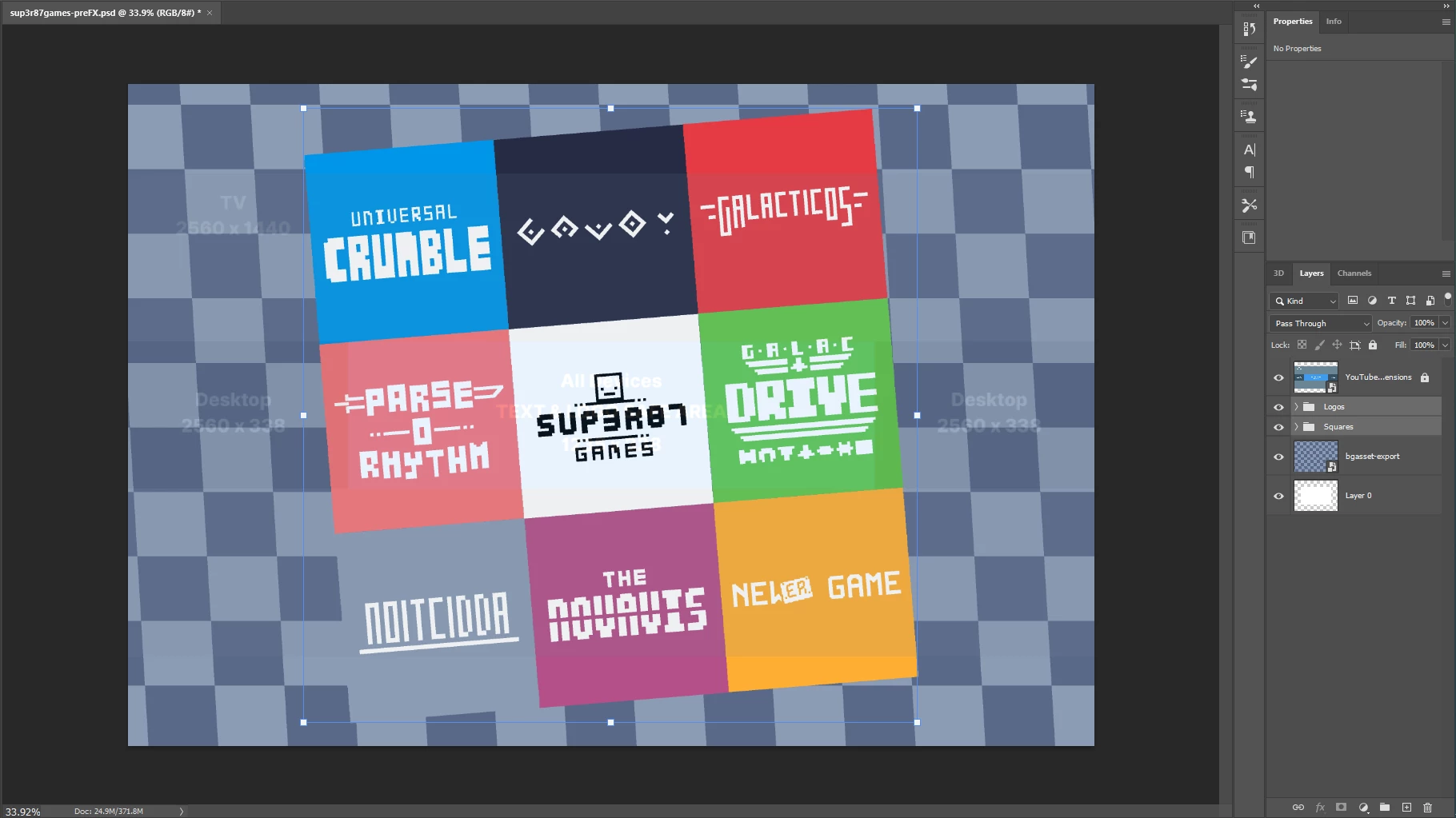
This is what the image looks like pre-skew:
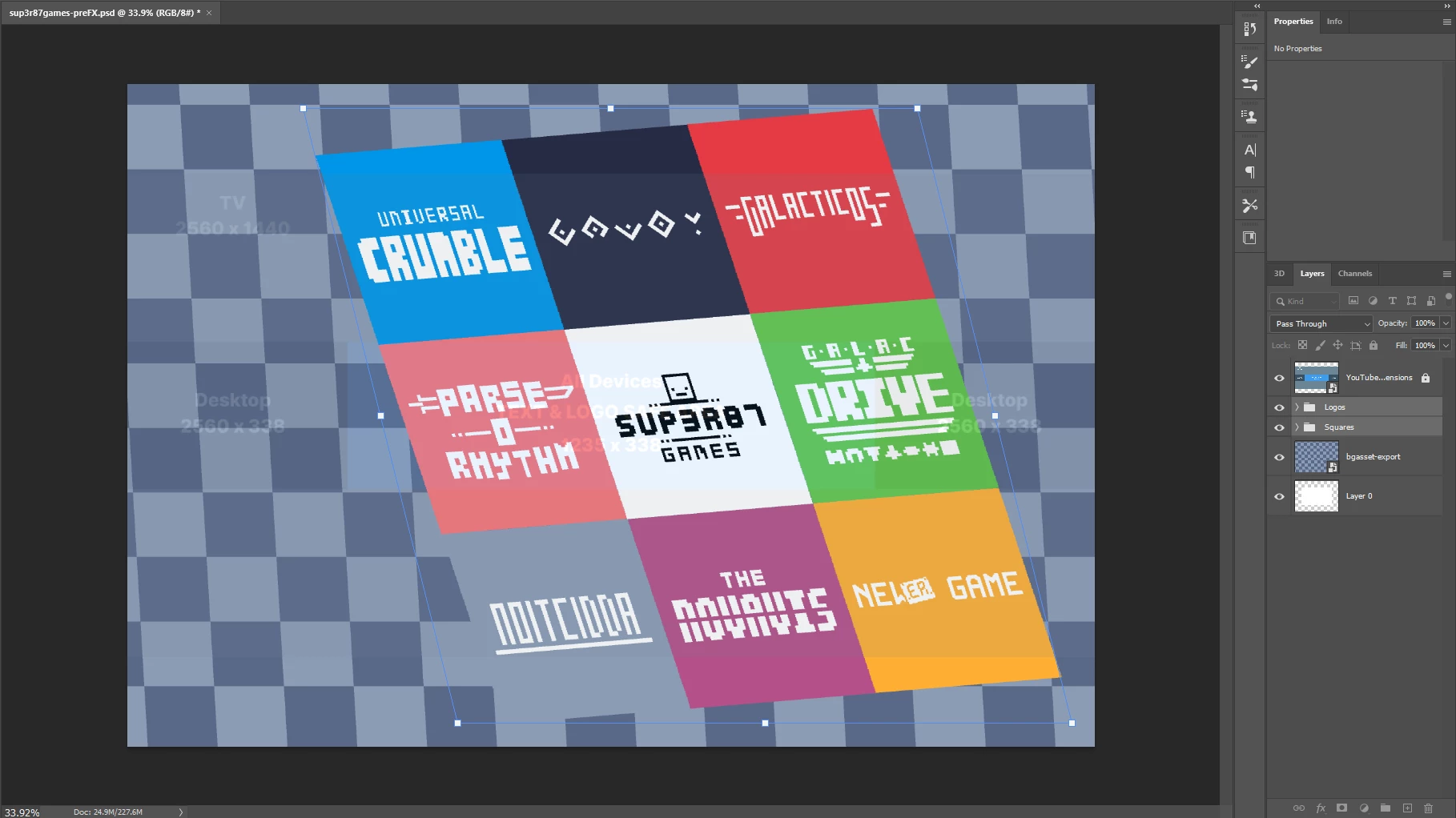
During skew:
 

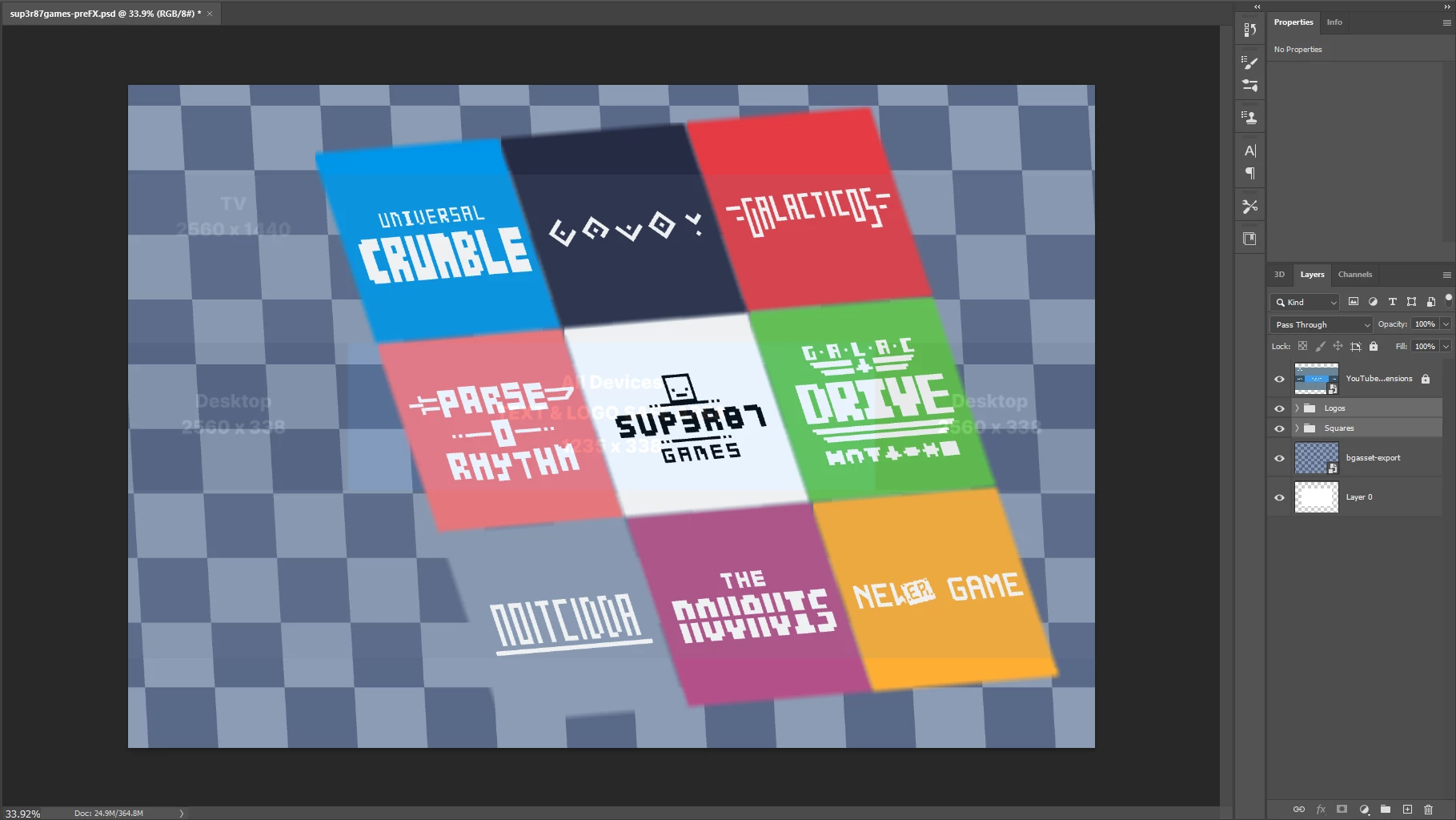
And after skew (notice the blur between the edges of the shapes) :

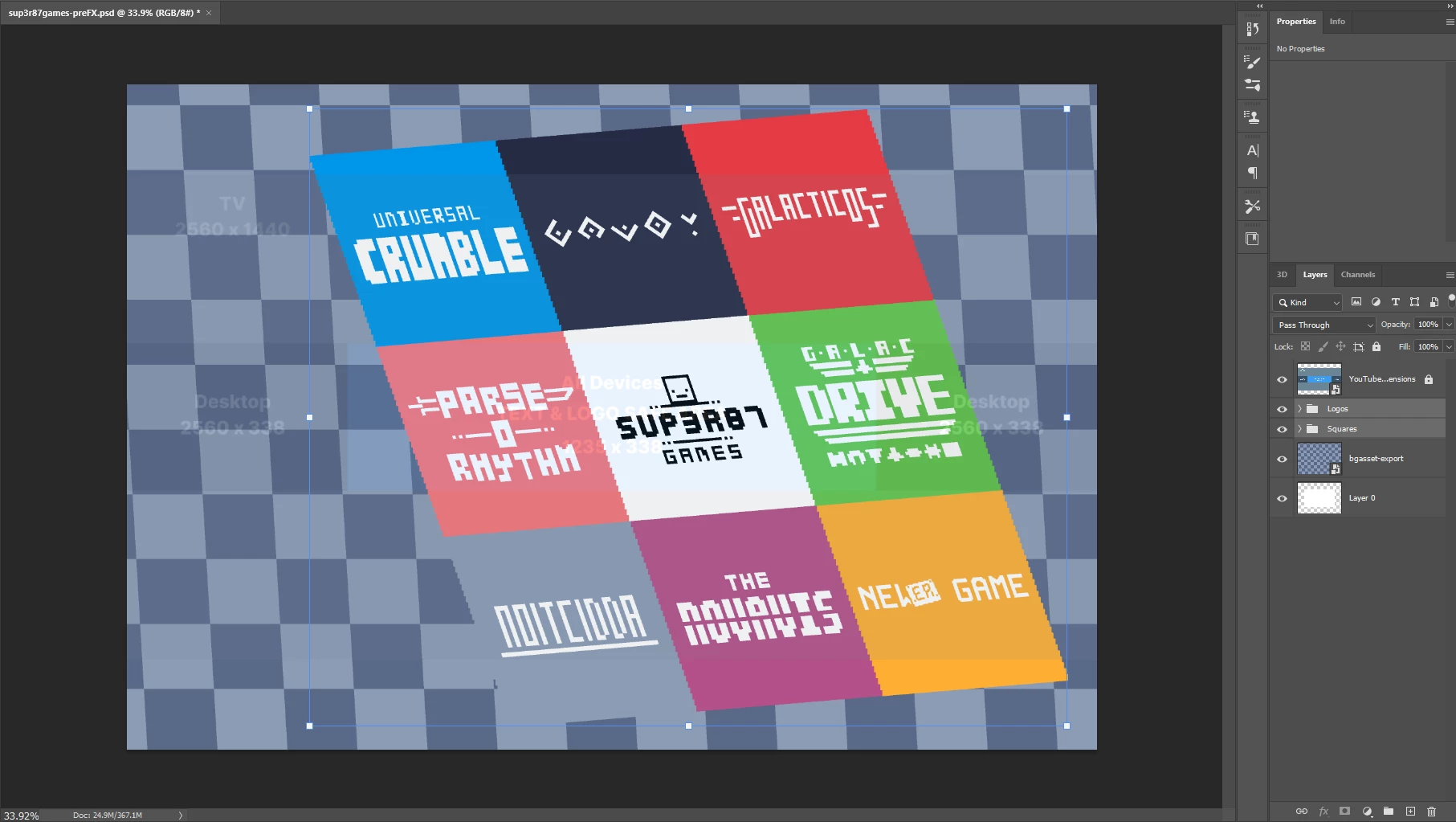
Additionally, trying to set it as nearest neighbor causes the edges to be really square:
 

I've looked around on forums and I can't find anything and I'm pretty lost at this point. What can I do about this problem? Thank you!

This topic has been closed for replies.
Correct answer Michael Bullo

Can you tell us more about the images you are skewing?
Can you expand the content of the Layers panel so we can see the layers?
Have you tried putting everything into a single Smart Object and skewing that?

2 replies

Stephen Marsh
Community Expert
Community Expert
February 6, 2024

What interpolation method are you using in the options bar when transforming? What is your default image interpolation setting in preferences > general?

Michael Bullo
Community Expert
Michael BulloCommunity ExpertCorrect answer
Community Expert
February 6, 2024

Can you tell us more about the images you are skewing?
Can you expand the content of the Layers panel so we can see the layers?
Have you tried putting everything into a single Smart Object and skewing that?

sup3r87Author
Participant
February 6, 2024

Hi! sorry for the late reply. merging the different colored tiles together made it skew correctly, thank you!!

Michael Bullo
Community Expert
Community Expert
February 6, 2024

Thank you. That’s great to hear.
You might want to look into Smart Objects if you don’t already know about them. They allow you to non-destructively do things like distort content and apply filters.