



Question
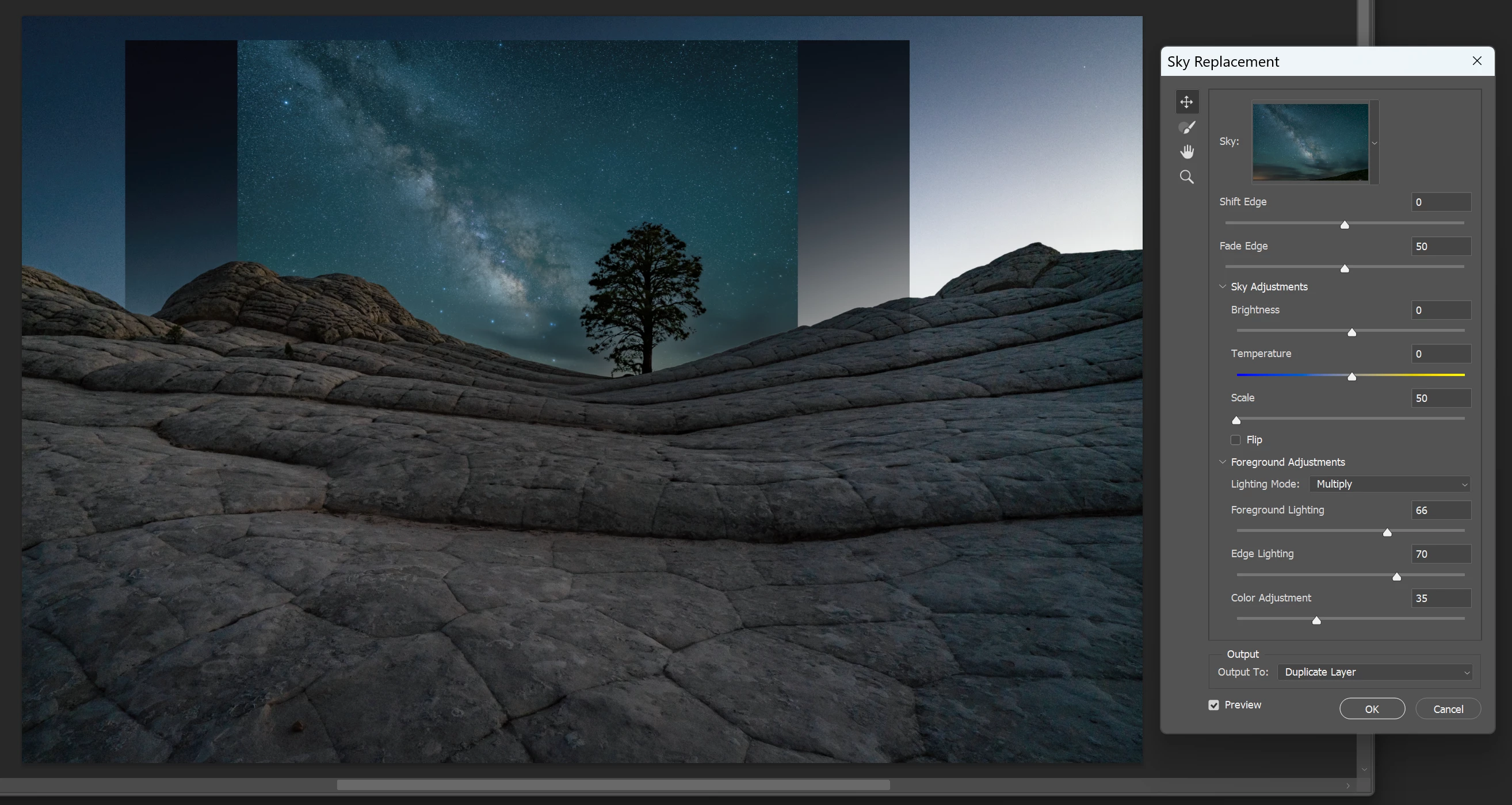
Sky Replacement images have a big gray frame/border around three sides of the sky image after it is imported into Ps sky replacement interface.
The border overlaps onto the image and makes it darker. What setting is causing this? It occurs whether I do the sky replacement completely in Ps or if I start the image processing in Lr and use the “edit in photoshop” feature. It does not happen to the same images used in On1 sky replacement so Photoshop is the chief suspect. The sky in the examples shown below was made smaller so the border was visible to illustrate the problem.
Thanks in advance to anyone who can point me in the right direction. I’m out of ideas for where else to look for the cause.
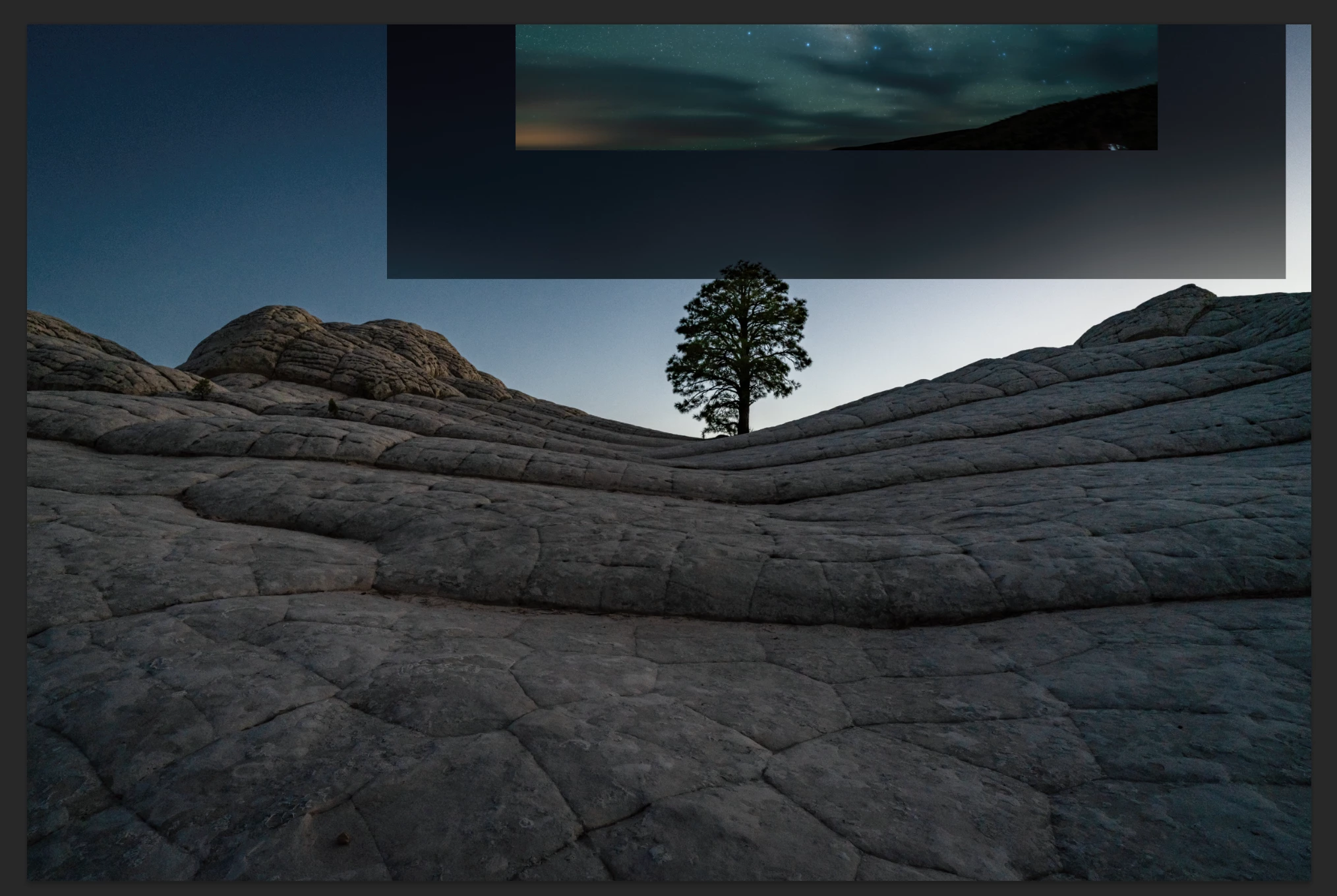
Top of sky image
 AdChoices