

Smart layer/object connection in Mockup
Hello,
Recently I downloaded two mockups designed for Tri-Fold and have one annoying problem that I would like to fix.
First mockup works really nice. There's an "items" group, where I update one smart object and it applies to all 8 perspectives (or at least where it is visible). Also I can update smart object in any group and it still applies to other perspectives.
Here is an example. I updated layer "4" and as you can see, it changed in "presentation 2" and in "presentation 5".
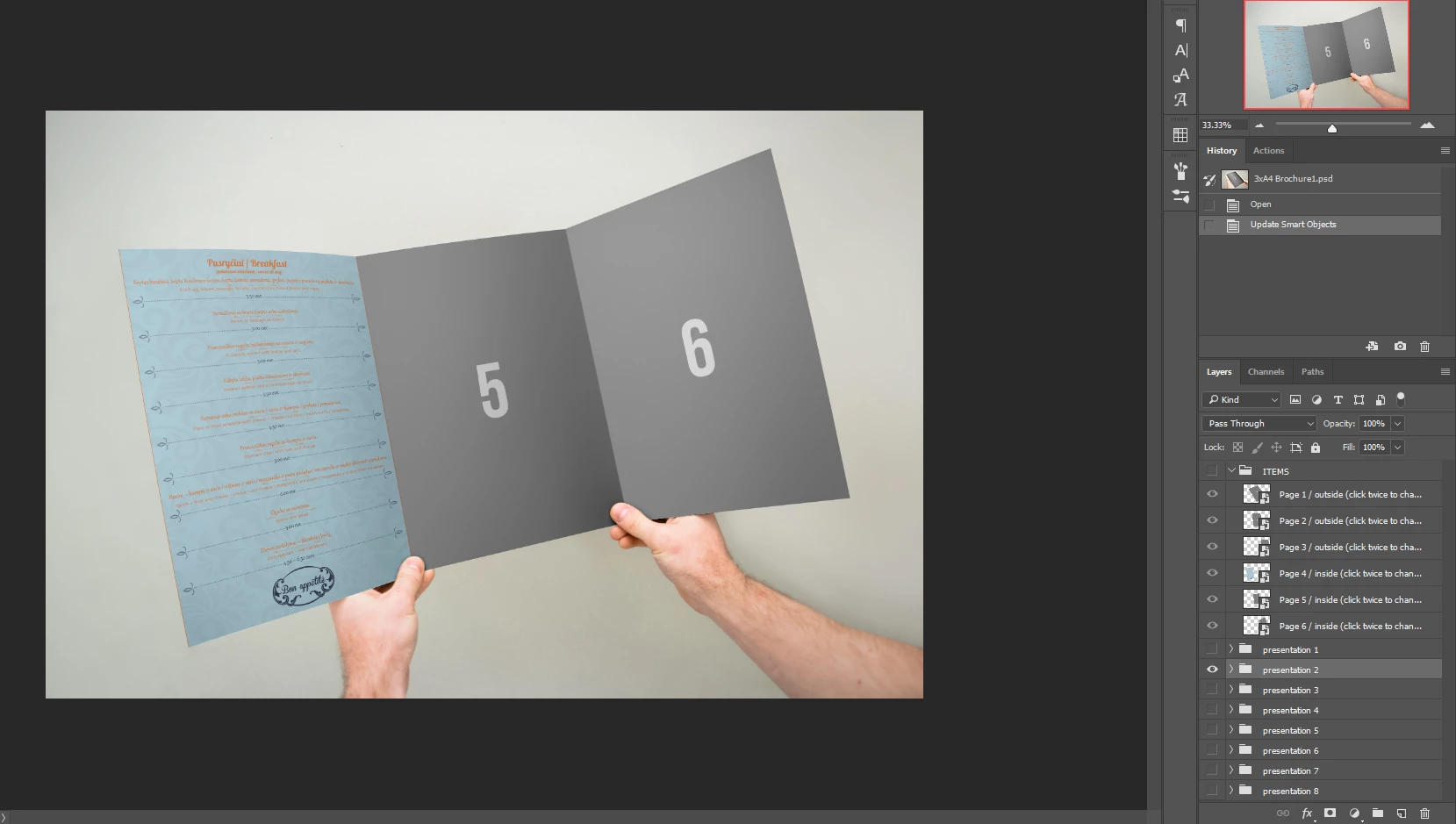
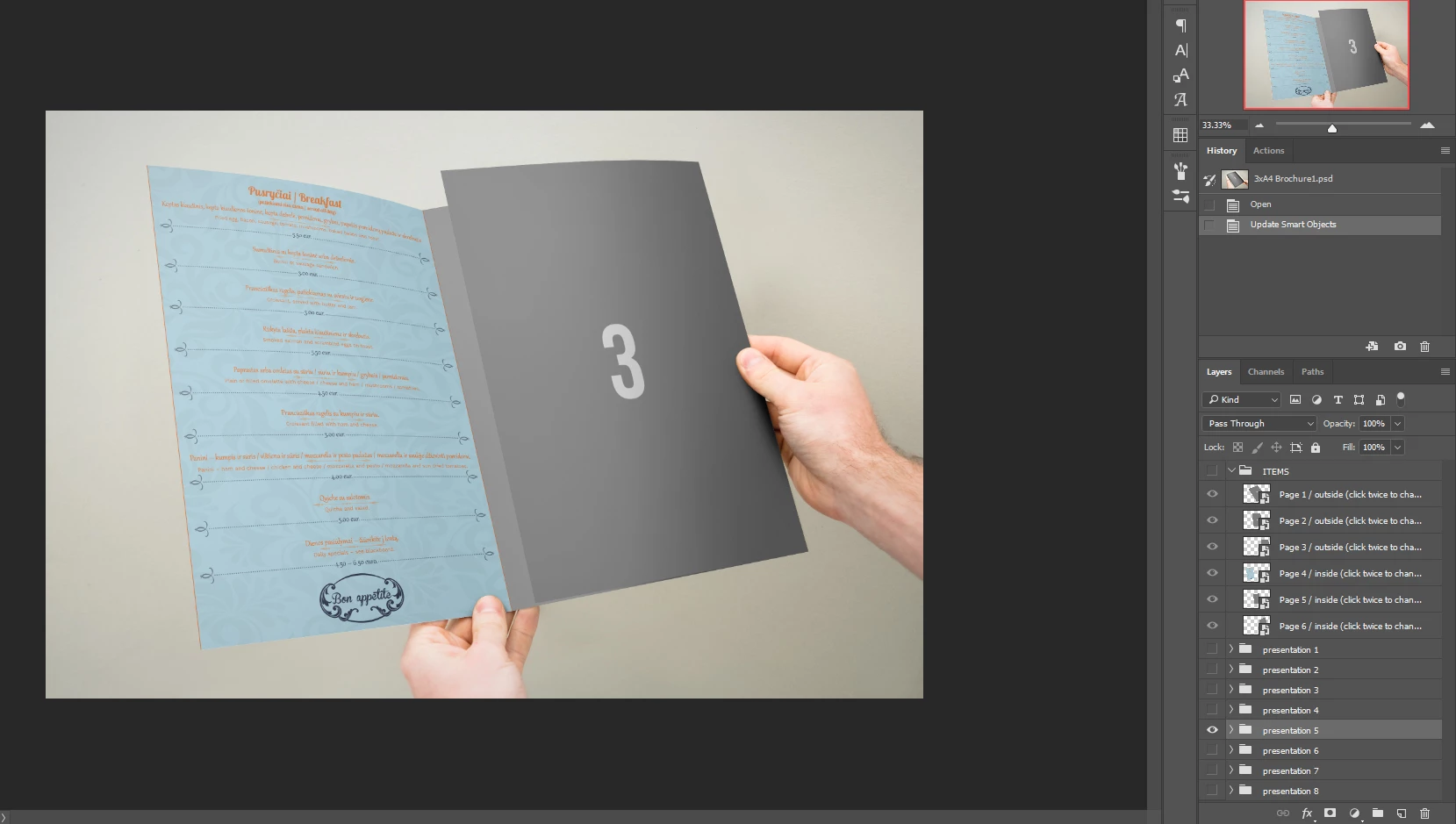
But now I have the second mockup... Here you can see that I updated "Left Panel" in "Group 2", but when I open "Group 5" it's empty...
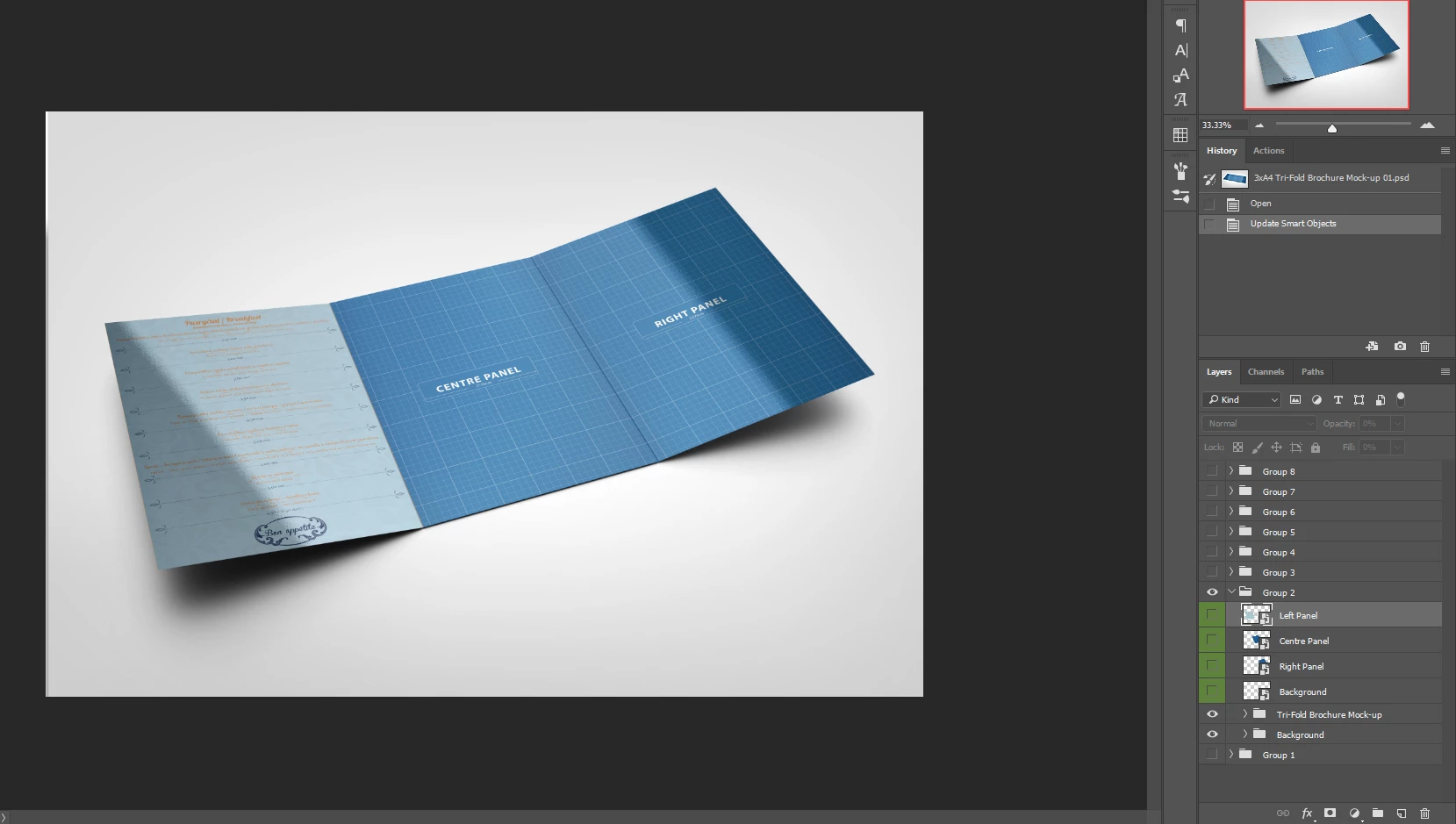
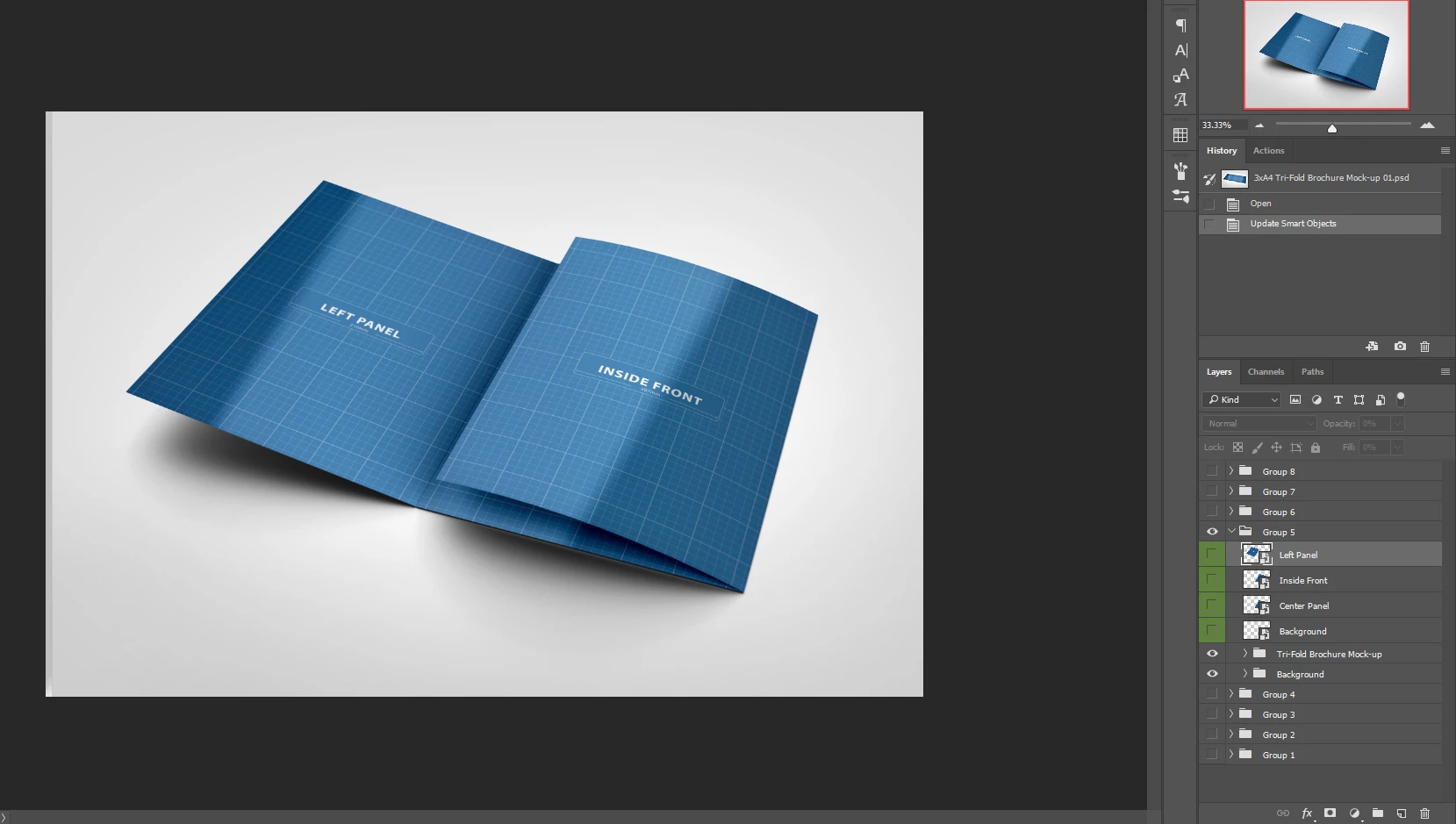
First mockup is time efficient because I need to update just 6 layers and that's it... But with the second one, I need to update 28 layers, which is nonsense...
My question is:
Is there a way that I could link or connect or do something to layers in the second mockup, that when I update one, it applies to all perspectives like in first one? Both mockups are just one big psd file, so there is no external psd files from where they take updated layers.


 AdChoices