



Mike_Gondek10189183
Community Expert
Community Expert
August 10, 2018
Question

Smart Objects need to retain blend mode or warping multiple layers

  • August 10, 2018
  • 2 replies
  • 2856 views

I have multiple layers in a set L3 that need to warp matching the building curvature.
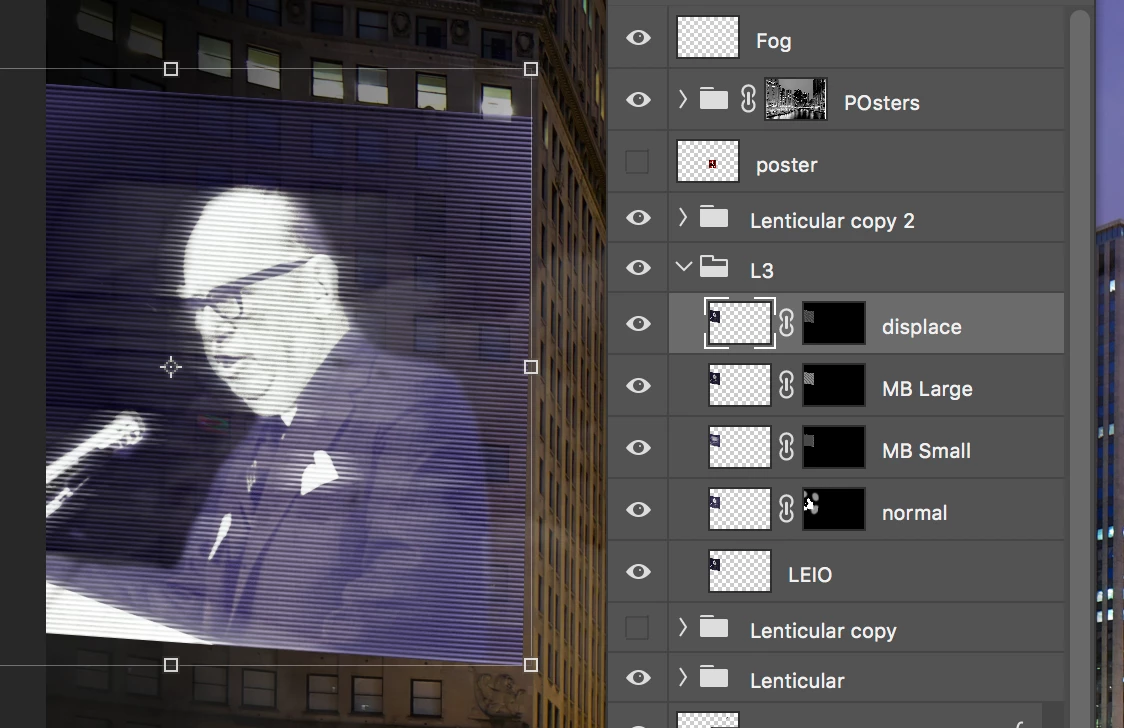
Since you cannot warp mutiple layers, or  transform again to do this, I made a smart object, Unfortanately the screen and soft light blend modes go away, and the background is not blending with building.
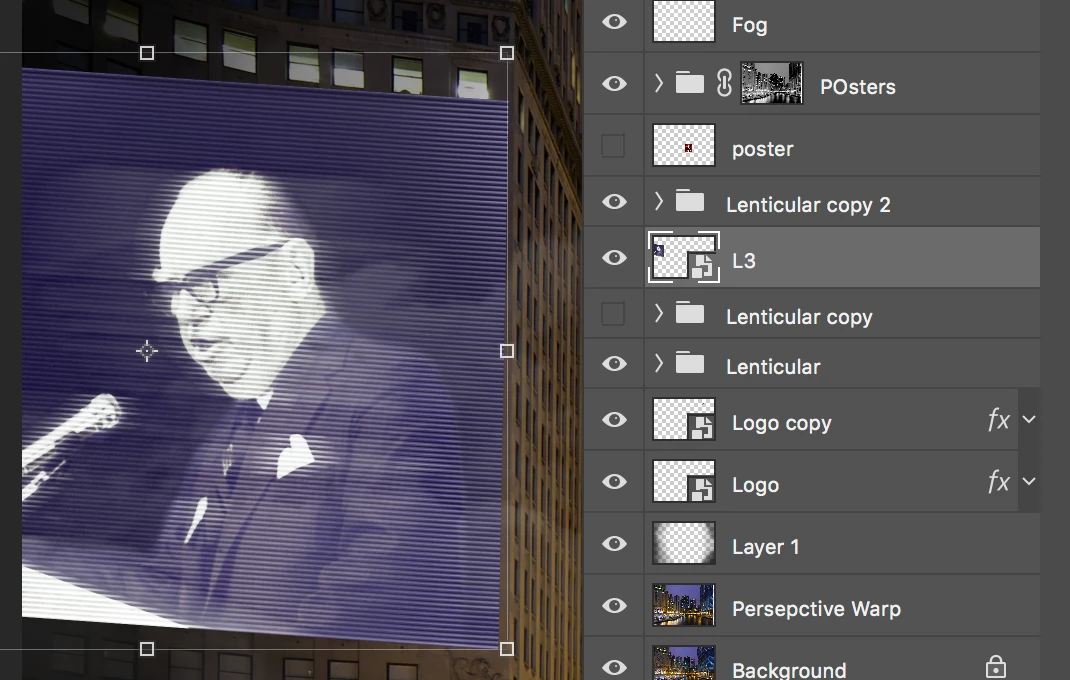
    This topic has been closed for replies.

    2 replies

    schroef
    Inspiring
    February 2, 2024

    You could try to add the part of the builitinside that smart object. That way it would keep the effect 

    davescm
    Community Expert
    Community Expert
    August 10, 2018

    Hi

    Try setting the smart object to the same blending mode as the lowest layer within it. It may work depending on the other layers and layer content

    Dave

    Mike_Gondek10189183
    Community Expert
    Community Expert
    August 10, 2018

    Thanks for your reply, That was one of the first things I tried. Surpsised I never ran into this before.

    I also looked into the blend if, knockout and the checkeboxes below

    davescm
    Community Expert
    Community Expert
    August 10, 2018

    It is a limitation of the smart object. Once the layers are in that container they are treated as a separate document with the result acting just like a pixel layer in the master document. So the layers inside the SO blend with each other using their individual blend modes, but then the result is blended with the master document using the single blend mode assigned to the SO.

    It would be useful though if an SO could be given a "Pass through" blend mode in the same way as a group.

    You could raise a feature request here : Photoshop Family Customer Community

    Dave