
Participant
December 14, 2021
Question

Smart sharpen with weird colour shift on M1 Monterey

  • December 14, 2021
  • 3 replies
  • 340 views

Hi guys,


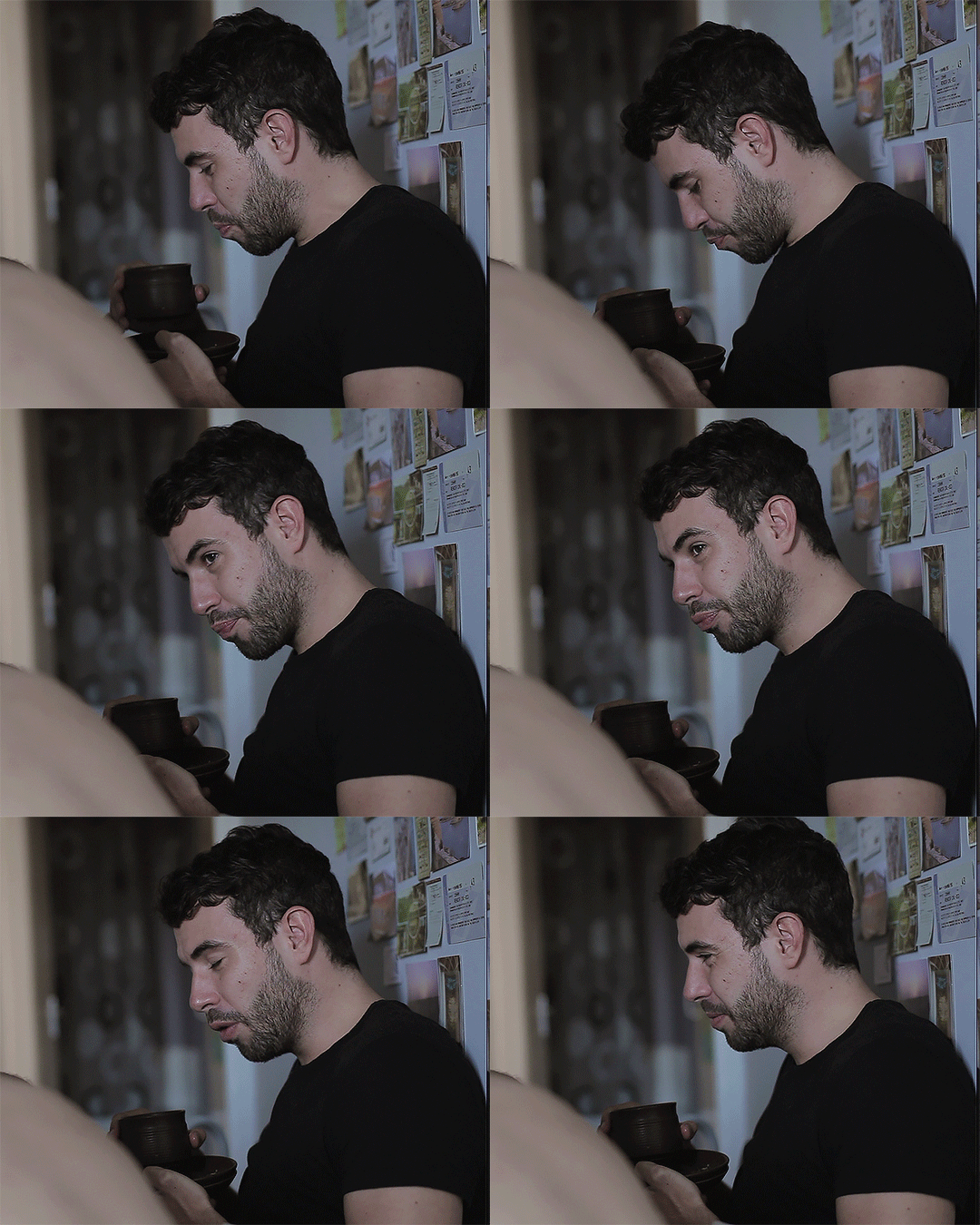
When I tried to make gifs, I realised the smart sharpen is broken?? It's giving this weird red/green colour shift?! (See below gif) Any idea how to fix this? 😞


I am using MacPro M1 chip Monterey, with PS 22.5.0
 

This topic has been closed for replies.

3 replies

Legend
December 14, 2021

Go to Preferences > Performance and click on the "Advanced Settings" button. Uncheck Use OpenCL, restart Photoshop and try your steps to see if the problem persists.

Participant
December 14, 2021

yeah i open PS with Rosetta, and I use script > load files into stack to turn the screenshots into gif.
The sharpening is pretty standard with 500% / 0.4


PECourtejoie
Community Expert
Community Expert
December 14, 2021

Hi, could you share your workflow?

I guess that you are working in Rosetta mode, to edit a video.

Could you share a screenshot with the timeline, the layers panel visible, maybe the Smart Sharpen settings?

FYI, there is also a 23.1 update, but it does not list fixes in that matter.