Known Participant
April 3, 2024
Question

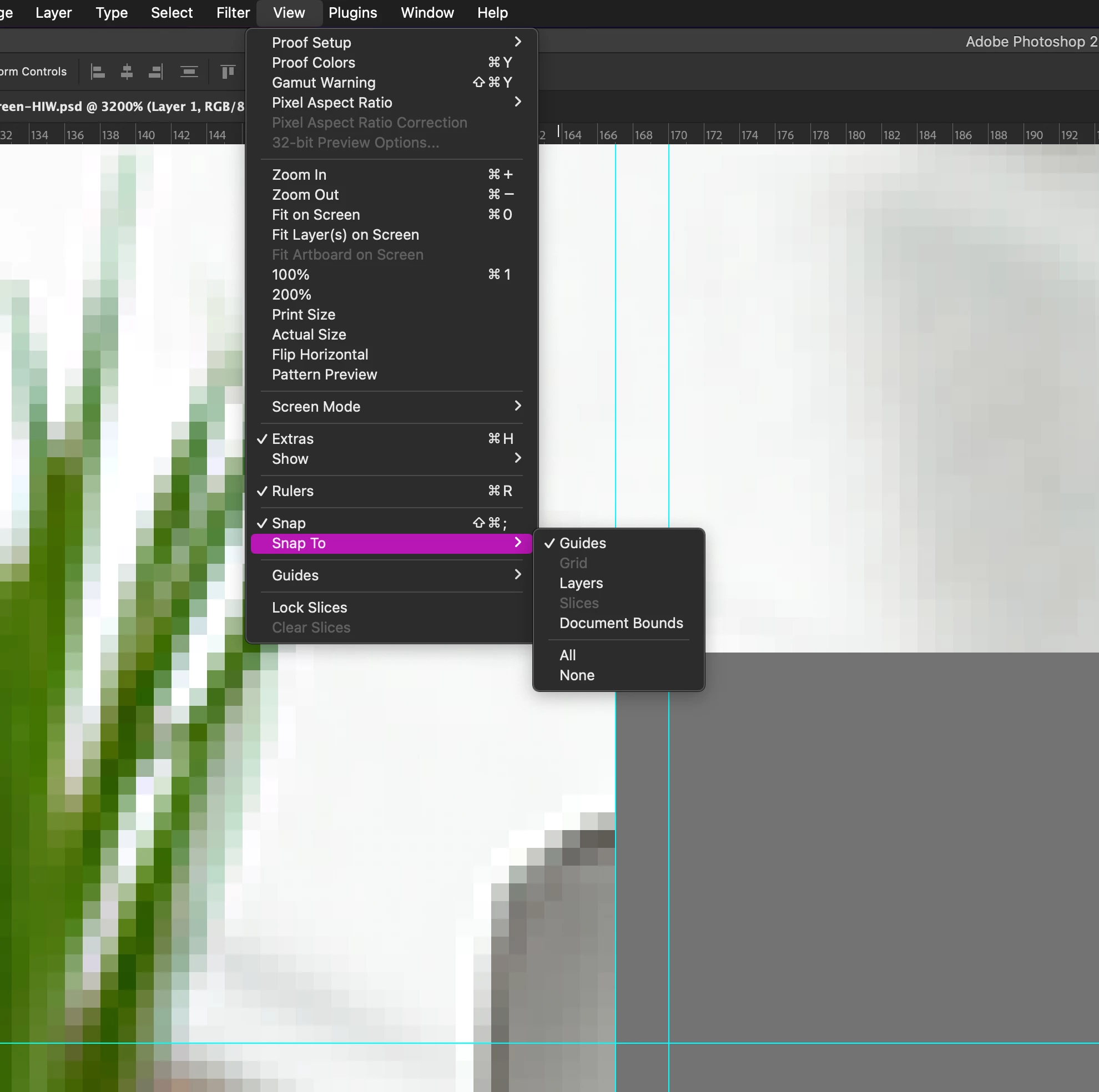
Snap is NOT working

  • April 3, 2024
  • 5 replies
  • 1747 views

Snap is NOT working, Snap is NOT working, Snap is NOT working, Snap is NOT working, Snap is NOT working, Snap is NOT working.


I tired of this.


why is SNAP NOT WORKING!!!!!!

ITS NOT SNAPPING TO GUIDES, NOT SNAPPING PIXEL


I have restarted Photoshop, i have deselected all snap options and then reselected. I HAVE EVER TRIED IN ANOTHER FILE!!!!!!! IT. IS . NOT. WORKING!!!!!!!!!!


it just snapping where ever  [cursing removed] it likes and its driving me INSANE!!!!!!!WHY WHYWHYW!!!!!


I have never had this happen EVER


please watch this video


my settings

This topic has been closed for replies.

5 replies

Gandhi4Author
Known Participant
April 4, 2024

I did.


and yes that sort of worked.... but why? i dont remeber needed to do that before?


i felt like it had something to do the my zoom level on the page.


i dunno

Legend
April 4, 2024

Did you follow my directions? Its unclear what you are doing but it works for me, I'm doing this correctly. DRAG THE ENTIRE OBJECT TO THE GUIDE. THEN Skew the individual points.

Maintain ratio is meaningless in a skew, you are moving one point and changing the shape so the object can't stay proportional.

Gandhi4Author
Known Participant
April 4, 2024

Thank you for your responses!!


disabling "maintain aspect ratio" did nothing. im not trying to maintain the ratio


and im not snapping to "grid" im snapping to Guides.


in my new video, it worked! then it didnt...... then it did!? what is happening!? 


Im sooooo confused and annoyed.


Please watch this video


why does it work in such an odd way?

Legend
April 3, 2024

Yes it is working yes it is working yes itis working yes it is working.


Drag the entire object so the point you want snapped does indeed snap to the guide, THEN do your skew.


And you can't snap to grid unless the grid is showing.

Jeff Arola
Community Expert
Community Expert
April 3, 2024

If Maintain aspect ratio is enabled then no snapping will occur.