


Missbee
Known Participant
June 18, 2025
Answered

Some tools disappear

  • June 18, 2025
  • 1 reply
  • 187 views

It seems whenever I work with a base layer that isn't jpeg, like svg or png, most of my tools disappear and stay gone when I open a jpeg again. I tried all the standard solutions, making sure photoshop is up to date 26.8, updating my graphics card, making sure "tools" was ticked, setting on "essentials" workspace, checking all tools are loaded in "edit tools." 

I also did a photoshop re-install. 
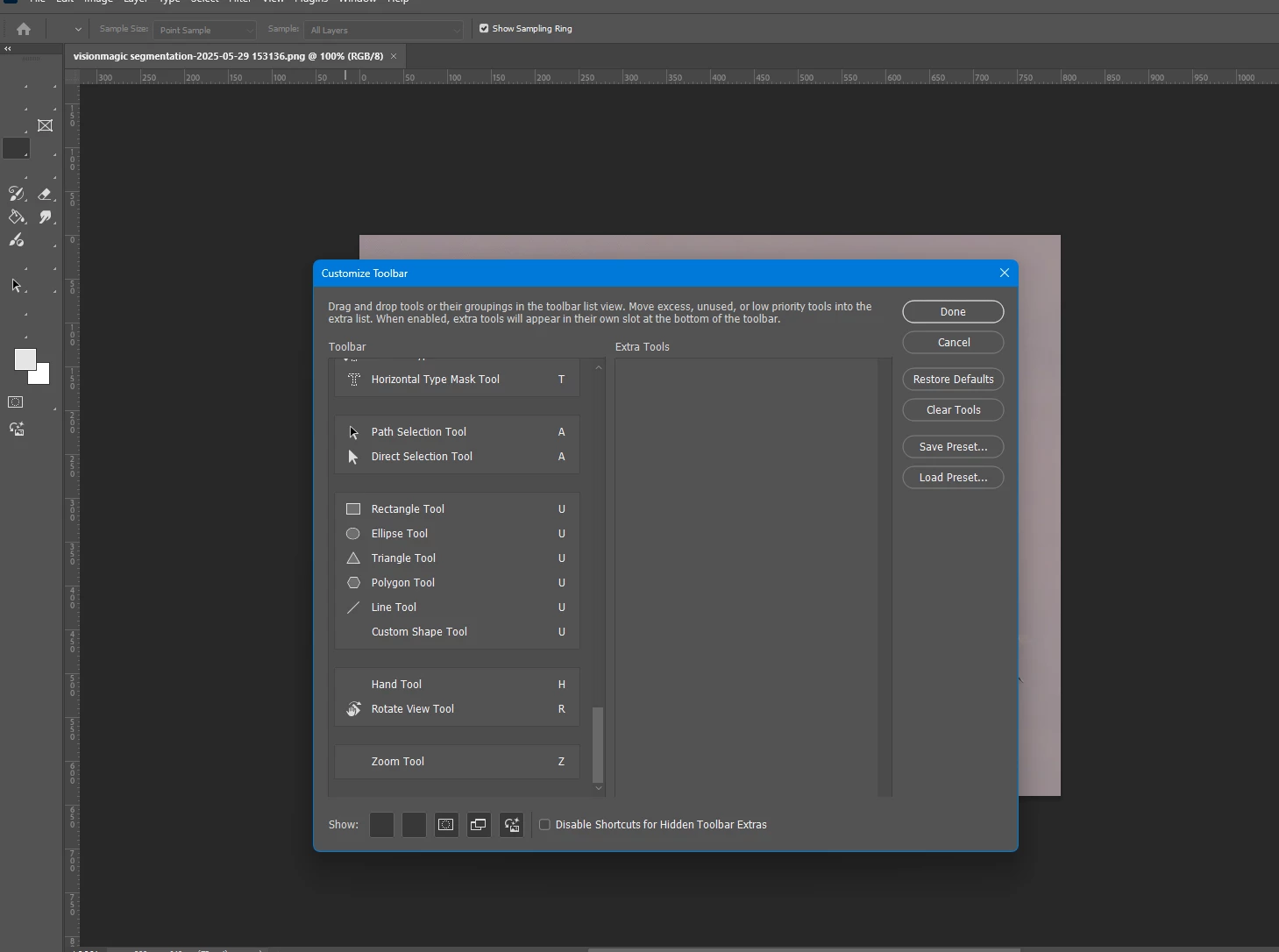
Do some formats like svg or png not offer full tools? 

The only way I can recover them is either by reopening photoshop or in some cases full windows. 

Correct answer Aleke

Hi @Missbee! 👋

That does sound a bit odd. Have you tried resetting your Photoshop preferences? It can help bring things back to normal if something behind the scenes got a little off. Just a heads-up—this will reset the app to its default state, so make sure to back up anything important like brushes, workspaces, or custom settings before doing it.

Here’s how you can reset them: https://adobe.ly/3T0IYCS

Hope this helps! Let me know how it goes.
Alek

1 reply

AlekeCommunity ManagerCorrect answer
Community Manager
June 18, 2025

Hi @Missbee! 👋

That does sound a bit odd. Have you tried resetting your Photoshop preferences? It can help bring things back to normal if something behind the scenes got a little off. Just a heads-up—this will reset the app to its default state, so make sure to back up anything important like brushes, workspaces, or custom settings before doing it.

Here’s how you can reset them: https://adobe.ly/3T0IYCS

Hope this helps! Let me know how it goes.
Alek

*(If you mention me with an @, like @Aleke, I’ll get a notification and can respond faster.)*
Missbee
MissbeeAuthor
Known Participant
June 18, 2025

@Aleke
Thanks, reset and so far photoshop has not flaked out.