Hi @yevah31811871,
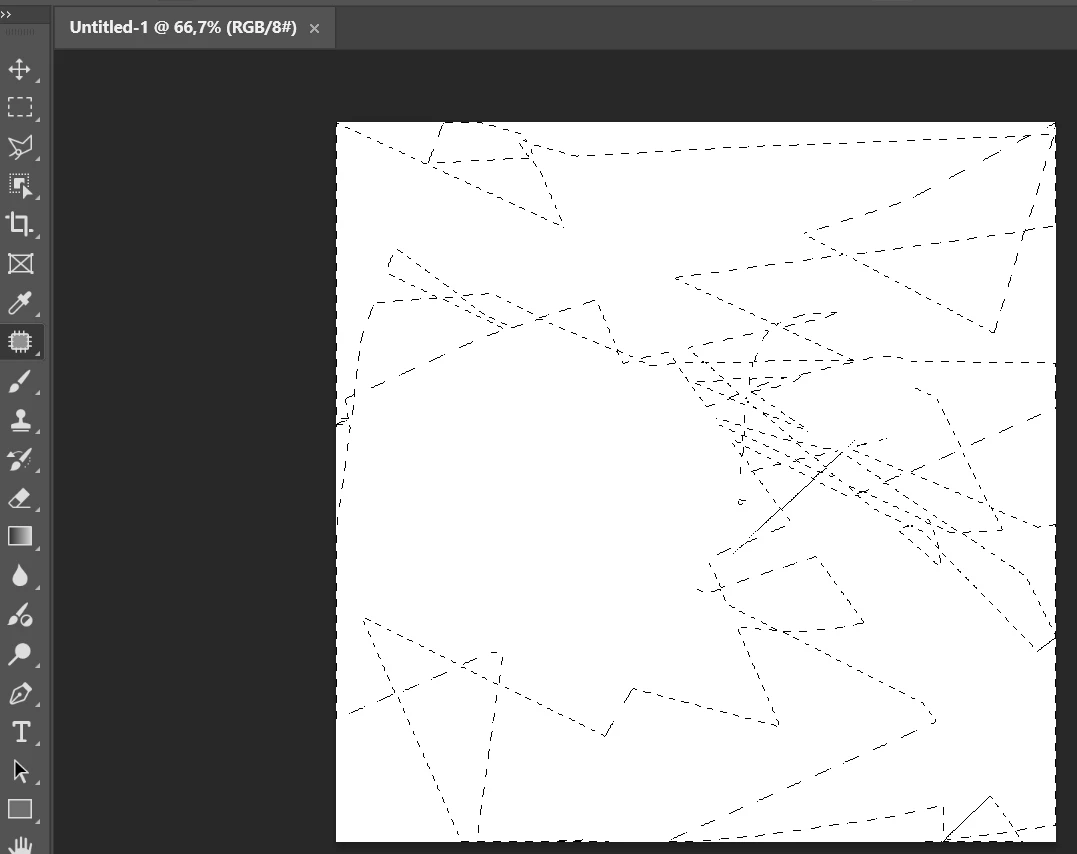
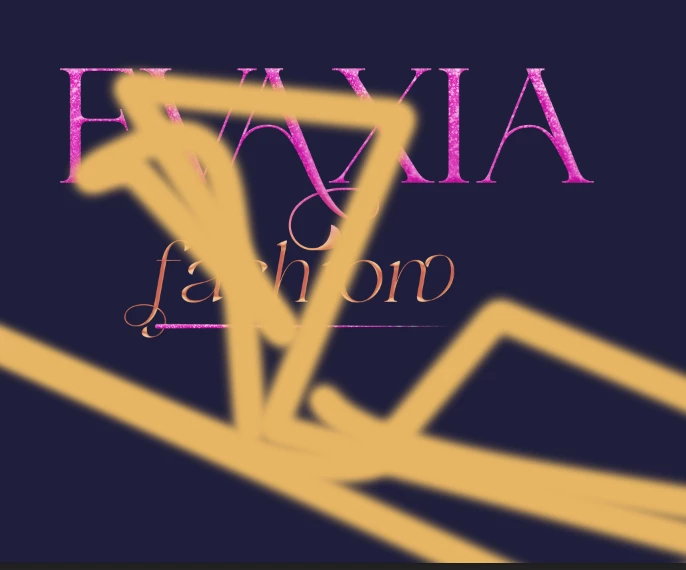
Thanks for sharing the screenshots. I understand how distracting this behavior can be when you’re trying to make precise, small movements.
As Ged_Traynor suggested, resetting the affected tools and, if needed, resetting Photoshop preferences is a good first step and often resolves input-related glitches.
In addition, please try the following:
• Temporarily turn off GPU acceleration
• Go to Edit > Preferences > Performance
• Disable “Use Graphics Processor”
• Restart Photoshop and check whether the behavior improves
• Let us know which specific tools show this issue
• For example: Brush, Eraser, Clone Stamp, Move Tool, Transform, etc.
• If possible, record a short screen recording
• Show the small, straight movements that cause the unexpected behavior
• This helps us understand the issue better
Also, please copy & paste your System info (Help > System Info).
Looking forward to your update.
Best regards,
Anshul Saini





 AdChoices