



davescm
Community Expert
Community Expert
August 28, 2026
Question

Something for the Weekend - Part 266 - Move closer

  • August 28, 2026
  • 96 replies
  • 618 views

Thanks to all who took part in our last, ‘Holy Island’, challenge. There were some great entries that showed the imagination and skill of this community.

The regulars in these challenges will know that sometimes we start with a scene and sometimes an object. This week we have two starter images, the first with a magnifying glass and a paper. The second is the same magnifying glass but with a transparent background. You can use either, or both, to start your entry. The scene was created and rendered in Blender 3D with Adobe Substance 3D Designer and Adobe Substance 3D Painter used for textures.

How imaginative can you get with this simple scene, or object?

The “rules”:

  • Use the starter image as at least part of your own image entry.
  • Anything goes, as long as it meets the forum rules on decency, copyright, etc.
  • Anyone, and everyone, is welcome to have a go, whether you are a complete beginner or a Photoshop expert. This is not just for our forum “regulars”.
  • The challenge is not limited to Photoshop. Any Adobe software can be used. 
  • There are no prizes apart from the chance to practice, show off your skills, or bring a bit of humor and fun. Don't be shy, join in and have a go!
  • The starter image is made available for you to use in this forum challenge only.


To download either of the starter images, click it, then, when the image opens in its own window, right-click and choose “Save Image As/Save Target As” (or similar, depending on your browser).
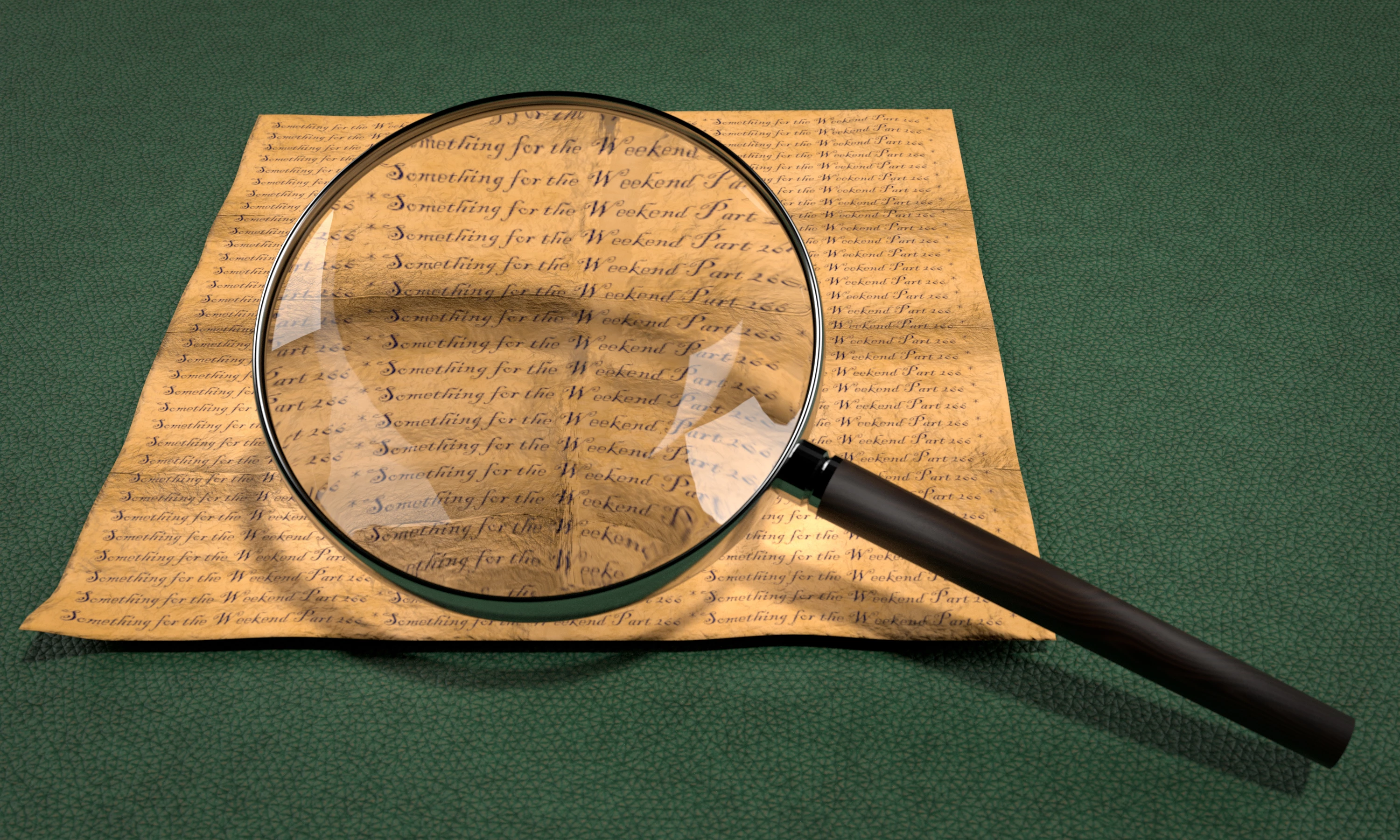
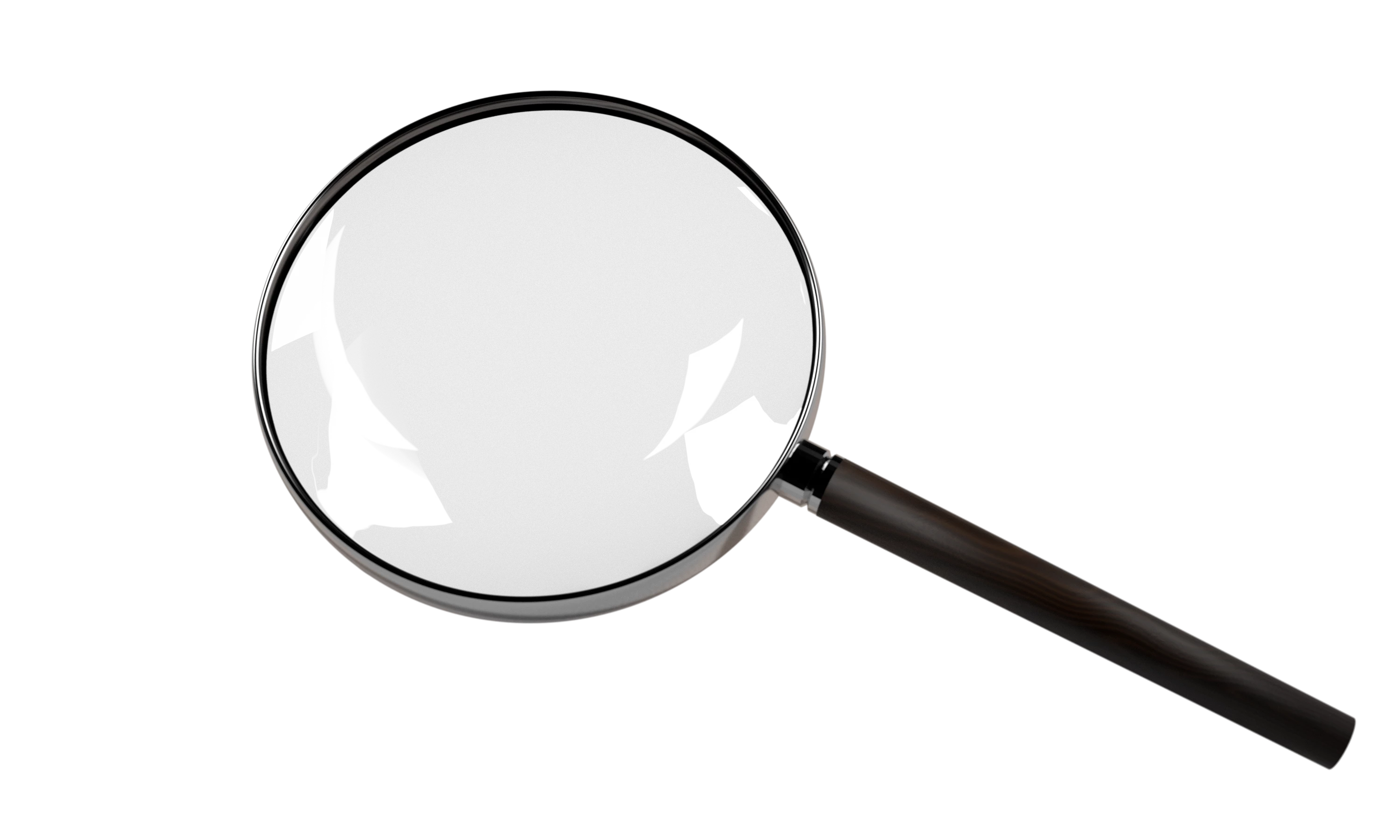


When posting back your image, please use the reply button in this first post and use the 'Insert Photos' icon at the bottom of the reply box. If posting a comment on someone else’s entry, then please use the reply button next to their image post.


Have fun!


Dave.

    96 replies

    Community Expert
    August 31, 2026

    Story about an InvestiGator

    In this comicstrip story, I started with creating my character,
     

    Prompt: 
    Using reference image <magnifying glass>, Cartoon alligator detective, wearing a tan trench coat and fedora, holding a magnifying glass to the side, suspicious expression, playful cinematic style.
    via Firefly - Gemini 3.1 (Nano Banana 2)

    Then developed a story and used chatGPT to help write the text.
    Then through multiple iterations, including asking Gemini to change some things in the image, which didn’t always work well.
    Then fixing things in Photoshop.
    Then using adjusted PS version in Firefly - Gemini to make further changes.

    Firefly - Gemini 3.1 (Nano Banana 2), adjusted in Photoshop

    Here is the main prompt. There were a few ‘change this’.
    Comic book style with 4 scenes of character called InvestiGator as in the reference image. Include 'InvestiGator - Case of Mystery Shadow' in story title.
    Scene 1: Evening in London. InvestiGator holding a magnifying glass stands on a foggy city street, Big Ben glowing behind him.
    Scene 2: In the fog, InvestiGator holding a magnifying glass looks at a mysterious shadow.
    Scene 3: In the fog, InvestiGator leaps dramatically to grab the shadow alligator tail.
    Scene 4: Clear of fog, sitting in the in the location as in scene 1, with Investigator PI office in the background, as in the reference image, InvestiGator holding his own tail with one hand, scratching its head with the other, looking embarrassed, amused pigeons watch. Text: “A case of mist-taken identity.”

    Involved a lot of back of forth between AI - Photoshop - AI - Photoshop.

    Community Expert
    August 31, 2026

    Some outtakes. The grabbing the tail was the most tricky.


    Trevor.Dennis
    Community Expert
    Community Expert
    August 31, 2026

    ROTFL!  That’s so funny!  Lots of good gags again.  You need to find somewhere to put these online.

    Trevor.Dennis
    Community Expert
    Community Expert
    August 30, 2026


    davescm
    Community Expert
    davescmCommunity ExpertAuthor
    Community Expert
    August 30, 2026

    I like the expression on Maisie’s face. Sort of, ‘What’s he up to now?’  😀
    Dave

    Trevor.Dennis
    Community Expert
    Community Expert
    August 30, 2026

    I’m not sure how well the Photoshop AI models understand reflections, because It was getting it wrong so I had to edit the Gemini generations. The first one (on the left) had Maisie’s reflection outside the mirror, and the cartoon man was not holding the magnifying glass.  I beefed up the prompt with even more redundancy, and it was much closer.  I just had to edit Maisie — Yet another time I used Free Transform > Rotate.  By heck that is a useful tool.  I used to love FT > Cylinder, but Rotate is much better at getting you out of a situation.  Obviously better at cartoon image objects that photo-real, but still usable.

    Hah!  I’ve just realised I could have used the back view of Maisie from the first generation.

    I HAVE to get out to my workshop today, so no pictures from me. 

    Trevor.Dennis
    Community Expert
    Community Expert
    August 30, 2026


    davescm
    Community Expert
    davescmCommunity ExpertAuthor
    Community Expert
    August 30, 2026

    When I first looked, I thought it was a spring, then I realised you have set up a whole array of magnifying glasses. A very clever idea, Trevor.
    Dave

    Trevor.Dennis
    Community Expert
    Community Expert
    August 30, 2026

    When I was thinking about how to do this, I was remembering when we worked out how to do Step & Repeat with Smart Objects, but I didn’t think we’d actually tested to see if we could edit the SO and have it update all iterations.  I needed to use SOs because I didn’t know how short to make the magnifying glass handles till I had the array.  They updated fine. :-)

    Copy SO with New Smart Object via Copy

    Rasterize the copy.

    Transform it.

    Delete the copy.

    Select the original SO and use Shift Ctrl Alt T as many times as you need.

    JR Boulay
    Community Expert
    Community Expert
    August 29, 2026

    I missed the last challenge because I was on an offline holiday.
    So I'm catching up now.


    Acrobate du PDF, InDesigner et Photoshopographe
    davescm
    Community Expert
    davescmCommunity ExpertAuthor
    Community Expert
    August 30, 2026

    Bonus points for getting in last week’s image as well as this week’s, JR

    Dave

    Trevor.Dennis
    Community Expert
    Community Expert
    August 30, 2026
    Trevor.Dennis
    Community Expert
    Community Expert
    August 28, 2026

    Eight second 720P Firefly video upscaled to 1080P and extended 8X slow mo with Topaz Video. Title graphic is one of those PSD text effects I’ve linked to in previous SFTW threads.  The fire is from YouTube — search for an effect with black background and set to Linear Dodge (add).  All done with Photoshop this time.


    Trevor.Dennis
    Community Expert
    Community Expert
    August 28, 2026

    Yes, I know I got the number wrong, and that the flame has melted the magnifying glass.

    jane-e
    Community Expert
    Community Expert
    August 28, 2026

    Very nice, Trevor! How long did it take you?

    Jane

    jane-e
    Community Expert
    Community Expert
    August 28, 2026

    Nice render, Dave, I love it!  ❤️


    Jane


    davescm
    Community Expert
    davescmCommunity ExpertAuthor
    Community Expert
    August 28, 2026

    I like that Jane. A nice idea, very nicely done.

    Dave

    jane-e
    Community Expert
    Community Expert
    August 28, 2026

    Thank you Dave! 🙂

    Jane

    Jacob Bugge
    Community Expert
    Community Expert
    August 28, 2026


    Click to get closer, Click again to get closer still


    Edit: Edited for improvement


    davescm
    Community Expert
    davescmCommunity ExpertAuthor
    Community Expert
    August 28, 2026

    Is he saying, ‘We are not emused’?  😉

    Jacob Bugge
    Community Expert
    Community Expert
    August 28, 2026


    Click to get closer, Click again to get closer still


    Edit: Edited for improvement

    davescm
    Community Expert
    davescmCommunity ExpertAuthor
    Community Expert
    August 28, 2026

    I wonder who is being observed, him or us?

    Dave

    JR Boulay
    Community Expert
    Community Expert
    August 28, 2026


    Acrobate du PDF, InDesigner et Photoshopographe
    davescm
    Community Expert
    davescmCommunity ExpertAuthor
    Community Expert
    August 28, 2026

    An astronomical theme is appearing this week, JR. I like the eclipse.

    Dave

    Jacob Bugge
    Community Expert
    Community Expert
    August 28, 2026


    Click to get closer, Click again to get closer still

    davescm
    Community Expert
    davescmCommunity ExpertAuthor
    Community Expert
    August 28, 2026

    A reappearance of the black hole, Jacob. Thanks for getting us started this week.

    Dave