
Question
Sonoma 14.0 causes marquee / transform tool to mismatch outline to placed objects in Vanishing Point
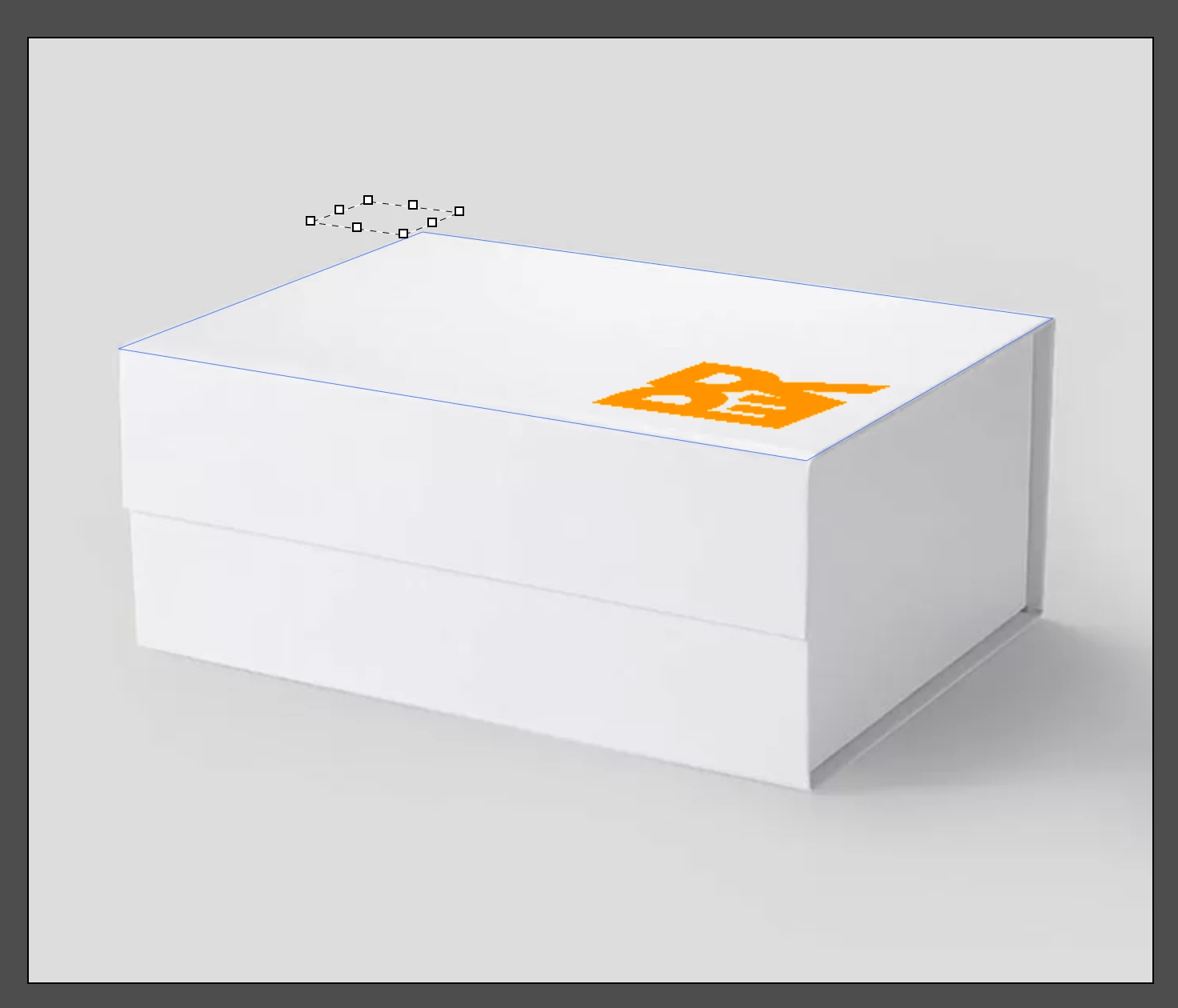
Since updating to OS 14.0 Sonoma, Photoshop places objects in Vanishing Point with the Marquee or Transform Tool dotted lines smaller than the placed object. If you click within the dotted lines, you can still transform (reduce size for instance) but the object moves WAY outside the dotted lines, making it difficult to place and adjust the object. I have tried this in PS 2022, 2023 & 2024 and they all behave the same way. New OS bug? Or is there a setting I don't know about? Help! (24 inch iMac M1 2021) 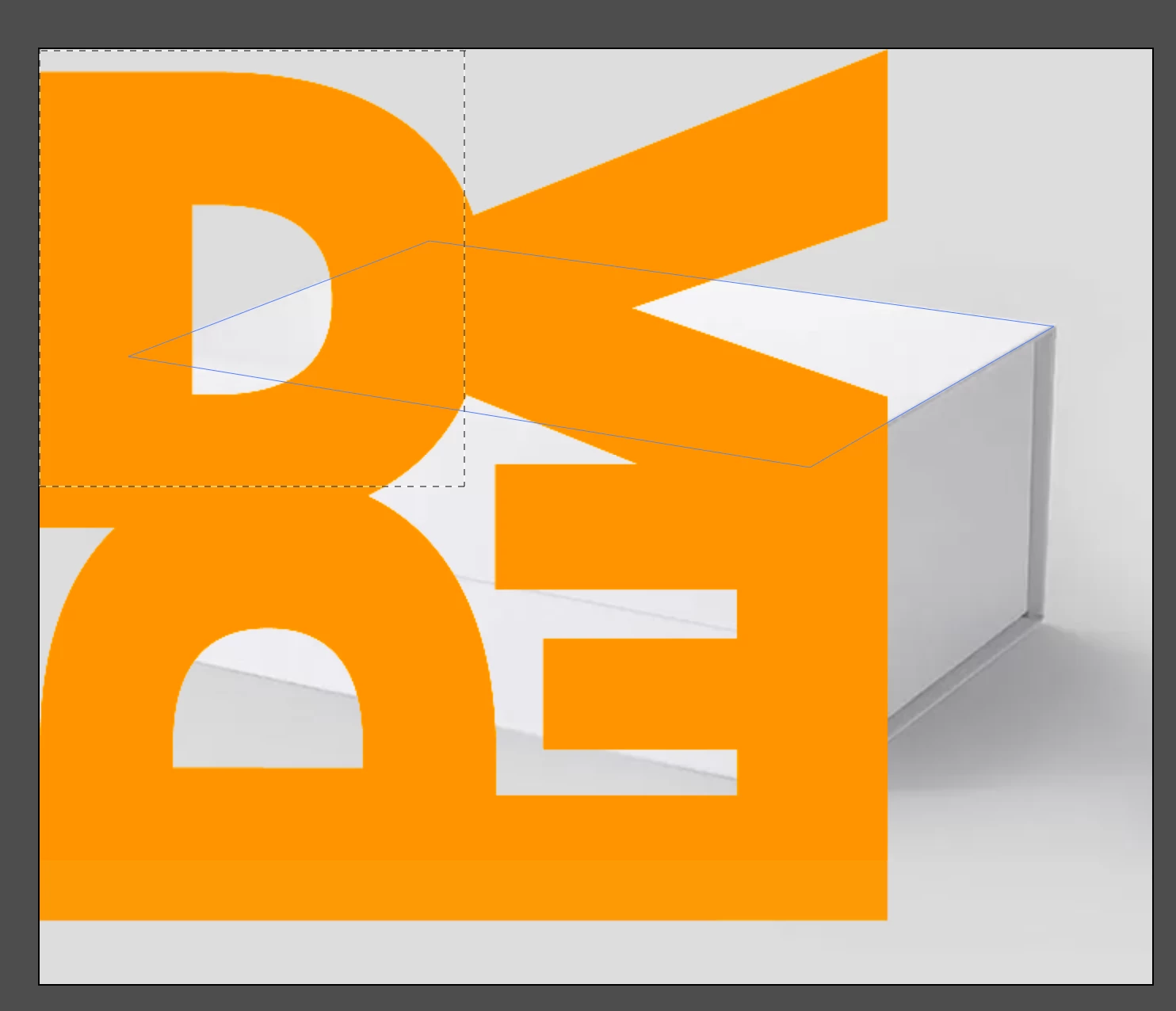


 AdChoices