

Spot healing brush cursor tip
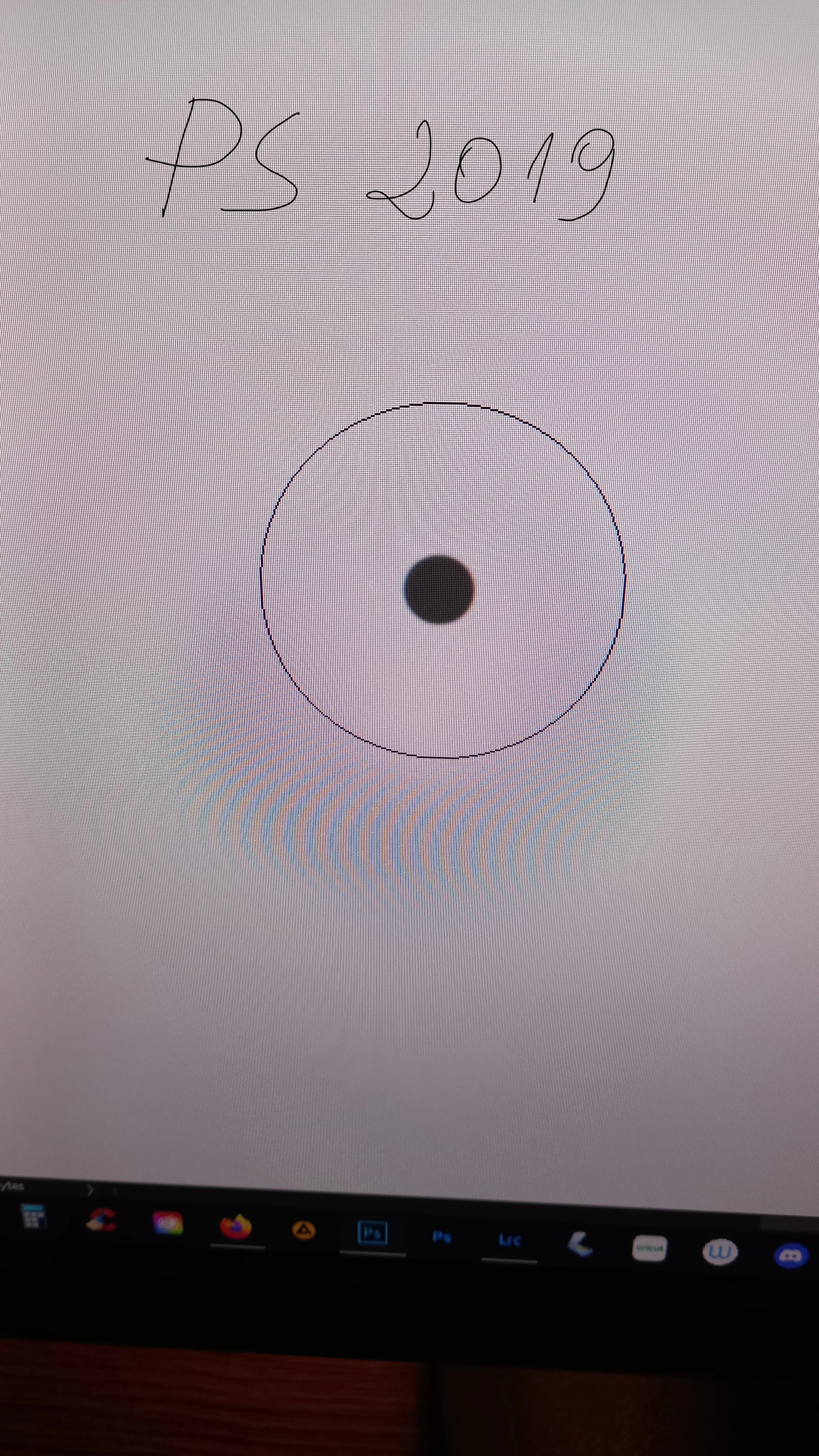
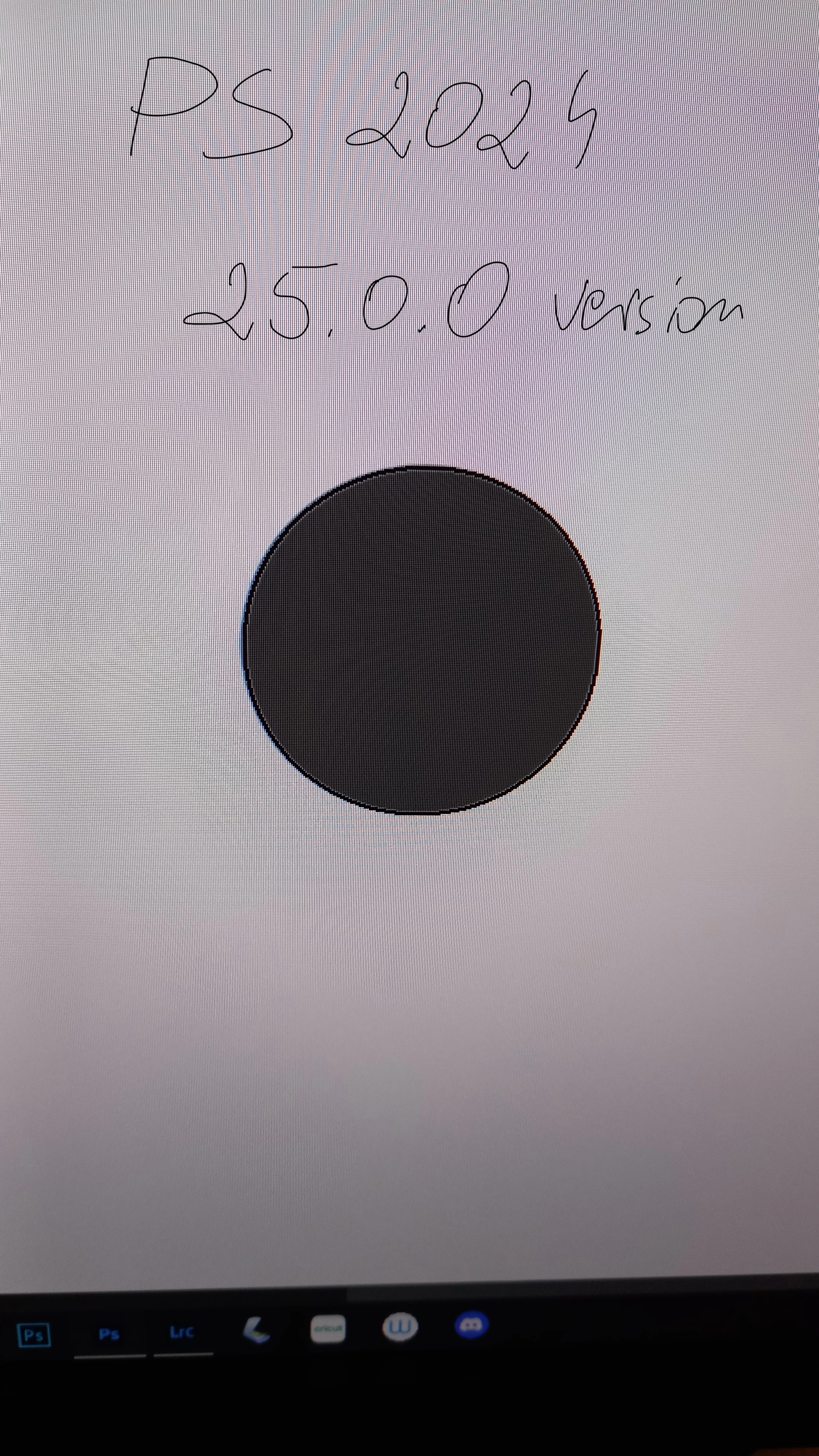
Hi to all! Recently I updated Photoshop to version 25.0.0. Previously, I used the 2019 version. I imported "my workspace" to the new version to keep all the settings. Overall, I don't have any major problems getting used to the new version, apart from the spot healing brush. In the 2019 version, the spot healing brush had a round cursor with a small black dot in the middle. This little black dot did all the work in cleaning up the imperfections. This was a very good solution for me, it allowed for great precision in working with this tool. Unfortunately, in the new version 25.0.0 of Photoshop, the cursor is still round, but when working, it uses the entire cursor surface (when clicked, the entire cursor tip is black). I tried but I just can't get used to it. It doesn't allow it to be as precise as with the tool in the old version of PS. Does anyone have a similar problem? Can this be changed somewhere in the settings? It looks like a feather setup to me. I've been looking for a solution wherever I can for several months and I can't find it. I work on a desktop with Windows 10. I will be grateful for help. Kind regards!
 AdChoices