



troyjack
Inspiring
May 19, 2026
Question

Strange Adobe Fonts appear in font list

  • May 19, 2026
  • 1 reply
  • 29 views

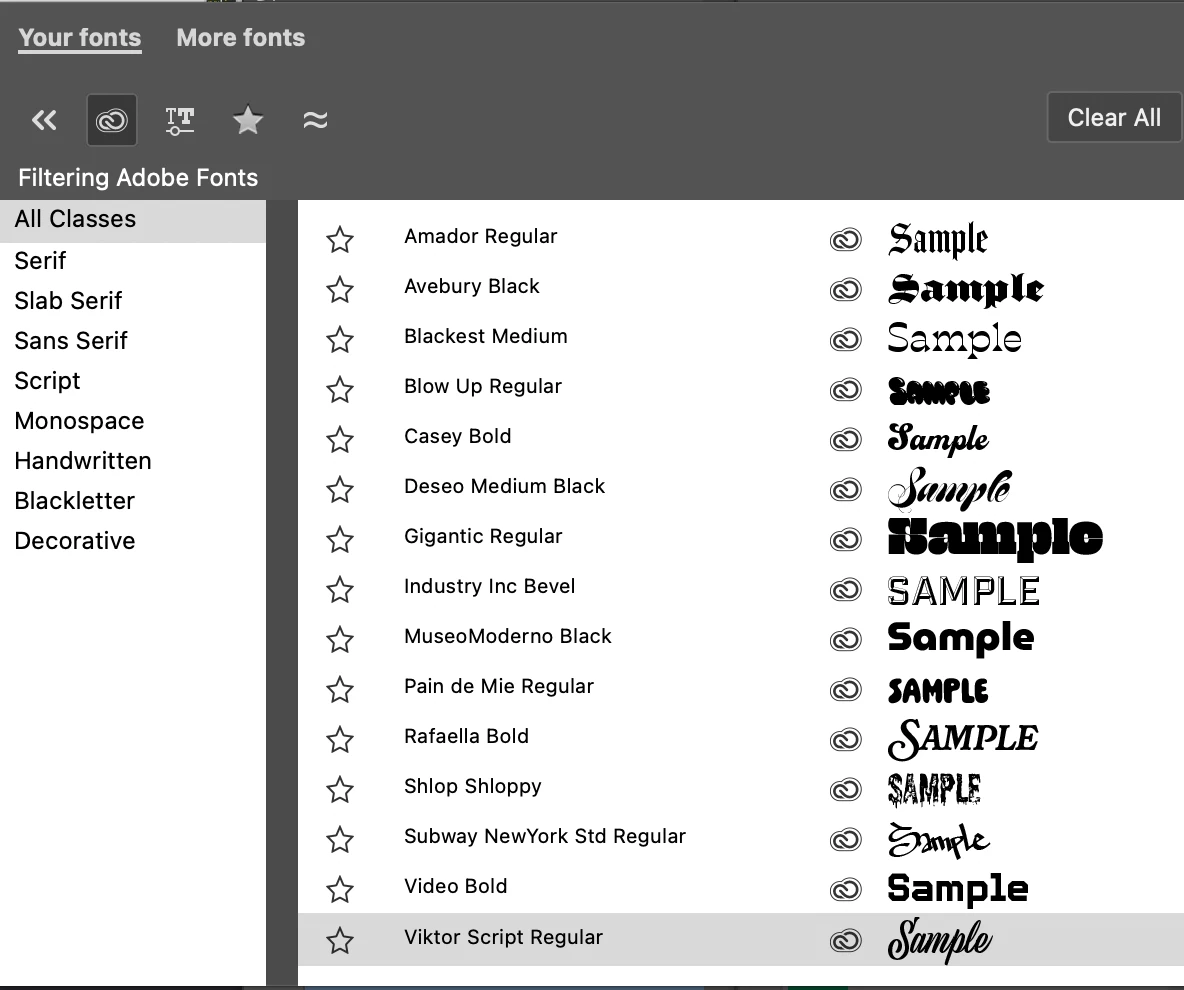
Since updating to 27.6.0, the font list shows several strange active Adobe Fonts. I’ve never used or heard of any of these fonts, and don’t intend to use them.

I don’t use Adobe Fonts and have the service disabled in the CC app, I’ve also cleared font caches for CC app, Ps app, and my font manager (Typeface) which also has Adobe Font import disabled.

Anyone know why these are suddenly appearing even though I have Adobe Fonts service completely disabled?

Mac Studio 22, Tahoe 26.5
 

    1 reply

    CMass
    Community Manager
    Community Manager
    May 19, 2026

    Hey @troyjack,

    I understand how confusing that can be. What you’re seeing is usually caused by Adobe Fonts sync or system-installed fonts appearing automatically in the Adobe font list, even if they weren’t manually installed.


    You can review and manage active fonts in the Creative Cloud app under Adobe Fonts > Manage Fonts. Adobe also recommends removing or deactivating unused fonts to keep the font menu organized and improve performance.


    You can find more details here: https://adobe.ly/4wBDd0S


    If the fonts still appear unexpectedly, signing out/in of Creative Cloud or checking for duplicate local font installations may help refresh the font list.


    ^CM
